
DELL
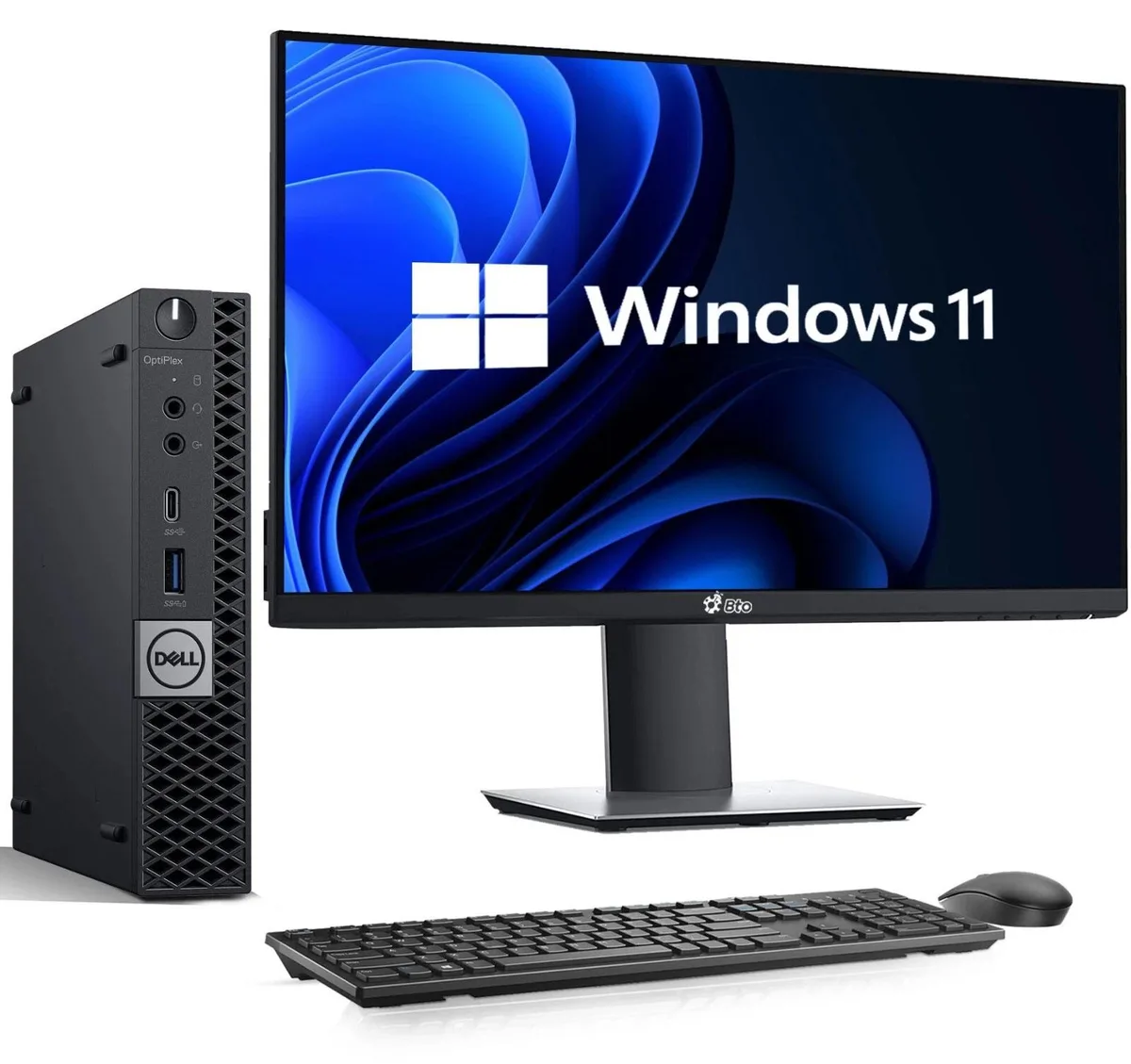
DELL OptiPlex 3040 Tiny Desktop PC i5-6500 16GB 256GB SSD 22" Monitor Keyboard Mouse Wi-Fi Windows 11 Pro
US$190.99
0.00244489BTC
現貨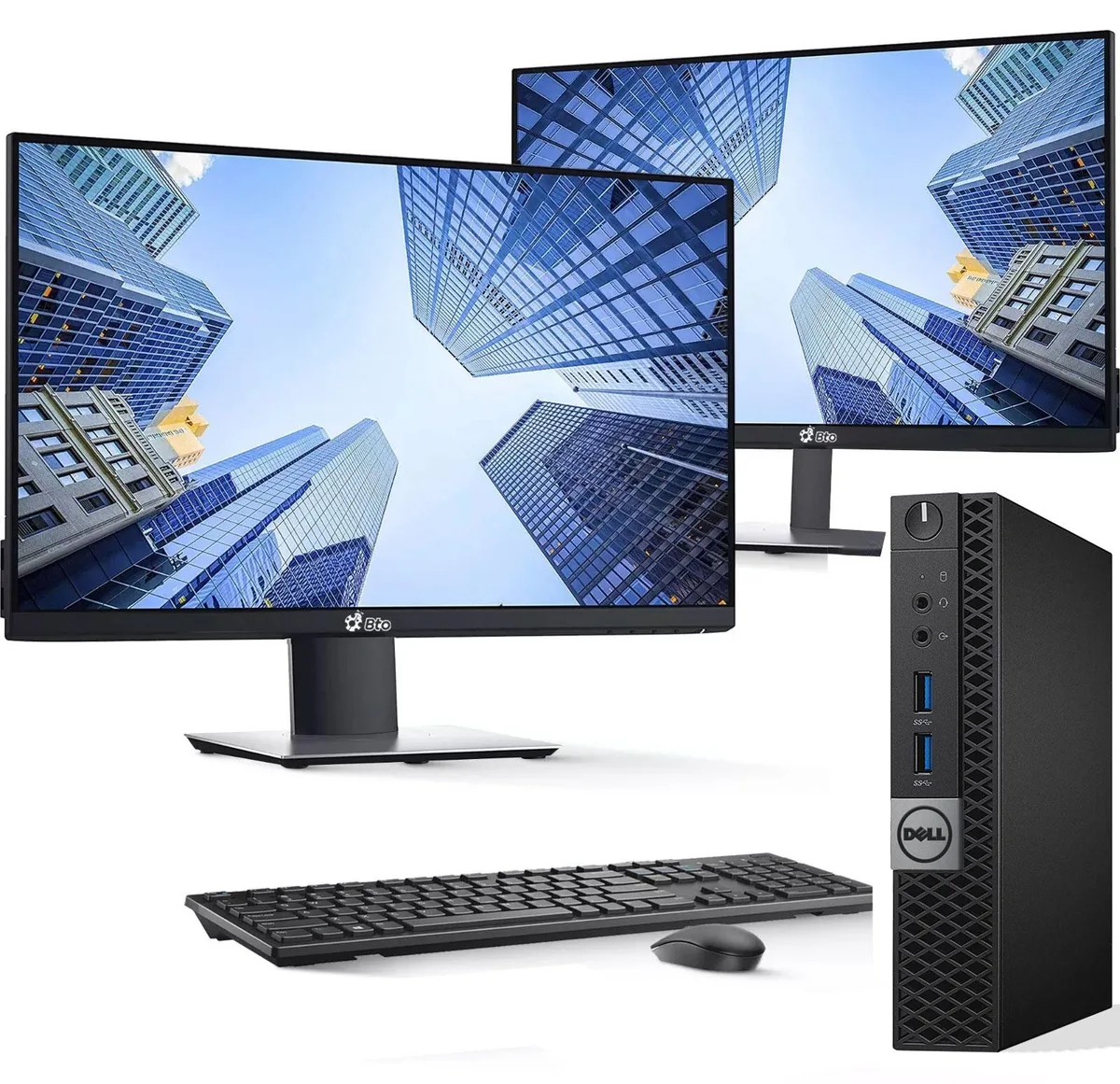


DELL
Tiny desktop with 16 GB DDR4, 128 GB SSD, dual 22-inch monitors and Windows 11 Pro for compact productivity
Storage 128 GB SSD
Monitor Dual 22 Inch
The Dell OptiPlex 3040 Tiny arrives as a complete desktop kit with two 22-inch monitors, keyboard and mouse. A 6th generation Intel Core i5-6500T processor runs up to 3.60 GHz alongside 16GB DDR4 memory and a 128GB SSD. Windows 11 Pro 64-bit is pre-installed with support for English, Spanish and French.
This system suits buyers who need a compact, quiet PC for documents, web apps and video calls. Integrated Intel HD Graphics 530 drives both included displays via DisplayPort and HDMI. Buyers who want more storage, discrete graphics performance or internal expansion slots should look at something else.
Verify that your workspace fits two 22-inch screens and the tiny chassis. Ensure you have DisplayPort and HDMI cables if they are not already attached. Confirm the 128GB SSD capacity meets your local file needs before ordering.
本商品目前尚未公佈規格。
其他版本
同系列產品,記憶體、散熱器或時脈不同 — 下單前請先比較。
The system provides one DisplayPort and one HDMI output, so you will need cables that match those ports for each monitor.
Yes, the two USB 2.0 ports and two USB 3.0 ports are backward compatible with USB 2.0 peripherals.
Open Windows Display Settings; both 22-inch monitors should appear as separate displays with their native resolution selected.
同類商品
同一分類,同一套結帳流程 — 支援八種加密貨幣,匯率鎖定 30 分鐘。
您支付所用的幣種,以及查看價格所用的貨幣。
結帳時由您的錢包發送
僅供顯示 — 商品目錄以美元計價
查無符合的貨幣。
請選擇網站使用的語言。
查無符合的語言。
初次造訪?
已經有帳戶了嗎?
本店沒有自動重設密碼的機制:由於不寄送電子郵件,也就沒有一次性連結可供申請。只要將地址留在帳戶中,之後將由專人處理。
請求已收到
不會有任何郵件寄到您的信箱 — 本商店完全不寄送電子郵件。會有人親自處理這些申請。
想起來了嗎?




