

Huilian Cloud Technology (Shenzhen) Co.,
Huilian Cloud Technology (Shenzhen) Co., Mini PC Intel Core i3-10100 8GB 256GB barebone mini PC
US$375.99
0.00475582BTC
現貨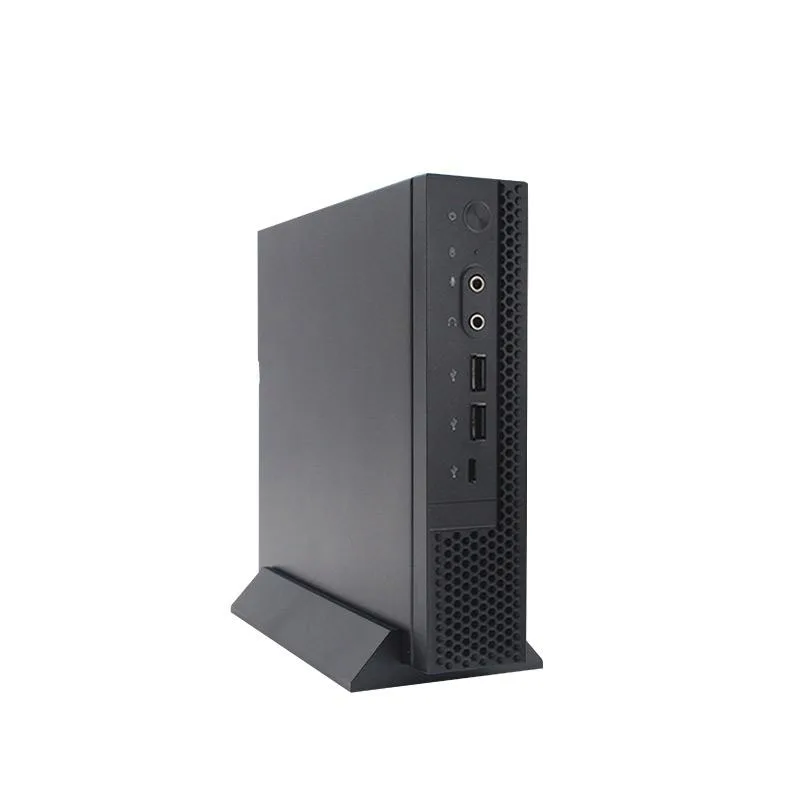


Huilian Cloud Technology (Shenzhen) Co.,
A compact Windows 10 desktop with a Celeron N5095 quad-core processor, 8 GB DDR4 memory and a 512 GB SSD for everyday office tasks
CPU Type intel celeron N5095
The Huilian Cloud Technology barebone mini PC arrives with an Intel Celeron N5095 quad-core processor, 8 GB DDR4 memory and a 512 GB SSD. Windows 10 trial version is pre-installed. The fan-cooled chassis measures 196 by 184 by 42.5 mm and weighs about 1.5 kg. It targets everyday business and home-office tasks.
This unit suits users who need a quiet, small desktop for web browsing, document editing and video playback. Buyers who require more processing cores, discrete graphics or larger memory capacity for demanding applications should consider other platforms.
The four-core, four-thread CPU runs at 2.0 GHz with integrated graphics. It defines the overall speed ceiling for office software and media streaming. Connectivity includes HDMI, VGA, four USB 3.0 ports, two USB 2.0 ports, Gigabit Ethernet and optional 2.4G Wi-Fi with BT 4.0.
本商品目前尚未公佈規格。
其他版本
同系列產品,記憶體、散熱器或時脈不同 — 下單前請先比較。
Connect the 12V 3A adapter to the DC port, attach monitor via HDMI or VGA, plug in keyboard and mouse to USB 3.0 or 2.0 ports, then press the power button. The step often missed is confirming the 2.4G WiFi and BT 4.0 modules are fitted, as they are optional.
The thermostat fan should be cleaned of dust periodically to maintain cooling. The 512GB SSD and 8GB DDR4-2666 memory are not user-replaceable in this barebone. The Win10 Trial Version will require activation or upgrade.
The thermostat fan spins up as the integrated graphics and quad-core CPU reach thermal limits under continuous load, throttling performance before the Gigabit Ethernet or USB 3.0 ports saturate.
同類商品
同一分類,同一套結帳流程 — 支援八種加密貨幣,匯率鎖定 30 分鐘。
您支付所用的幣種,以及查看價格所用的貨幣。
結帳時由您的錢包發送
僅供顯示 — 商品目錄以美元計價
查無符合的貨幣。
請選擇網站使用的語言。
查無符合的語言。
初次造訪?
已經有帳戶了嗎?
本店沒有自動重設密碼的機制:由於不寄送電子郵件,也就沒有一次性連結可供申請。只要將地址留在帳戶中,之後將由專人處理。
請求已收到
不會有任何郵件寄到您的信箱 — 本商店完全不寄送電子郵件。會有人親自處理這些申請。
想起來了嗎?


