

SanDisk
SanDisk Cruzer Blade 8 GB USB 2.0 USB flash drive Black SDCZ50-008G-B35
US$391.99
0.00503973BTC
現貨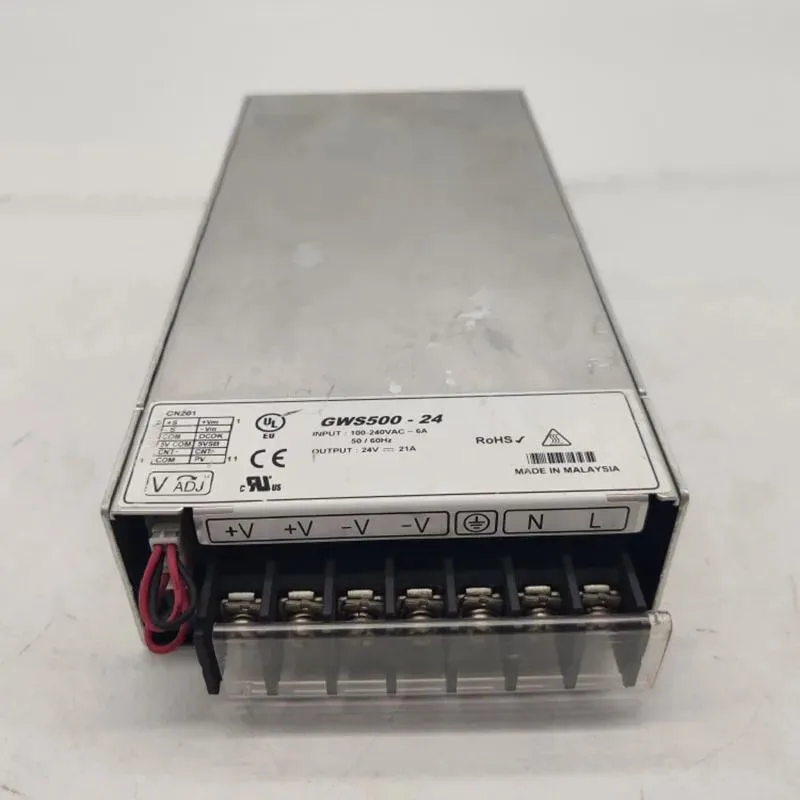
KHACHIMO
ATX power supply accepting 100-240 V input at 50/60 Hz with 500 W output, first listed in 2024
The KHACHIMO GWS500-24 is an ATX power supply built for standard desktop builds. It accepts a universal 100-240V input at 50/60Hz, so it works worldwide without a voltage switch. The unit is supplied new and has been tested working by the manufacturer.
This 500W module steps up from lower-capacity ATX supplies that cannot sustain modern mid-range components. The upgrade is worthwhile when a system adds a dedicated graphics card, more drives or a higher-wattage CPU that pushes the old unit past its limit. It fits any chassis that accepts a standard ATX power supply.
At 500W the supply comfortably runs a mainstream processor, a mid-range graphics card, several storage drives and typical peripherals. Headroom remains for moderate overclocking or future component additions within the same power envelope. Loads that exceed 500W continuous draw will require a higher-rated unit.
| Type | ATX |
|---|
The unit follows the ATX form factor, so it aligns with the standard four-screw mounting pattern used in most cases.
Align the keyed 24-pin connector with the motherboard socket and press straight in until the latch clicks; forcing it at an angle is the common mistake.
Use compressed air to clear dust from the fan intake every six to twelve months, depending on how dusty the environment is.
同類商品
同一分類,同一套結帳流程 — 支援八種加密貨幣,匯率鎖定 30 分鐘。
您支付所用的幣種,以及查看價格所用的貨幣。
結帳時由您的錢包發送
僅供顯示 — 商品目錄以美元計價
查無符合的貨幣。
請選擇網站使用的語言。
查無符合的語言。
初次造訪?
已經有帳戶了嗎?
本店沒有自動重設密碼的機制:由於不寄送電子郵件,也就沒有一次性連結可供申請。只要將地址留在帳戶中,之後將由專人處理。
請求已收到
不會有任何郵件寄到您的信箱 — 本商店完全不寄送電子郵件。會有人親自處理這些申請。
想起來了嗎?



