minisforum
minisforum UM760 Slim Ryzen 5 7640HS 16GB 1TB barebone mini PC
- Black
- FP7 , FP7r2 , FP8
US$475.99
0.00605393BTC
現貨


minisforum
Compact mini PC with a 6-core Ryzen 5 7640HS, 32 GB DDR5 5600, 512 GB PCIe 4.0 SSD, Radeon 760M graphics, triple 8K display outputs, 2.5 Gbps LAN and Wi-Fi 6E
Options UM760 Slim · 32+512
被劃上刪除線的選項確實存在,但本站並無供貨。
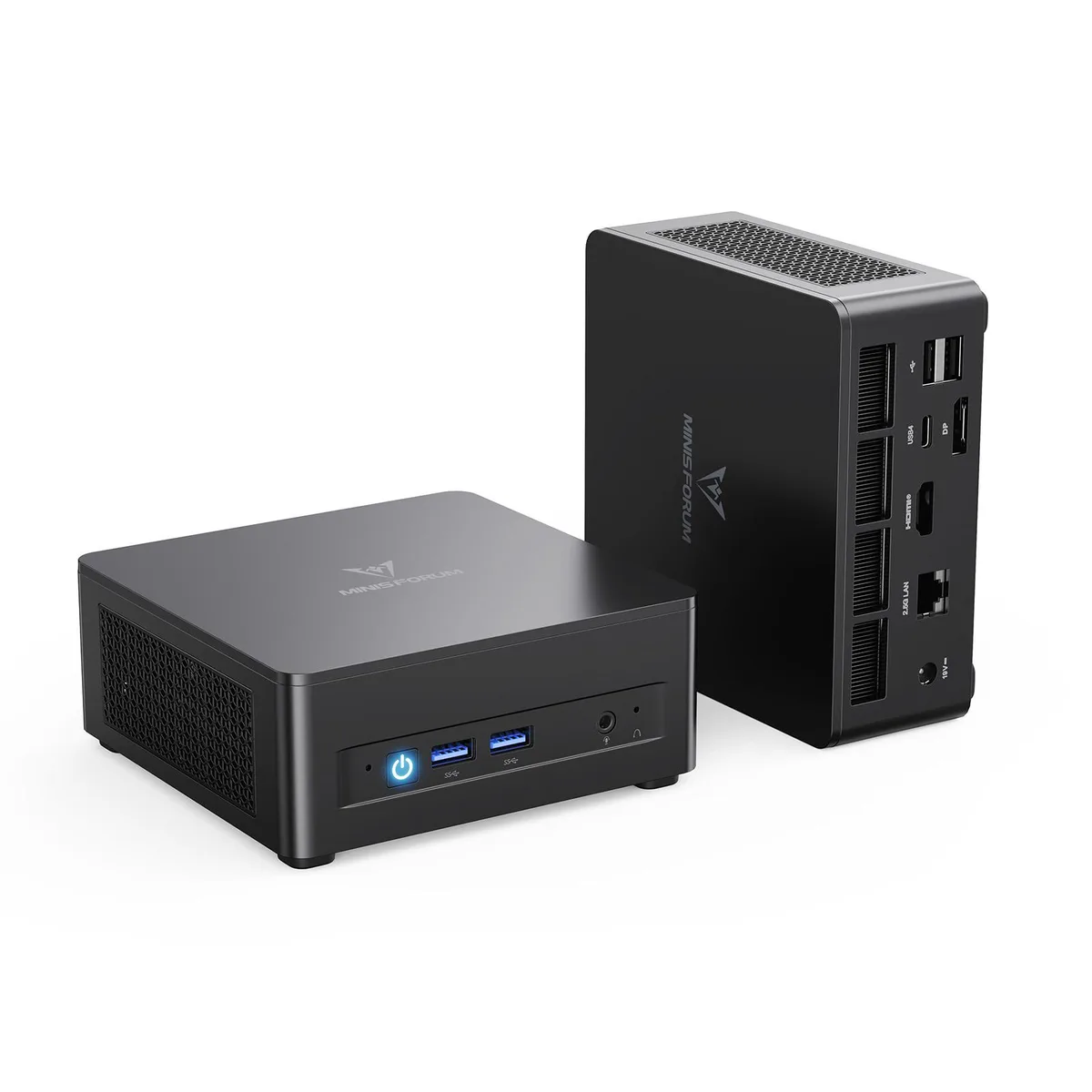
The minisforum UM760 Slim arrives as a barebone system populated with a 6-core Ryzen 5 7640HS processor, 32 GB of DDR5 5600 memory and a 512 GB PCIe 4.0 SSD. It targets users who want a compact desktop that works straight from the box but still leaves room for memory and storage upgrades.
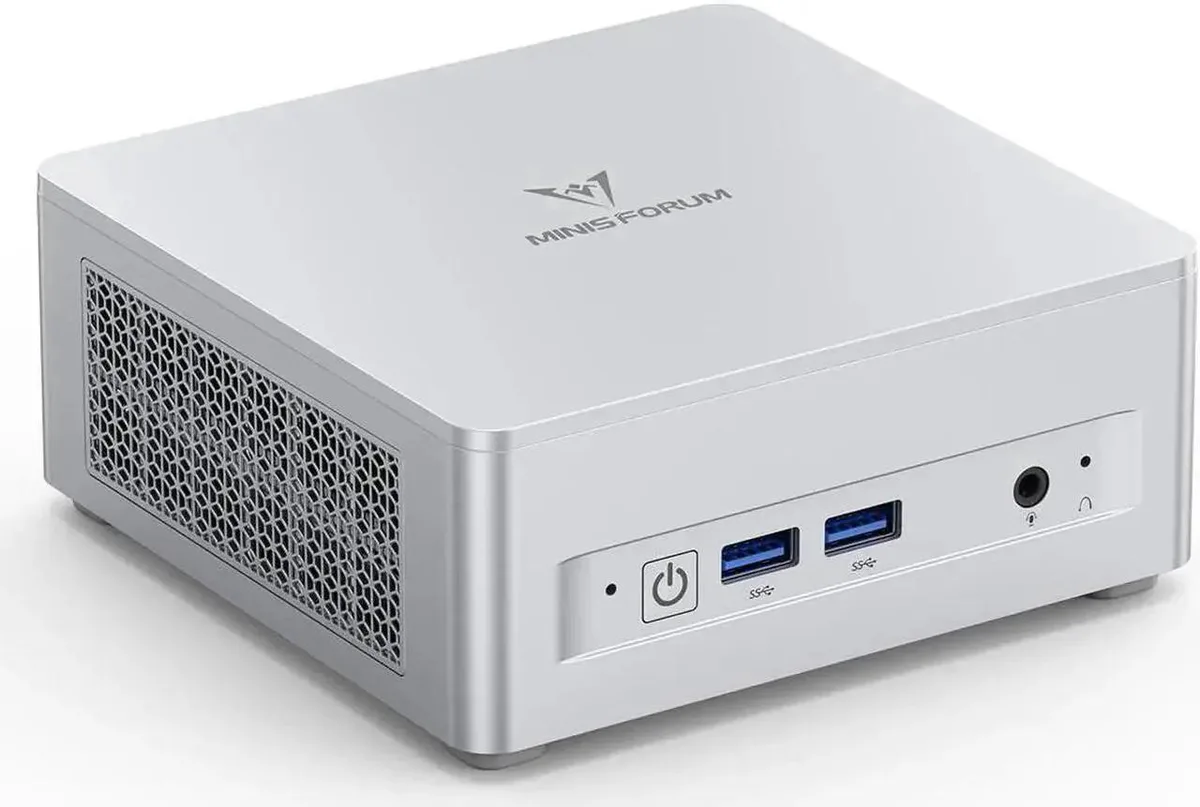
The black enclosure provides two front USB ports for quick peripheral access and a single 2.5 Gbps RJ45 port for wired networking. Video output is handled by one HDMI 2.1 port, one DisplayPort and one USB4 connection, each capable of driving an 8K 60 Hz display for a three-monitor setup. Wireless connectivity uses Wi-Fi 6E and Bluetooth 5.3.
Integrated AMD Radeon 760M graphics running at 2600 MHz define the visual performance ceiling, making the system suitable for productivity, media playback and light creative work rather than sustained 3D gaming. Buyers who need discrete GPU power or more than two SO-DIMM slots should look elsewhere.
| Brand | MINISFORUM |
|---|---|
| Model | DeskMini |
| Color | Black |
| CPU Type | AMD Ryzen 5 7640HS |
| CPU Socket | FP7 , FP7r2 , FP8 |
| CPU Cores | 6-Core |
| Memory installed | 32GB |
| Memory slot | 2 |
| Memory Type Supported | DDR5 5600 |
| Max Memory Supported | 64GB |
| Dual Channel Memory Supported | Yes |
| Other | PCIe4.0x4 |
| Storage Installed | 512GB SSD |
| Integrated Graphics | AMD Radeon 760M |
| Max LAN Speed | 2.5Gbps |
| Wireless LAN | 802.11ax |
| WiFi Generation | Wi-Fi 6E |
| Bluetooth | Bluetooth 5.3 |
| Front USB | 2 |
| HDMI | 1 |
| DisplayPort | 1 |
| Rear USB | 2 |
| RJ45 | 1 |
其他版本
同系列產品,記憶體、散熱器或時脈不同 — 下單前請先比較。
The USB4 port delivers 40 Gbps bandwidth and drives an 8K display at 60 Hz alongside the HDMI 2.1 output.
The spare slot accepts a 2280-length PCIe 4.0 x4 SSD and uses the standard M.2 mounting screw on the motherboard.
Remove the bottom cover, insert the drive into the open M.2 2280 slot at an angle, then secure it with the screw before replacing the cover.
同類商品
同一分類,同一套結帳流程 — 支援八種加密貨幣,匯率鎖定 30 分鐘。
您支付所用的幣種,以及查看價格所用的貨幣。
結帳時由您的錢包發送
僅供顯示 — 商品目錄以美元計價
查無符合的貨幣。
請選擇網站使用的語言。
查無符合的語言。
初次造訪?
已經有帳戶了嗎?
本店沒有自動重設密碼的機制:由於不寄送電子郵件,也就沒有一次性連結可供申請。只要將地址留在帳戶中,之後將由專人處理。
請求已收到
不會有任何郵件寄到您的信箱 — 本商店完全不寄送電子郵件。會有人親自處理這些申請。
想起來了嗎?