
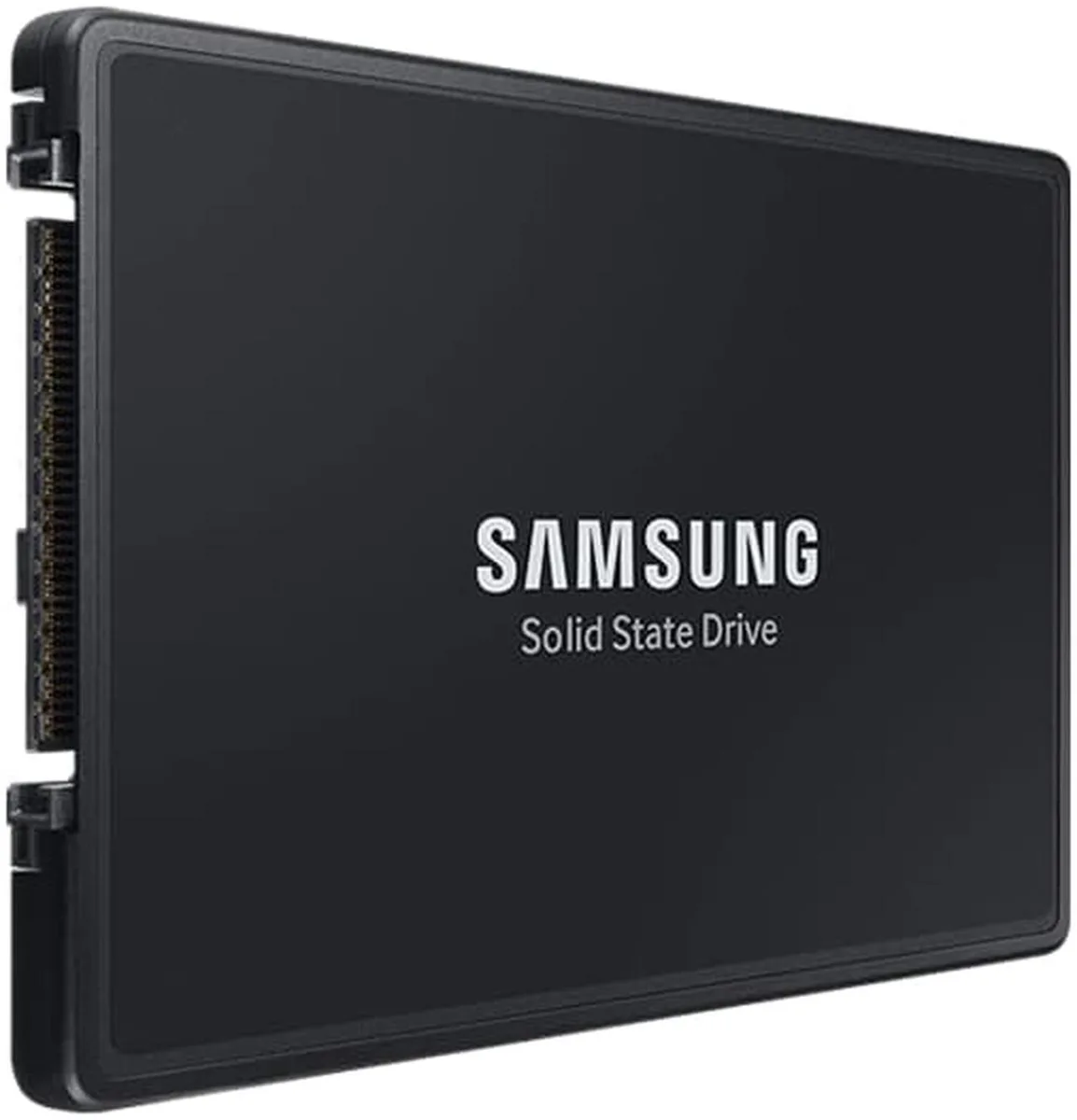
SAMSUNG
SAMSUNG PM9A3 7.6TB NVMe U.2 2.5" enterprise SSD
A 7.6 TB enterprise NVMe SSD in a 2.5 inch U.2 form factor with hardware encryption
- 6TB capacity stores massive enterprise datasets
- PCIe 4.0 x4 interface delivers high-speed data transfer
- NVMe protocol reduces latency for demanding workloads
- 5-inch U.2 form factor fits standard server bays
- Self-encrypting drive protects sensitive data at rest
Enterprise capacity and interface
This Samsung PM9A3 drive delivers 7.6 TB of storage in a 2.5 inch U.2 form factor. It connects through a PCIe 4.0 x4 NVMe link and includes hardware-based encryption. The drive is built for servers and storage arrays that require high endurance and consistent latency.
Replacing lower-capacity or slower drives
The jump is worth it when existing 2.5 inch bays are full and workloads demand more space without adding enclosures. It also suits upgrades from PCIe 3.0 SSDs where the x4 lane width can be saturated by read-heavy applications.
Fits standard U.2 backplanes and cabled chassis
The 7 mm z-height matches common hot-swap trays and fixed-mount cages. NVMe signalling removes the need for a separate RAID controller when the platform provides native PCIe lanes. The SED feature simplifies secure disposal or repurposing at end of life.
商品特色
- 6TB capacity stores massive enterprise datasets
- PCIe 4.0 x4 interface delivers high-speed data transfer
- NVMe protocol reduces latency for demanding workloads
- 5-inch U.2 form factor fits standard server bays
- Self-encrypting drive protects sensitive data at rest
商品規格
本商品目前尚未公佈規格。
商品問答
Does the 2.5-inch U.2 form factor need a 7 mm drive bay?
The drive is built to the 7 mm U.2 2.5-inch standard, so it fits any bay or carrier that accepts a 7 mm thick 2.5-inch U.2 device.
What is the correct way to seat the PCIe 4x4 U.2 connector during installation?
Align the U.2 connector with the backplane or adapter, press firmly until the latch clicks, then secure the drive with the chassis screws; skipping the screw step can leave the PCIe link unseated.
How do I know when the 7.6 TB PM9A3 should be replaced under heavy write workloads?
Monitor the SMART media-wear indicator; when it approaches the rated endurance limit the drive should be swapped to avoid unexpected failure.
同類商品
顧客也比較過
同一分類,同一套結帳流程 — 支援八種加密貨幣,匯率鎖定 30 分鐘。




Western Digital
Western Digital G-DRIVE ArmorATD 5TB portable hard drive SDPH81G005TGBA1D
US$298.99
0.00382844BTC
現貨
OWC
OWC Gemini Ultra X6 12TB Thunderbolt portable SSD (OWCTB3GMA6X12)
- 12TB
- Thunderbolt
US$2,645.99
0.03388081BTC
現貨