

Simmtec, Inc
Simmtec, Inc 8GB DDR3-1333 PC3-10600 2Rx8 240-Pin 1.35V desktop RAM
An 8 GB DDR3 module running at 1333 MHz with a low 1.35 V operating voltage and 240-pin UDIMM form factor for desktop upgrades
- Capacity8GB
- SpeedDDR3 1333 (PC3 10600)
- 8GB capacity handles everyday multitasking
- DDR3-1333MHz speed delivers responsive performance
- PC3-10600 rating matches standard system requirements
- 35V low-voltage operation reduces power draw
- 240-pin UDIMM form factor fits desktop motherboards
8GB DDR3-1333 Desktop Module
This Simmtec, Inc 8GB DDR3-1333 module upgrades desktop PCs with a single 240-pin UDIMM. It runs at PC3-10600 speed and operates at a low 1.35V. The non-ECC, unbuffered design fits standard consumer motherboards.
Ideal for Basic Upgrades
This module suits users restoring older DDR3 systems or adding capacity to compatible platforms. It is not for builders needing ECC error correction or registered signal buffering. Buyers requiring faster DDR3 speeds or different voltage specifications should look elsewhere.
240-Pin 1.35V DDR3 Interface
The 240-pin DDR3 interface running at 1.35V is the decisive specification. Your motherboard must support DDR3 UDIMMs at this exact voltage and pin count. Verify the manual before purchase to ensure the module will be recognised and stable.
商品特色
- 8GB capacity handles everyday multitasking
- DDR3-1333MHz speed delivers responsive performance
- PC3-10600 rating matches standard system requirements
- 35V low-voltage operation reduces power draw
- 240-pin UDIMM form factor fits desktop motherboards
商品規格
| Capacity | 8GB |
|---|---|
| Speed | DDR3 1333 (PC3 10600) |
商品問答
Will the 240-pin DDR3 module fit my desktop motherboard?
The module uses the standard 240-pin DDR3 UDIMM form factor. It fits any desktop board with a DDR3 slot keyed for 1.35 V operation.
What is the correct way to seat the 1.35 V DDR3 stick, and what step do people often miss?
Align the notch with the slot key, press straight down until both side clips click, then verify the module sits level. The step most often missed is pressing firmly enough to engage both clips fully.
When should I consider replacing this 8 GB DDR3-1333 module?
Replace it if memory diagnostics report errors, if the system becomes unstable under load, or if you upgrade to a platform that no longer supports DDR3.
同類商品
顧客也比較過
同一分類,同一套結帳流程 — 支援八種加密貨幣,匯率鎖定 30 分鐘。


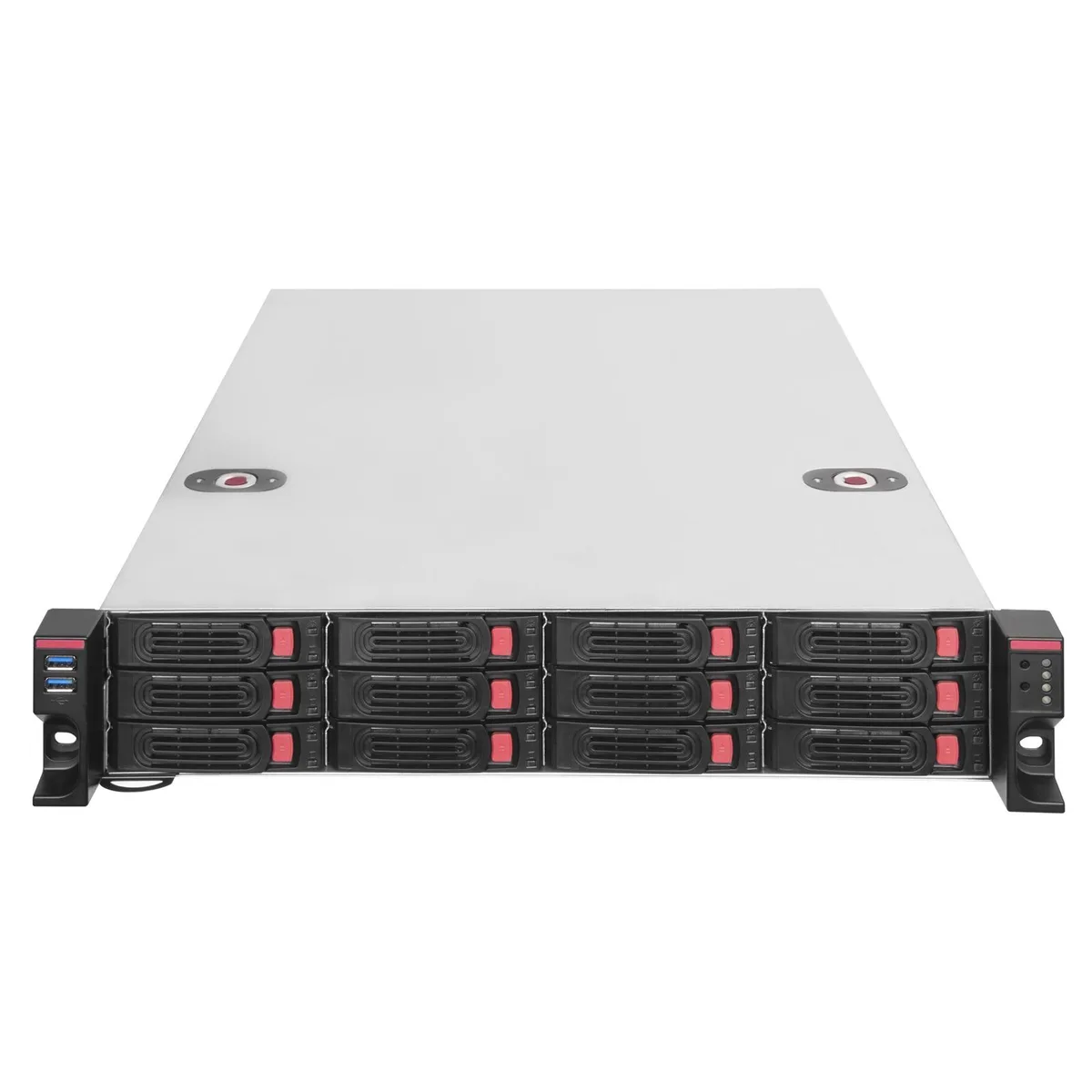
Silverstone
Silverstone RM22-312 2U 12-bay 2.5" / 3.5" server chassis
- Rackmount
US$444.99
0.0056939BTC
現貨
iStarUSA Inc.
iStarUSA Inc. D400-6SE-B6SA-SL 4U Rackmount Server Chassis 6 Hot-Swap Bays
- Rackmount
- 4U
US$459.99
0.00588584BTC
現貨