Timetec
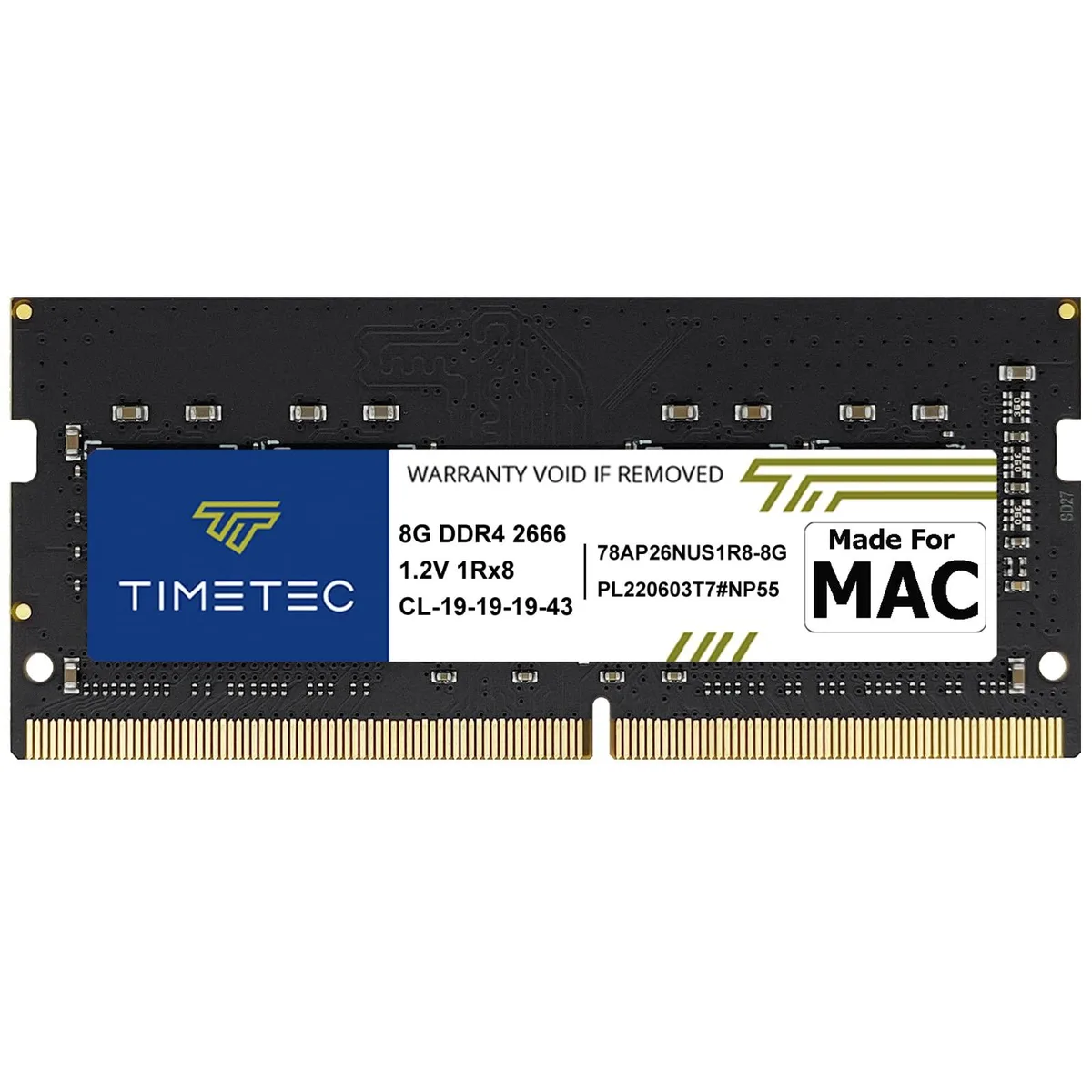
Timetec MR-G8GD426S2E 8GB DDR4 2666MHz CL19 1.2V SODIMM laptop RAM
- 8GB
- 260-Pin DDR4 SO-DIMM
US$35.99
0.00046135BTC
現貨


Timetec
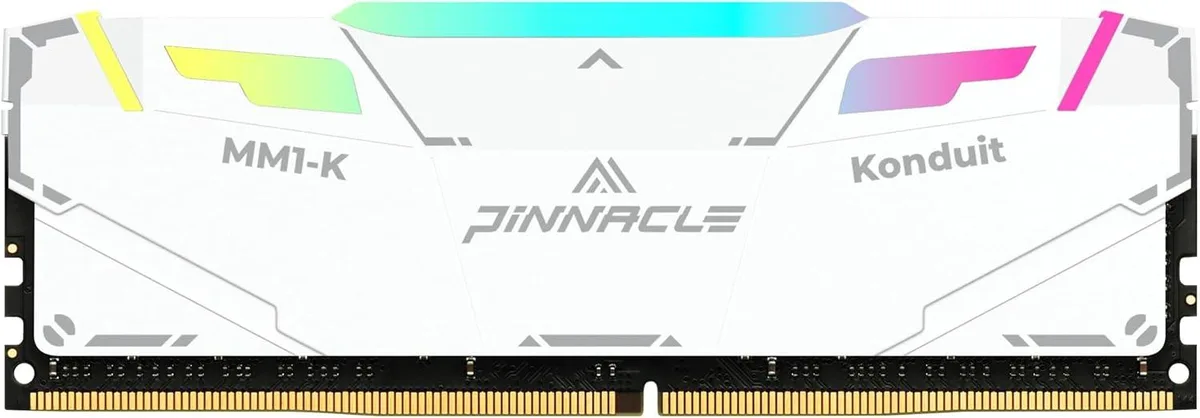
An 8 GB DDR4 module running at 3200 MHz with a white aluminium heat spreader and CL16 timings
Capacity 8GB
The Timetec Pinnacle Konduit is an 8GB DDR4 desktop memory module rated at 3200MHz with CL16-18-18-38 timings. It uses a single-rank 1Rx8 layout and runs at 1.35V. The white aluminium heat spreader covers the PCB. It targets gamers and PC enthusiasts who want a straightforward upgrade for an AMD or Intel platform.
The aluminium heat spreader and a high-conductivity thermal pad move heat away from the memory ICs during normal operation. At the default 2400MHz JEDEC speed the module draws 1.35V, keeping power consumption modest. No active cooling is required, so the kit adds no audible noise to the build.
Enabling XMP 2.0 in the BIOS lifts the speed to 3200MHz with the rated CL16-18-18-38 timings. The reinforced heatsink is designed to maintain stable temperatures during extended gaming or rendering sessions. Each IC is individually screened to support the higher data rate without throttling.
| Capacity | 8GB |
|---|---|
| Speed | DDR4 3200 (PC4 25600) |
| Color | White |
其他版本
同系列產品,記憶體、散熱器或時脈不同 — 下單前請先比較。
Align the notch on the module with the slot key, press firmly until the retention clips click, then enter the BIOS and activate the XMP 2.0 setting so the memory runs at its rated 3200 MHz speed.
Periodically remove dust from the heat spreader fins with compressed air; the thermal pad is a passive component and does not need replacement under normal use.
The tested latency at 3200 MHz is CL16-18-18-38 when XMP 2.0 is enabled in the BIOS.
同類商品
同一分類,同一套結帳流程 — 支援八種加密貨幣,匯率鎖定 30 分鐘。
您支付所用的幣種,以及查看價格所用的貨幣。
結帳時由您的錢包發送
僅供顯示 — 商品目錄以美元計價
查無符合的貨幣。
請選擇網站使用的語言。
查無符合的語言。
初次造訪?
已經有帳戶了嗎?
本店沒有自動重設密碼的機制:由於不寄送電子郵件,也就沒有一次性連結可供申請。只要將地址留在帳戶中,之後將由專人處理。
請求已收到
不會有任何郵件寄到您的信箱 — 本商店完全不寄送電子郵件。會有人親自處理這些申請。
想起來了嗎?