


TP-Link
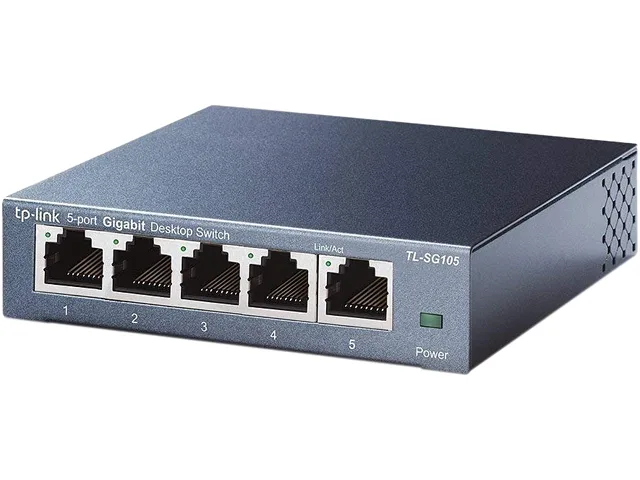
TP-Link TL-SG105 5-port Gigabit network switch
A five-port Gigabit switch adds wired connections for computers, consoles or printers with plug-and-play setup, a fanless metal case and QoS traffic optimisation
- FormatDesktop
- StandardsIEEE802.3, IEEE802.3u, IEEE802.3ab, IEEE802.3x
- Network Management TypeUnmanaged
- Uplink PortsNone
- Primary Ports5 x RJ45
- Primary Port Speed10/100/1000Mbps
Model TL-SG105
- TL-SG105
- LS1005G
- LS1008G
- TL-SG108
- TL-SG105S
- TL-SG108S
- TL-SX105
- TL-SX1008
- TL-SG108E
- TL-SG105E
- TL-SG1005D
- TL-SG1008D
顯示另外 2 款選項
被劃上刪除線的選項確實存在,但本站並無供貨。
- Plug-and-play setup requires no software or configuration
- Five Gigabit RJ45 ports expand wired network capacity
- Fanless metal case runs silently on desk or wall
- QoS prioritises voice and video for smooth traffic
- Green Ethernet cuts power use by up to 84 percentage
Five-port Gigabit switch
The TP-Link TL-SG105 is an unmanaged desktop switch with five RJ45 ports operating at 10/100/1000Mbps. It uses store-and-forward switching and supports 9K jumbo frames for efficient data transfer. A sturdy metal enclosure provides fanless, silent operation and allows desktop or wall mounting.
Home and small-office expansion
This switch suits users who need extra wired connections for devices such as laptops, consoles or printers without any configuration. It is not for networks requiring PoE, uplink ports, VLANs or Layer 3 routing features. Buyers needing managed traffic control or redundant power should look elsewhere.
Capacity and headroom
Five Gigabit ports deliver full-duplex throughput up to 2000Mbps per port with IEEE 802.3x flow control. QoS prioritises latency-sensitive voice and video traffic while 84 percentage power saving reduces consumption based on link status and cable length. The switch runs out of ports at five devices and offers no fibre uplinks or stacking.
商品特色
- Plug-and-play setup requires no software or configuration
- Five Gigabit RJ45 ports expand wired network capacity
- Fanless metal case runs silently on desk or wall
- QoS prioritises voice and video for smooth traffic
- Green Ethernet cuts power use by up to 84 percentage
商品規格
| Brand | TP-Link |
|---|---|
| Model | TL-SG105 |
| Format | Desktop |
| Standards | IEEE802.3, IEEE802.3u, IEEE802.3ab, IEEE802.3x |
| Network Management Type | Unmanaged |
| Uplink Ports | None |
| Primary Ports | 5 x RJ45 |
| Primary Port Speed | 10/100/1000Mbps |
| Switching Method | Store and Forward |
| Jumbo Frames | 9K |
| Protocols | CSMA/CD |
| PoE | No |
| QoS | Yes |
| Layer | Layer 2 Only |
| LEDs | System Power Link, Speed and activity indicators per port built into each RJ-45 port |
| Power | 100~240VAC, 50/60Hz |
| Dimensions | 3.9 x 3.9 x 1.0 in. (99.8 x 98 x 25 mm) |
| Weight | 0.85 |
| Temperature | 0°C to 40°C (32°F to 104°F) |
| Humidity | 10% - 90%, Non-condensing |
| Features | Fanless Advanced Features: Green Technology, saving power up to 65% 802.3X Flow Control, supports QoS (IEEE802.1P), IGMP Snooping function System Requirements: Microsoft Windows 98SE, NT, 2000, XP, Vista or Windows 7, Mac OS, NetWare, UNIX or Linux. Innovative energy-efficient technology saves power up to 65% Supports IEEE 802.3x flow control for Full Duplex mode and backpressure for Half Duplex mode Steel design, desktop or wall-mounting design Supports QoS (IEEE 802.1p) and IGMP snooping function Non-blocking switching architecture that forwards and filters packets at full wire-spe |
| Package Contents | 5-Port 10/100/1000Mbps Desktop Switch Power Adapter User Guide |
| 出貨重量 | 0.48 kg |
| 包裝尺寸 | 188 × 124 × 102 mm |
其他版本
同系列還有 5 款
同系列產品,記憶體、散熱器或時脈不同 — 下單前請先比較。

TP-Link
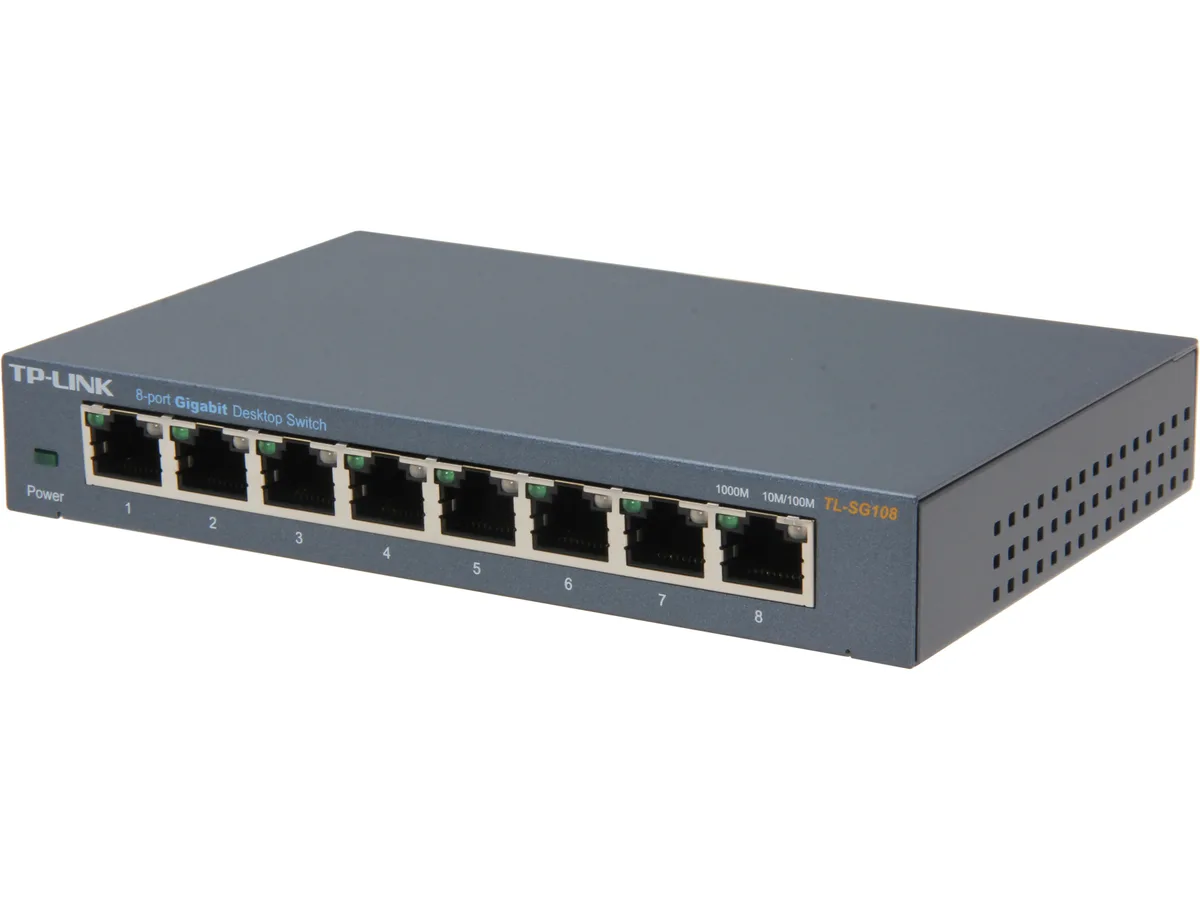
TP-Link TL-SG108 8-port Gigabit network switch
- Desktop
- IEEE802.3, IEEE802.…
US$19.99US$23.99−17%
0.00025553BTC
現貨
TP-Link
TP-Link TL-SG108E 8-port Gigabit Smart network switch
- Desktop
- IEEE 802.3, IEEE 80…
US$21.99US$23.49−6%
0.00028109BTC
現貨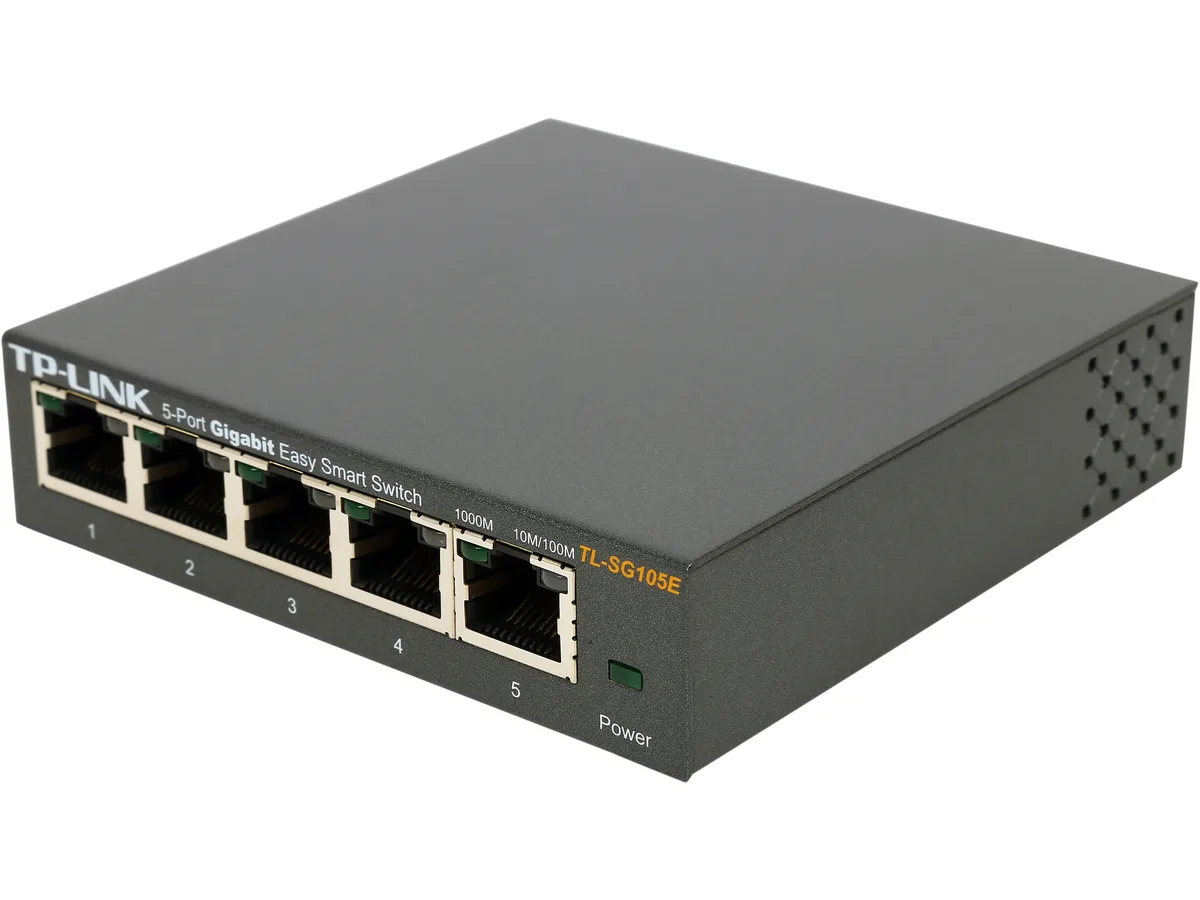
TP-Link
TP-Link TL-SG105E 5-port Gigabit network switch
- Desktop
- IEEE 802.3, IEEE 80…
US$23.99
0.00030666BTC
現貨
TP-Link
TP-Link TL-SG1005P 5-port Gigabit PoE+ network switch 65W budget
- desktop
- Desktop
US$34.99US$38.74−10%
0.00044727BTC
現貨商品問答
What cables and devices do I need to connect to the 5 RJ45 ports running at 10/100/1000 Mbps?
You need standard Ethernet cables (Cat5e or better) and devices with RJ45 network ports such as a router, PC, NAS, printer or game console. The switch auto-negotiates speed and MDI/MDIX so no crossover cables are required.
Will my older 10/100 Mbps gear slow down the gigabit ports on this switch?
No. Each port negotiates independently at 10, 100 or 1000 Mbps, so legacy 10/100 devices run at their rated speed while gigabit devices still operate at 1000 Mbps on the other ports.
How can I verify the switch is passing traffic correctly after I plug everything in?
Check the per-port LEDs built into each RJ45 jack — a steady or blinking link/activity light shows an active connection and data flow, while the system power LED confirms the unit is receiving 100–240 V AC power.
同類商品
顧客也比較過
同一分類,同一套結帳流程 — 支援八種加密貨幣,匯率鎖定 30 分鐘。



NVIDIA
NVIDIA ConnectX-7 MCX75343AMS-NEAC 400GbE network card
- InfiniBand: NDR/NDR…
- Single-port OSFP In…
US$1,770.99US$2,021.99−12%
0.02263796BTC
現貨