ASUS
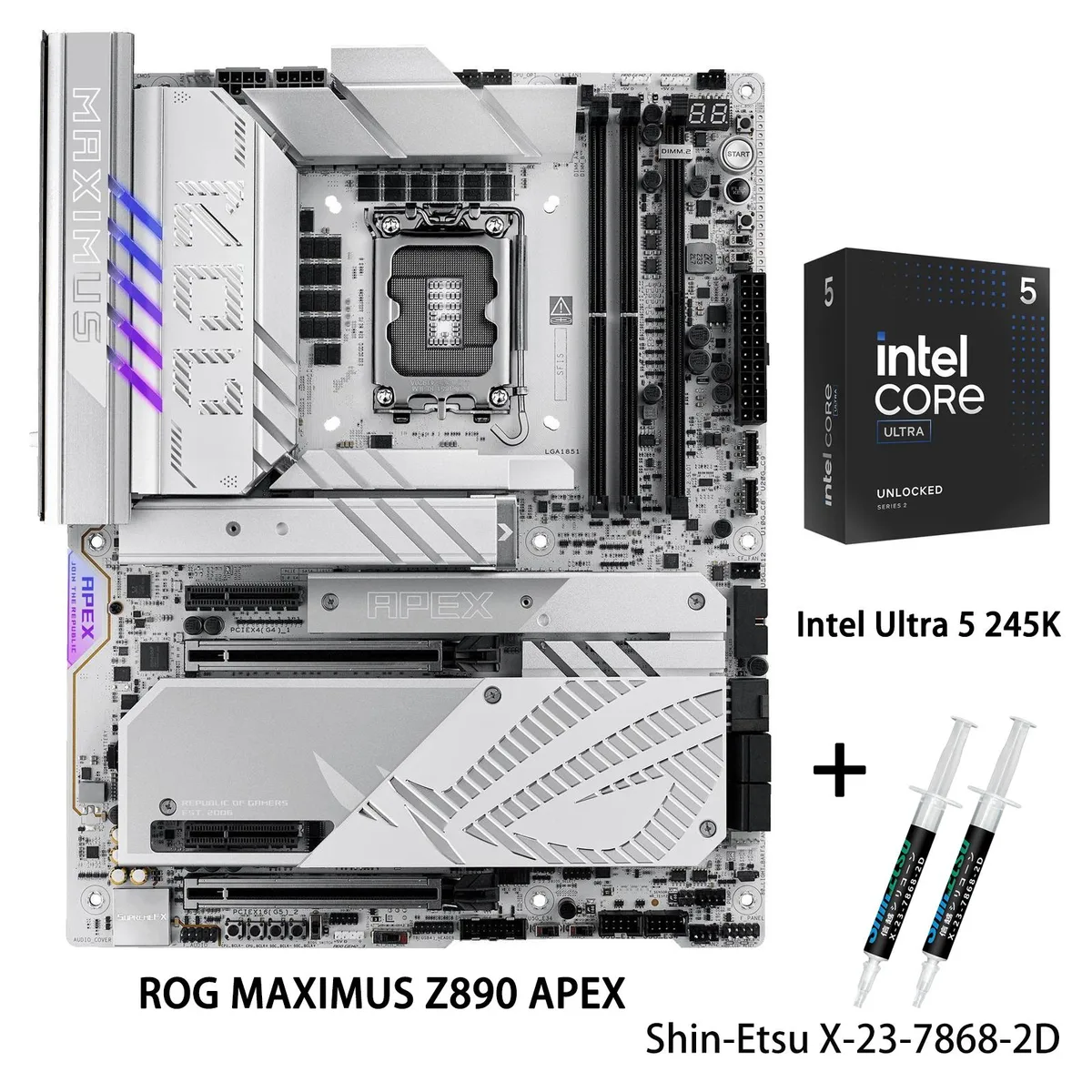
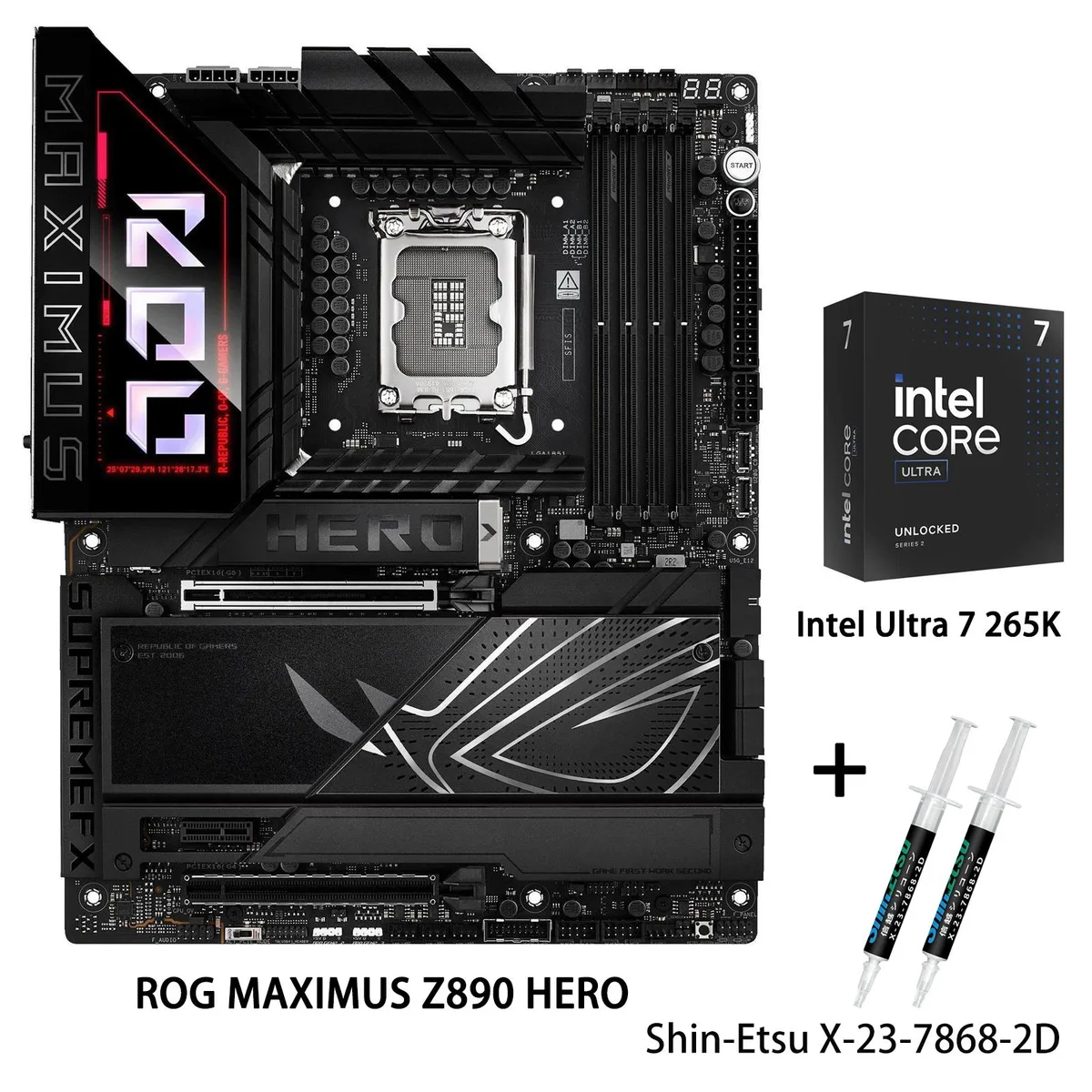
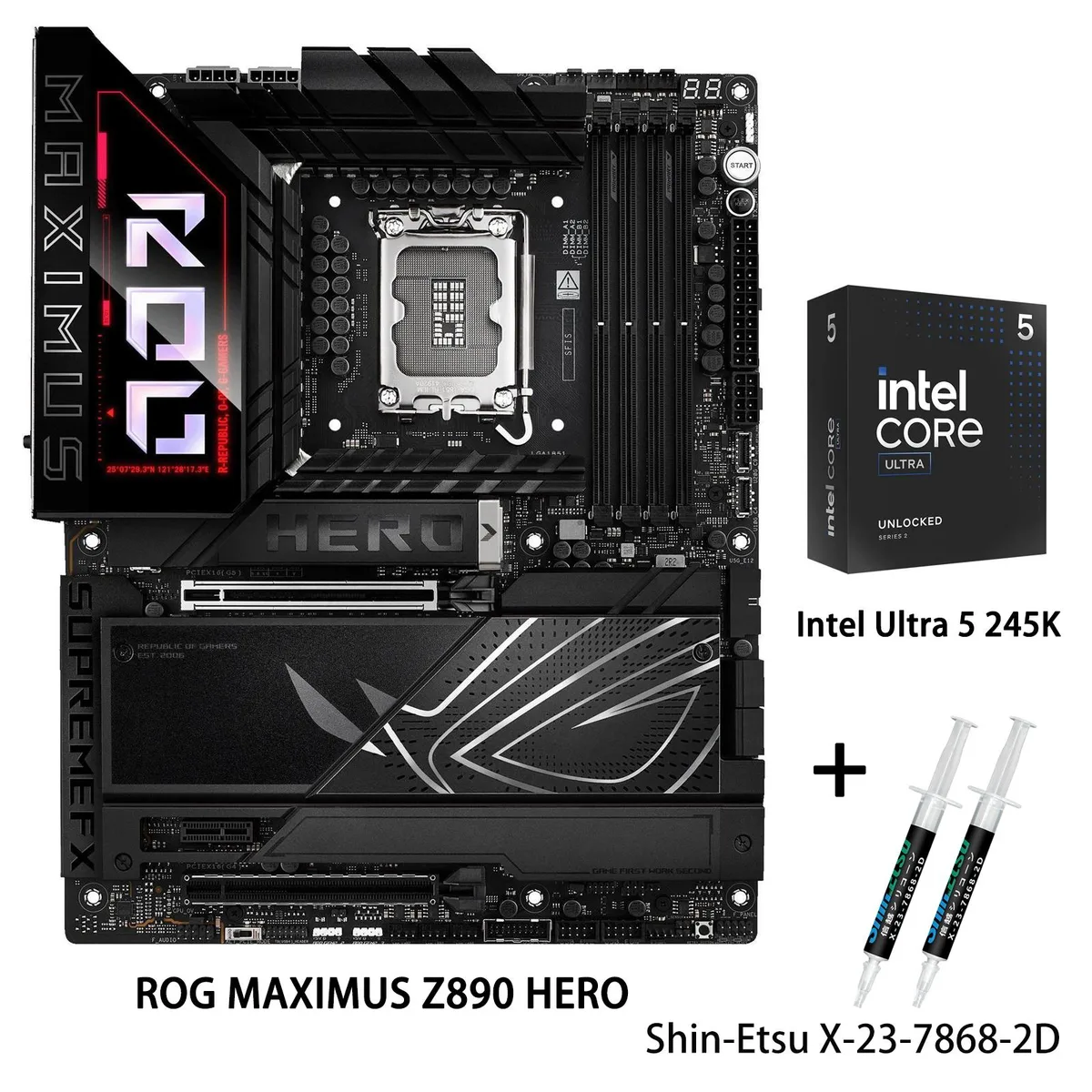
ASUS ROG MAXIMUS Z890 HERO + Core Ultra 5 245K Combo
- LGA 1851
- Intel Core Ultra Pr…
$958.20
0.01238272BTC
In stockWe take cryptocurrency — so the coins you hold can buy real hardware.Pay in crypto, spend it on real hardware. Free insured shipping worldwide over $399. Plain, unbranded boxes, sent from Germany.Free insured shipping over $399. Your rate is locked for 30 minutes once checkout opens.Rate locked 30 minutes. Every item sealed, serial-checked and covered by a 24-month warranty.Sealed, 24-month warranty.


ASUS
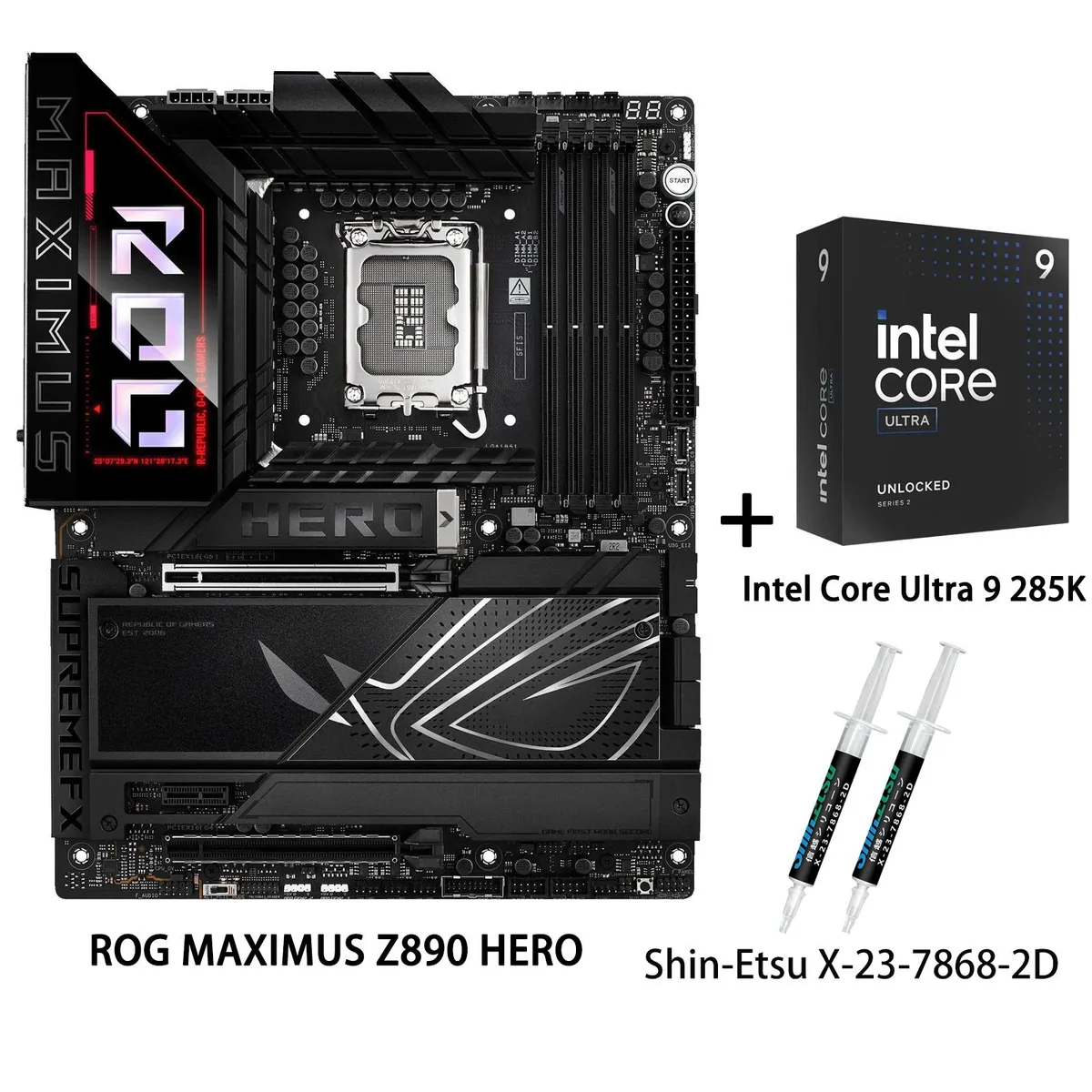
Z890 ATX motherboard paired with a Core Ultra 9 285K, 22+2+1+2 power stages, DDR5 up to 9200 MT/s, WiFi 7, Thunderbolt 4 and 5 Gbps plus 2.5 Gbps LAN
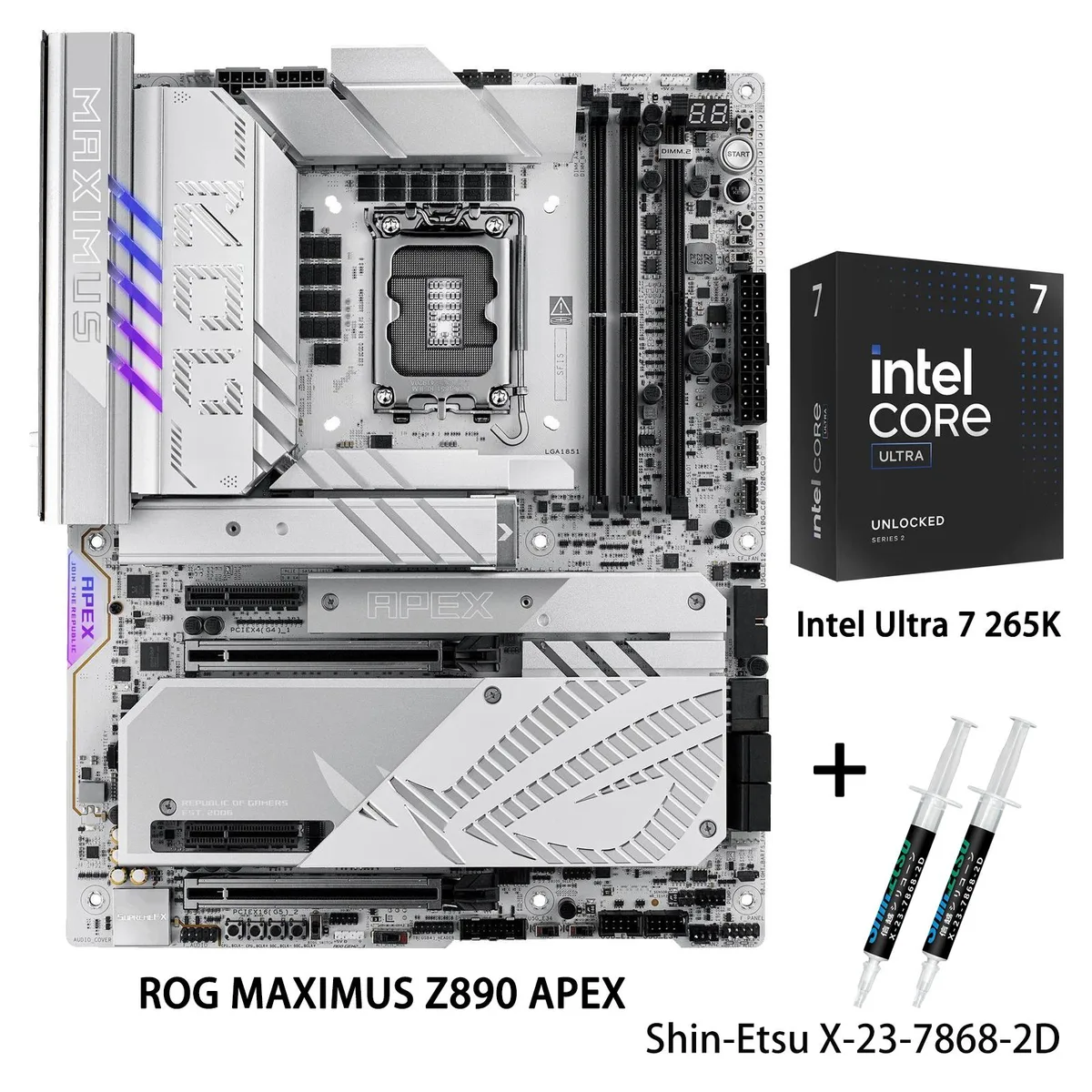
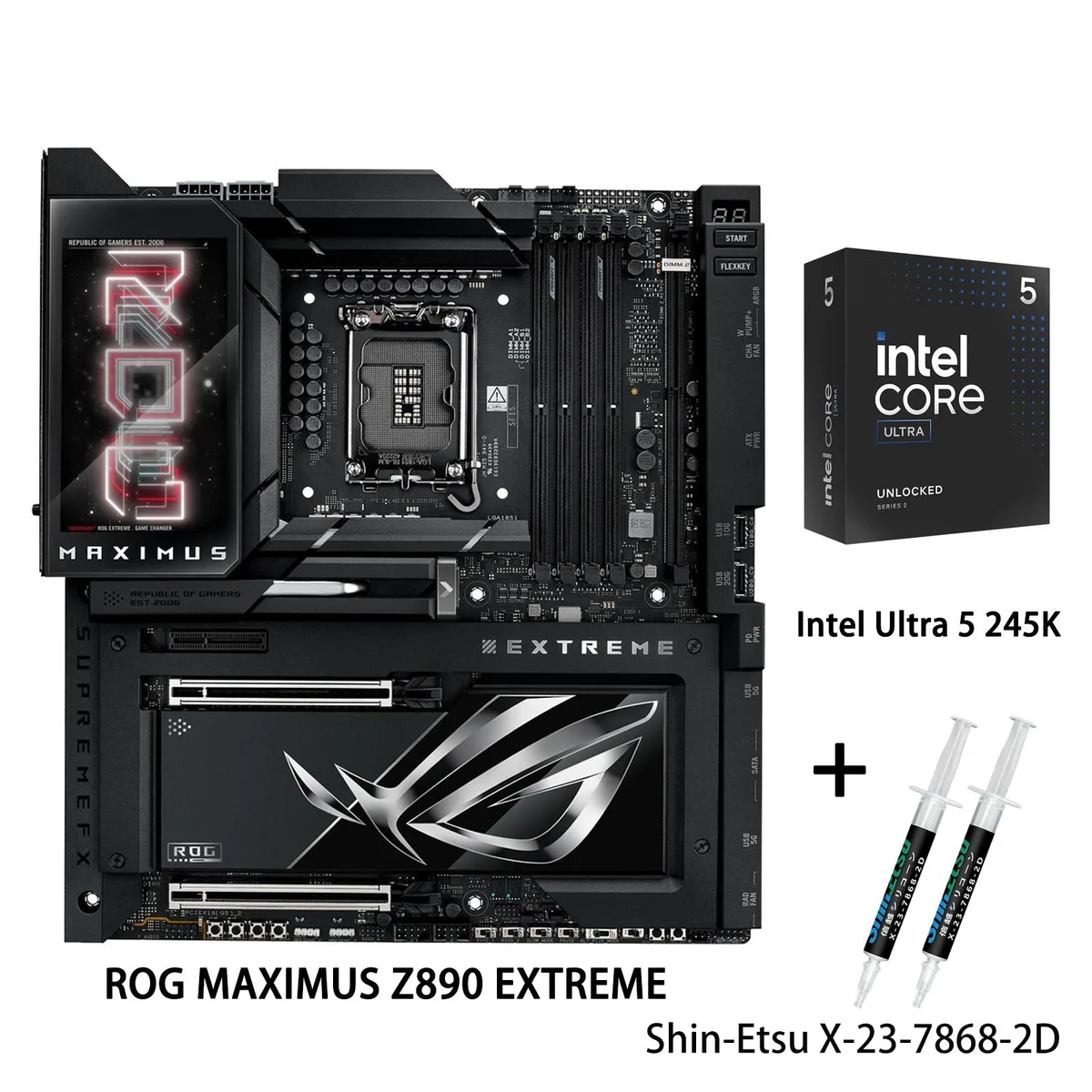
Motherboard ROG MAXIMUS Z890 HERO
+CPU +Ultra9 285K
The ROG MAXIMUS Z890 HERO motherboard paired with the Intel Core Ultra 9 285K delivers an LGA 1851 platform built for advanced AI workloads. Four DDR5 slots support up to 256 GB at 9200 MT/s with NitroPath DRAM Technology, DIMM Fit, DIMM Flex and AEMP III. The 22+2+1+2 power stage design uses 110 A, 90 A and 80 A stages with ProCool II connectors, MicroFine alloy chokes and premium metallic capacitors.
A PCIe 5.0 x16 slot and a PCIe 4.0 x16 slot from the chipset provide graphics and add-in card options, while a PCIe 4.0 x1 slot adds further flexibility. Storage includes one PCIe 5.0 M.2 slot and additional PCIe 4.0 M.2 slots supporting 2242, 2260, 2280 and 22110 form factors, plus four SATA 6 Gb/s ports. Rear I/O covers 5 Gbps and 2.5 Gbps Ethernet, WiFi 7, Bluetooth 5.4 and Thunderbolt 4 alongside 7.1-channel audio.
The CPU carries a 125 W base power rating with 36 MB L3 and 40 MB L2 cache, and no cooler is included in the box. AI Cooling II manages fan curves automatically based on system load, while the robust VRM heatsink array handles the high-current power stages during sustained workloads. AI Networking II optimises traffic for lower latency without extra user intervention.
| Brand | ASUS |
|---|---|
| Series | ROG MAXIMUS Z890 HERO+Ultra9 285K |
| Model | ROG MAXIMUS Z890 HERO+Ultra9 285K |
| CPU Socket Type | LGA 1851 |
| CPU Type | Intel Core Ultra Processors (Series 2) |
| Chipset | Intel Z890 |
| Number of Memory Slots | 4x288pin (DDR5) |
| Maximum Memory Supported | 256GB |
| Channel Supported | Dual Channel |
| Memory Feature | Support up to 9200+MT/s (OC), Non-ECC, Un-buffered, Clocked Unbuffered DIMM (CUDIMM)* Dual channel memory architecture Supports Intel Extreme Memory Profile (XMP) memory module Supports DIMM Flex NitroPath DRAM Technology DIMM FIT ASUS Enhanced Memory Profile III (AEMP III) * Non-ECC, un-buffered DDR5 memory supports On-Die ECC function. |
| PCI Express 5.0 x16 | Intel Core Ultra Processors (Series 2)* 1 x PCIe 5.0 x16 slot (supports x16 or x8/x4/x4 modes)** ** When M.2_3 or M.2_4 is enabled, PCIEX16(G5) will run x8 only. |
| PCI Express 4.0 x16 | Intel Z890 Chipset 1 x PCIe 4.0 x16 slot (supports x4 mode) |
| PCI Express x4 | 1 x PCIe 4.0 x1 slot |
| Serial ATA (SATA) | 4 x SATA 6Gb/s |
| M.2 | Intel Core Ultra Processors (Series 2) * M.2_1 slot (Key M), type 2242/2260/2280/22110 (supports PCIe 5.0 x4 mode) M.2_2 slot (Key M), type 2242/2260/2280 (supports PCIe 4.0 x4 mode) M.2_3 slot (Key M), type 2242/2260/2280 (supports PCIe 5.0 x4 mode)** M.2_4 slot (Key M), type 2242/2260/2280 (supports PCIe 5.0 x4 mode) Intel Z890 Chipset M.2_5 slot (Key M), type 2242/2260/2280 (supports PCIe 4.0 x4 mode) M.2_6 slot (Key M), type 2242/2260/2280 (supports PCIe 4.0 x4 mode) SlimSAS slot supports PCIe 4.0 x4 mode or up to 4 SATA devices via a transfer cable. The cable is purchased separa |
| SATA RAID | * Intel Rapid Storage Technology supports PCIe RAID 0/1/5/10, SATA RAID 0/1/5/10, M.2 slot from CPU only supports RAID 0/1/5 |
| Audio Channels | 7.1 Channels |
| Max LAN Speed | 5Gbps + 2.5Gbps |
| Wireless LAN | Wi-Fi 802.11 be |
| Bluetooth | Bluetooth 5.4 |
| Back I/O Ports | 2 x Thunderbolt 4 USB Type-C ports 5 x USB 10Gbps ports (4 x Type-A + 1 x USB Type-C) 4 x USB 5Gbps ports (4 x Type-A) 1 x HDMI port 1 x Wi-Fi module 1 x Intel 2.5Gb Ethernet port 1 x Realtek 5Gb Ethernet port 2 x Gold-plated audio jacks 1 x Optical S/PDIF out port 1 x BIOS FlashBack button 1 x Clear CMOS button |
| Onboard USB | 1 x USB 20Gbps connector (supports USB Type-C) 1 x USB 10Gps connector (supports USB Type-C) 2 x USB 5Gbps headers support 4 additional USB 5Gbps ports 2 x USB 2.0 headers support 4 additional USB 2.0 ports |
| Other Connectors | Fan and Cooling Related 1 x 4-pin CPU Fan header 1 x 4-pin CPU OPT Fan header 1 x 4-pin AIO Pump header 4 x 4-pin Chassis Fan headers 1 x W_PUMP+ headers Miscellaneous 3 x Addressable Gen 2 headers 1 x Alteration PCIe mode switch 1 x FlexKey button 1 x Front Panel Audio header (F_AUDIO) 1 x ReTry button 1 x Start button 1 x 10⁻¹ pin System Panel header 1 x Thermal Sensor header 1 x Thunderbolt (USB4) header |
| BIOS Feature | 256 Mb Flash ROM, UEFI AMI BIOS |
| Software | ROG Exclusive Software - ROG CPU-Z - Dolby Atmos - Polymo Lighting II - Internet Security (1-year full version) ASUS Exclusive Software Armoury Crate - AIDA64 Extreme (1 year full version) - Aura Creator - Aura Sync - Xpert 4 (with AI Cooling II) - GameFirst - Power Saving - Hwinfo ASUS AI Advisor ASUS DriverHub ASUS GlideX Thunderbolt™ Share USB Wattage Watcher TurboV Core Adobe Creative Cloud (Free Trial) WinRAR (40 Days Free Trial) UEFI BIOS NPU Boost AI Overclocking Guide ASUS EZ DIY - ASUS CrashFree BIOS 3 - ASUS EZ Flash 3 - ASUS UEFI BIOS EZ Mode - ASUS MyHotkey FlexKey |
| Windows 11 | Windows 11 (22H2 & later) |
| Form Factor | ATX |
| Dimensions (W x L) | 12.0" x 9.6" |
| Power Pin | 1 x 24-pin Main Power connector 2 x 8-pin +12V CPU Power connectors 1 x 8-pin PCIe Power connector |
| Features | Extreme OC Kit - FlexKey button - ReTry button - Start button Extreme Engine Digi+ - 10K Black metallic capacitors - MicroFine alloy choke ASUS Q-Design - M.2 Q-Latch - M.2 Q-Release - M.2 Q-Slide - Q-Release Slim (with PCIe SafeSlot) - Q-Antenna - Q-Code - Q-Connector - Q-Dashboard - Q-LED (CPU [red], DRAM [yellow], VGA [white], Boot Device [yellow green]) - Q-Slot ASUS Thermal Solution - M.2 heatsink backplate - M.2 heatsink - Metal backplate - VRM heatsink design ASUS EZ DIY - Backplate - BIOS FlashBack™ button - Clear CMOS button - CPU Socket lever protector - ProCool II - Pre-mo |
| Package Contents | Intel Ultra 9 285K CPU Cables 1 x ARGB RGB extension cable 4 x SATA 6Gb/s cables Additional Cooling Kit 1 x DDR5 fan holder 1 x Thermal pad for M.2 22110 Miscellaneous 1 x ASUS WiFi Q-Antenna 1 x Q-connector 1 x M.2 Q-Latch package 3 x M.2 Q-Slide packages 1 x ROG stickers 6 x M.2 rubber packages 1 x ROG thank you card 1 x ROG Bottle Opener Installation Media 1 x USB drive with utilities and drivers Documentation 1 x Quick start guide |
Other versions of this model
Same family, different memory, cooler or clock — compare before you commit.
The CPU-linked PCIe 5.0 x16 slot runs at x16 by default and falls back to x8 when either M.2_3 or M.2_4 is enabled.
The VRM heatsink covers the socket surround, so any air cooler or AIO cold plate must fit within the standard LGA 1851 keep-out zone; verify cooler specifications against the motherboard layout before purchase.
Enter the UEFI, open the AI Overclocking utility, run the brief stress test, then save and exit — skipping the stress test leaves the profile inactive.
Also in this aisle
Same shelf, same checkout — eight coins and a 30-minute rate lock.
What you pay in, and what you read prices in.
Sent from your wallet at checkout
Display only — the catalogue is priced in USD
No currency matches that.
Pick the language the site speaks to you in.
New here?
Already have one?
There is no automatic reset: this shop sends no mail, so there is no one-time link to ask for. Leave the address on the account and it gets picked up by hand.
Request noted
Nothing is on its way to your inbox — this shop sends no mail at all. Someone picks these up by hand.
Remembered it?