ASUS
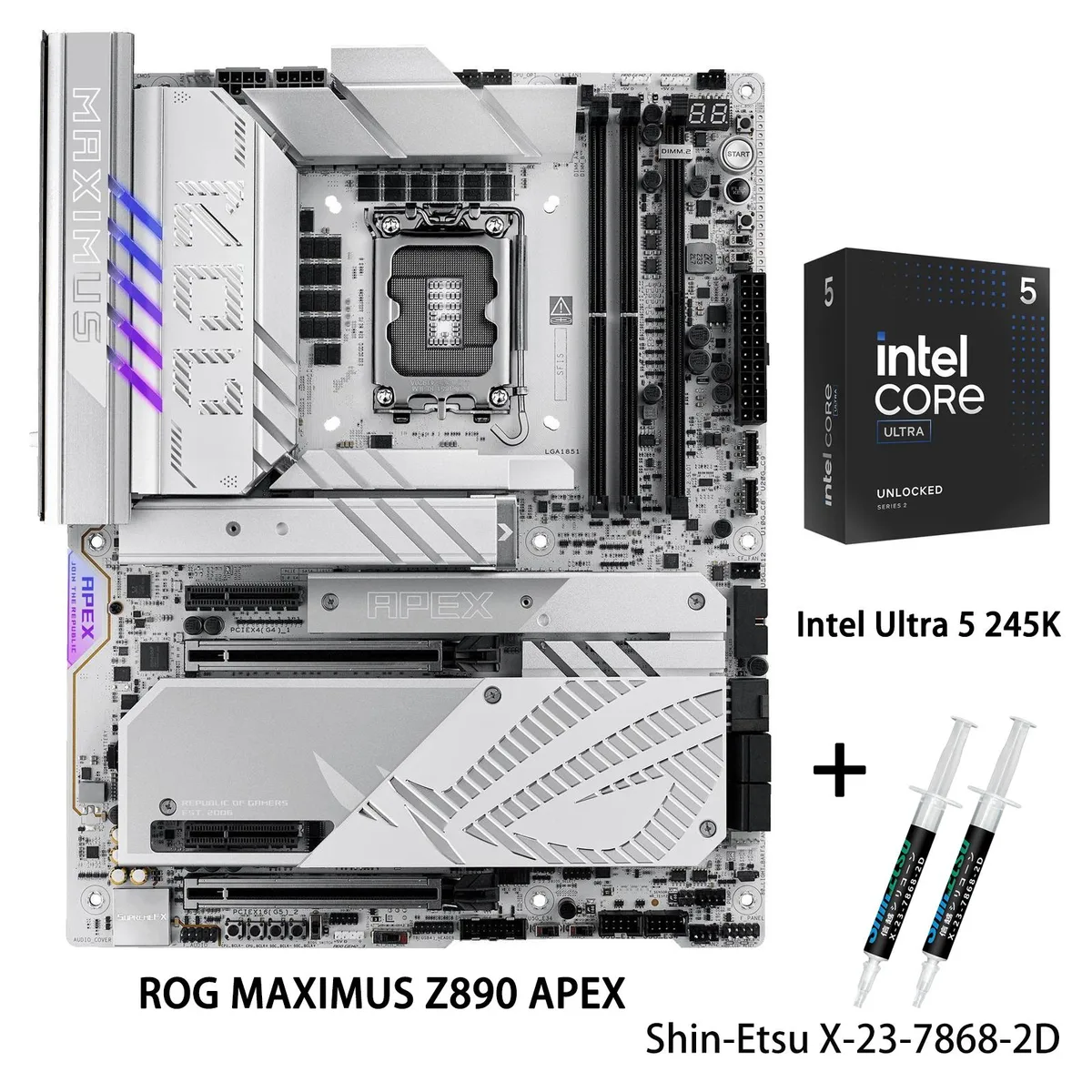
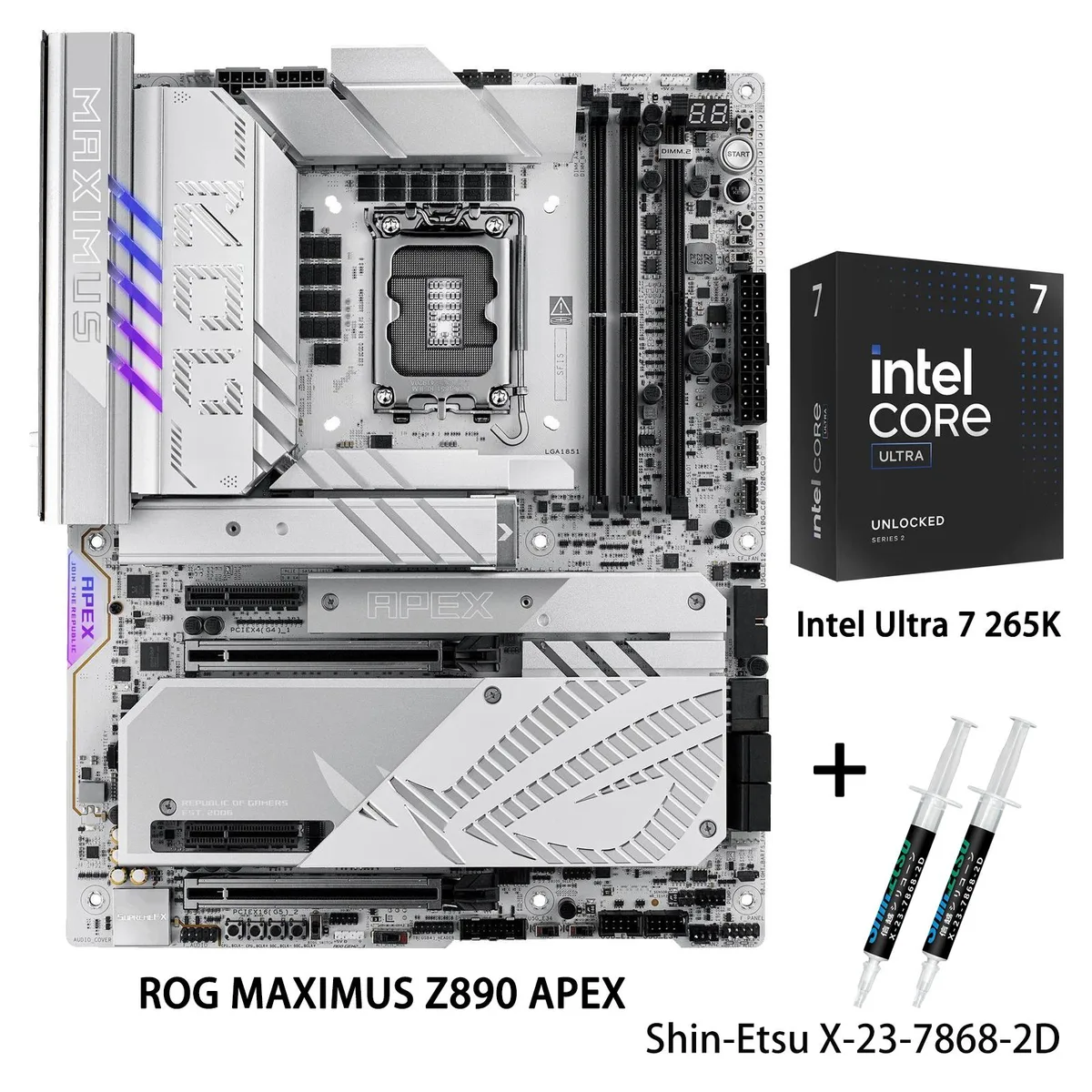
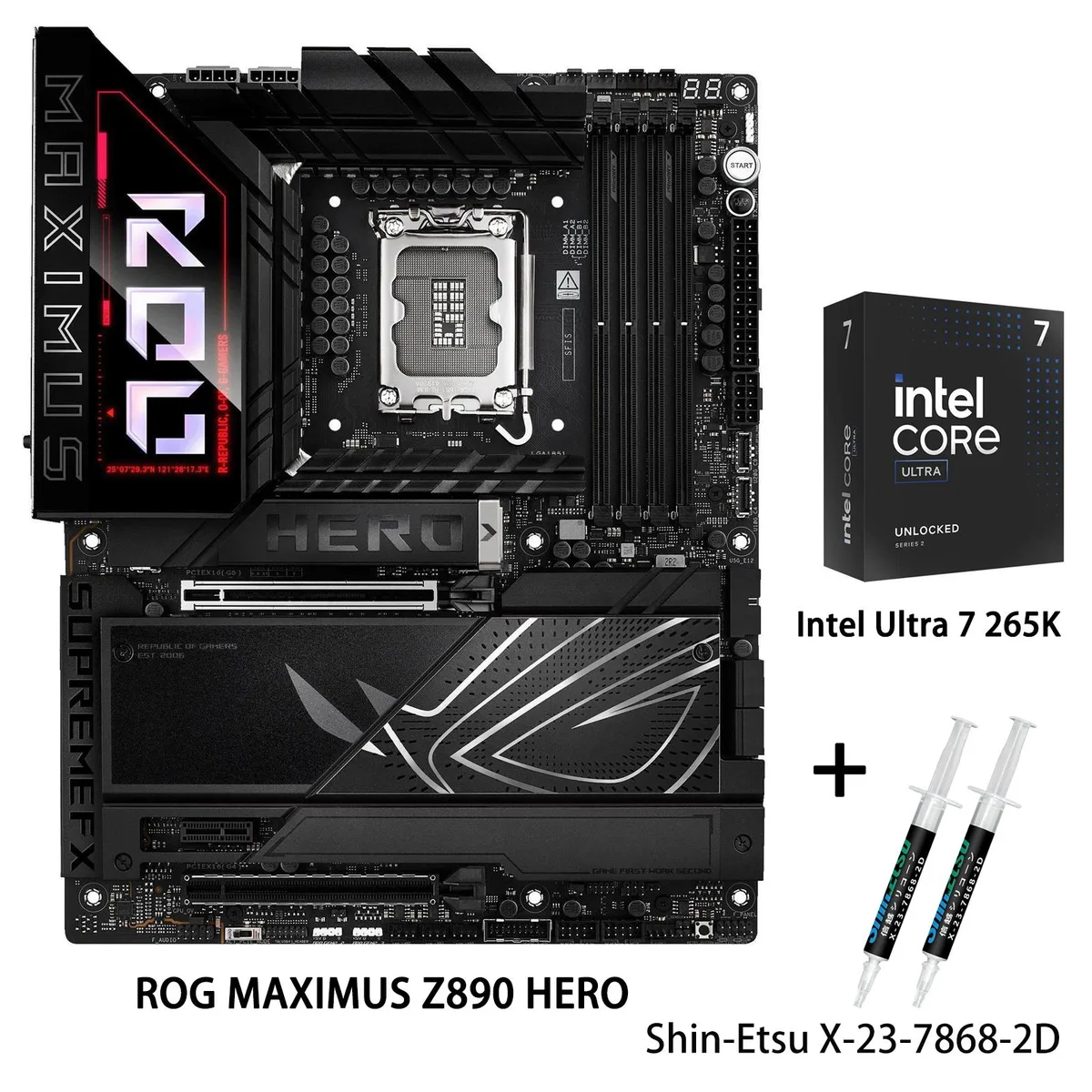
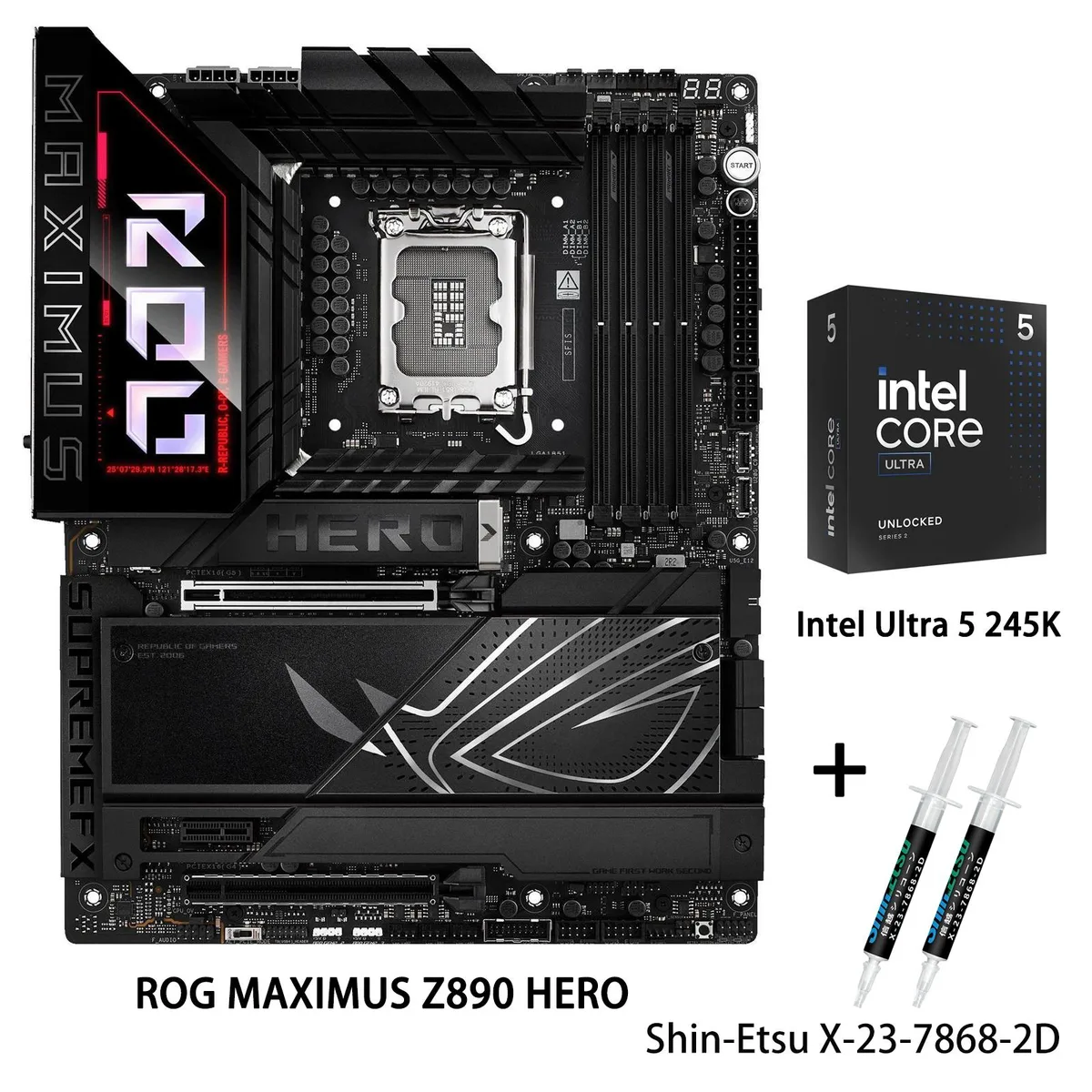
ASUS ROG MAXIMUS Z890 HERO + Core Ultra 5 245K Combo
- LGA 1851
- Intel Core Ultra Pr…
$958.20
0.01233189BTC
In stockWe take cryptocurrency — so the coins you hold can buy real hardware.Pay in crypto, spend it on real hardware. Free insured shipping worldwide over $399. Plain, unbranded boxes, sent from Germany.Free insured shipping over $399. Your rate is locked for 30 minutes once checkout opens.Rate locked 30 minutes. Every item sealed, serial-checked and covered by a 24-month warranty.Sealed, 24-month warranty.


ASUS
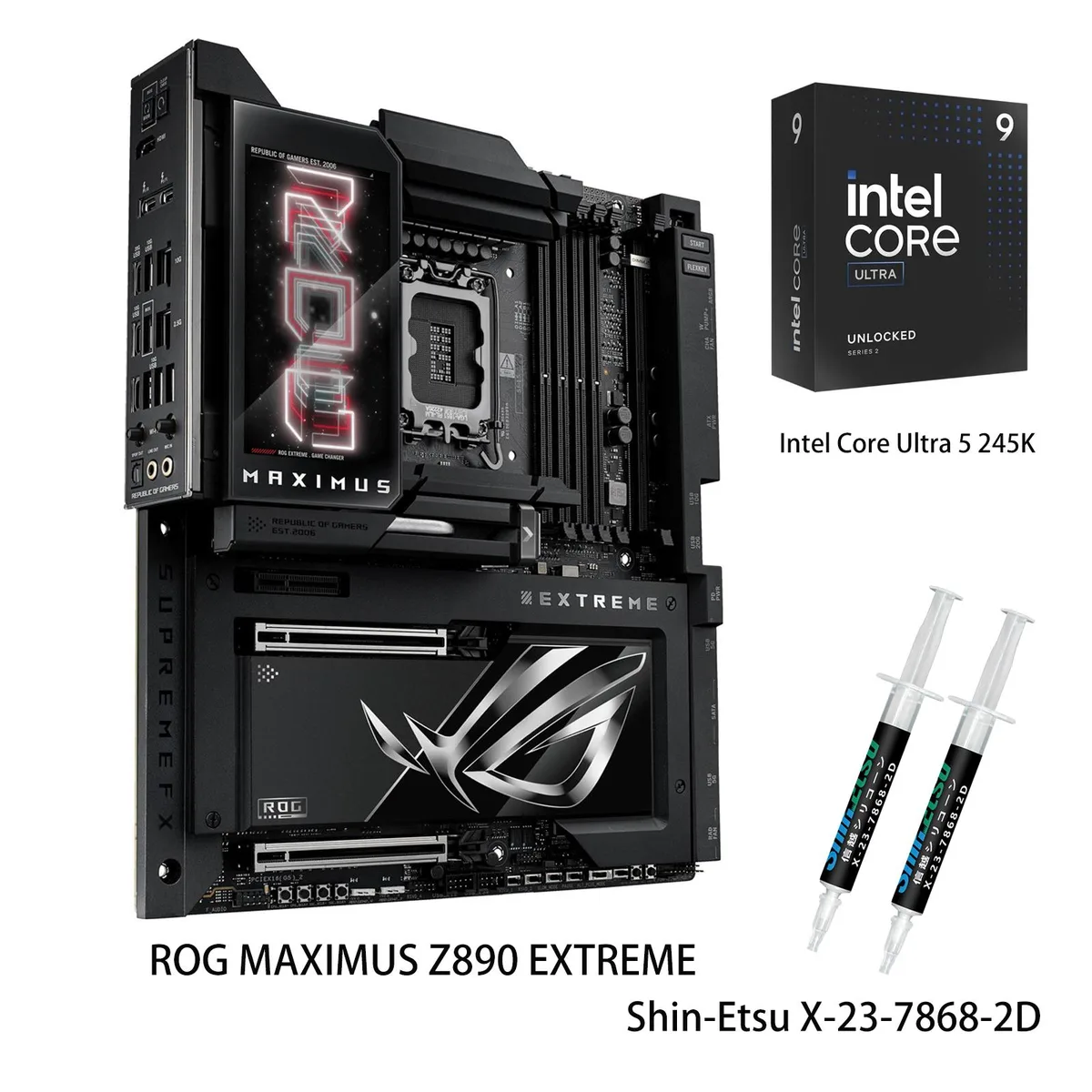
A combo pairing a Z890 E-ATX board with LGA 1851 socket, 24+2+1+2 power stages, DDR5 up to 9200 MT/s, WiFi7, 2.5G and 10G LAN, PCIe 5.0 M.2, Thunderbolt 5.
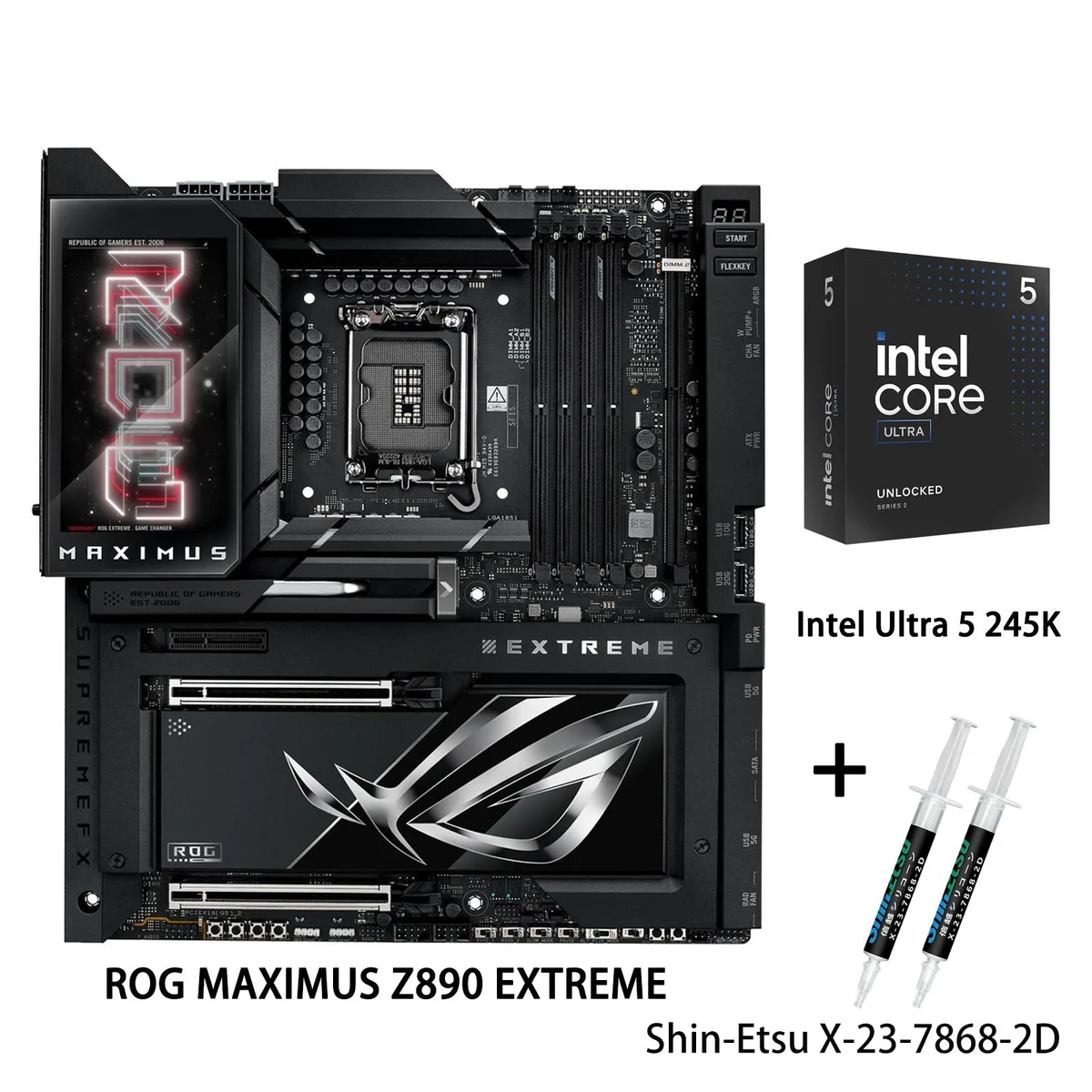
Motherboard ROG MAXIMUS Z890 EXTREME
+CPU +Ultra9 285K
The bundle pairs a ROG MAXIMUS Z890 EXTREME motherboard with an Intel Core Ultra 9 285K processor on the LGA 1851 platform. It targets builders who want a single SKU for advanced AI PC tasks and high-end desktop performance. The board delivers a 24+2+1+2 stage power design and supports DDR5 memory up to 9200 MT/s. Buyers who need a second CPU or a different socket should look elsewhere.
Large heatsinks integrate with the I/O cover and connect to the power stages through high-conductivity thermal pads. A U-shaped heatpipe links the VRM and chipset zones, while a 3D vapor-chamber heatsink covers the primary PCIe 5.0 M.2 slot. AI Cooling II adjusts fan curves automatically based on system load. The included processor has a 125 W base power rating and no cooler in the box.
ASUS AI Advisor provides natural-language guidance for BIOS settings. AI Overclocking profiles the CPU and cooling to suggest stable frequency targets. AI Networking II optimises traffic across the 10 Gbps and 2.5 Gbps Ethernet ports plus WiFi7. NitroPath DRAM Technology, DIMM Fit, DIMM Flex and AEMP III simplify DDR5 tuning. Thunderbolt 5 adds two 80 Gbps USB-C ports for high-speed peripherals.
| Brand | ASUS |
|---|---|
| Series | ROG MAXIMUS Z890 EXTREME+Ultra9 285K |
| Model | ROG MAXIMUS Z890 EXTREME+Ultra9 285K |
| CPU Socket Type | LGA 1851 |
| CPU Type | Intel Core Ultra Processors (Series 2) |
| Chipset | Intel Z890 |
| Number of Memory Slots | 4x288pin (DDR5) |
| Maximum Memory Supported | 256GB |
| Channel Supported | Dual Channel |
| Memory Feature | Support up to 9200+MT/s (OC), Non-ECC, Un-buffered ,Clocked Unbuffered DIMM (CUDIMM)* Dual Channel Memory Architecture Supports Intel Extreme Memory Profile (XMP) memory module ASUS Enhanced Memory Profile III (AEMP III) Supports DIMM Flex DIMM Fit NitroPath DRAM Technology * Non-ECC, un-buffered DDR5 memory supports On-Die ECC function. |
| PCI Express 5.0 x16 | Intel Core Ultra Processors (series 2)* 2 x PCIe 5.0 x16 slots (supports x16 or x8/x8 or x8/x4/x4 modes)** |
| PCI Express x4 | Intel Z890 Chipset** 1 x PCIe 4.0x4 slot **M.2_3 & M.2_4 share bandwidth with PCIEX16(G5)_2. When M.2_3 is enabled, PCIEX16(G5)_1 will run x8 & PCIEX16(G5)_2 will run x4. When M.2_3 & M.2_4 are enabled, PCIEX16(G5)_1 will run x8 & PCIEX16(G5)_2 will disabled. |
| Serial ATA (SATA) | 4 x SATA 6Gb/s |
| M.2 | Support Intel Core Ultra Processors (series 2)* M.2_1 slot (Key M), type 2242/2260/2280/22110 (supports PCIe 5.0 x4 mode) M.2_2 slot (Key M), type 2242/2260/2280 (supports PCIe 4.0 x4 mode) M.2_3 slot (Key M), type 2242/2260/2280/22110 (supports PCIe 5.0 x4 modes)** M.2_4 slot (Key M), type 2242/2260/2280 (supports PCIe 5.0 x4 modes)** Intel Z890 Chipset DIMM.2_1 slot (Key M) via ROG Q-DIMM.2, type 2230/2242/2260/2280/22110 (supports PCIe 4.0 x4 mode) DIMM.2_2 slot (Key M) via ROG Q-DIMM.2, type 2230/2242/2260/2280/22110 (supports PCIe 4.0 x4 mode) **M.2_3 & M.2_4 share bandwidth wit |
| SATA RAID | *Intel Rapid Storage Technology supports PCIe RAID 0/1/5/10, SATA RAID 0/1/5/10, M.2 slot from CPU only supports RAID 0/1/5. |
| Audio Channels | ROG SupremeFX 7.1 Surround Sound High Definition Audio CODEC ALC4082** - Impedance sense for front and rear headphone outputs - Supports: Jack-detection, Multi-streaming, Front Panel MIC Jack-retasking - High quality 120 dB SNR stereo playback output and 10 dB SNR recording input - Supports up to 32-Bit/384 kHz playback on front panel Audio Features - SupremeFX Shielding Technology - ESS ES9219 QUAD DAC - LED-illuminated audio jacks - Rear optical S/PDIF out port - Premium audio capacitors * A chassis with an HD audio module in the front panel is required to support 7.1 Surround Soun |
| Max LAN Speed | 10Gbps + 2.5Gbps |
| Wireless LAN | Wi-Fi 802.11 be |
| Bluetooth | Bluetooth 5.4 |
| Back I/O Ports | 2 x Thunderbolt 5 USB Type-C ports 1 x USB 20Gbps port (1 x USB Type-C) 7 x USB 10Gbps ports (5 x Type-A + 2 x USB Type-C) 1 x HDMITM port 1 x Wi-Fi Module 1 x Intel 2.5Gb Ethernet port 1 x Marvell AQtion 10Gb Ethernet port 2 x LED-illuminated audio jacks 1 x Optical S/PDIF out port 1 x BIOS FlashBack button 1 x Clear CMOS button |
| Onboard USB | 1 x USB 20Gbps connector (supports USB Type-C) 1 x USB 10Gbps connector (supports USB Type-C) 2 x USB 5Gbps headers support 4 additional USB 5Gbps ports 2 x USB 2.0 headers support 4 additional USB 2.0 ports |
| Other Connectors | Fan and Cooling related 1 x 4-pin CPU Fan header 1 x 4-pin CPU OPT Fan header 2 x 4-pin Chassis Fan headers 2 x 4-pin Radiator Fan headers 2 x W_PUMP+ headers 1 x WB_SENSOR header Miscellaneous 1 x 6-pin ARGB Gen 2 header to support 2 x ARGB Gen 2 headers 2 x Addressable Gen 2 header 1 x Alteration PCIe mode switch 4 x BCLK button 1 x BIOS Switch button 1 x FlexKey button 1 x Front Panel Audio header (F_AUDIO) 1 x LN2 Mode jumper 18 x ProbeIt Measurement Points 1 x ReTry button 2 x RSVD switchs 1 x RSVD header 1 x Safe Boot button 1 x Slow Mode switch 1 x Start button 1 x 10⁻¹ pin Sy |
| BIOS Feature | 2 x 256 Mb Flash ROM, UEFI AMI BIOS |
| Software | ROG Exclusive Software - ROG CPU-Z - Dolby Atmos - Internet Security (1-year full version) ASUS Exclusive Software Armoury Crate - AIDA64 Extreme (1 year full version) - Aura Creator - Aura Sync - Fan Xpert 4 (with AI Cooling II) - GameFirst - HWiNFO - Power Saving - LCD Display ASUS AI Advisor ASUS Driver Hub Turbo Vcore ASUS GlideX Thunderbolt Share USB Wattage Watcher WinRAR (40 Days Free Trial) Adobe Creative Cloud (Free Trial) UEFI BIOS AI Overclocking Guide NPU Boost ASUS EZ DIY - ASUS CrashFree BIOS 3 - ASUS EZ Flash 3 - ASUS UEFI BIOS EZ Mode - ASUS MyHotkey |
| Windows 11 | Windows 11, Windows 10 64-bit |
| Form Factor | Extended ATX |
| Dimensions (W x L) | 12.0" x 10.9" |
| Power Pin | 1 x 24-pin Main Power connector 2 x 8-pin +12V CPU Power connector 1 x 8-pin PCIe Power connector |
| Features | Extreme OC Kit - FlexKey button - LN2 Mode - ProbeIt - ReTry button - Safe boot button - Start button - Slow Mode Extreme Engine Digi+ - 10K Black Metallic Capacitors - MicroFine Alloy Choke ASUS Q-Design - M.2 Q-Latch - M.2 Q-Release - M.2 Q-Slide - Q-Release Slim (with PCIe SafeSlot) - Q-Antenna - Q-Code - Q-Connector - Q-Dashboard - Q-LED (CPU [red], DRAM [yellow], VGA [white], Boot Device [yellow green]) - Q-Slot - Q-DIMM.2 ASUS Thermal Solution - Fan bracket - M.2 heatsink backplate - M.2 heatsink - Metal backplate - VRM heatsink design - 3D VC M.2 Heatsink ASUS EZ DIY - Backpla |
Other versions of this model
Same family, different memory, cooler or clock — compare before you commit.
Align the triangle marker on the Core Ultra 9 285K with the socket corner, lower it straight down without pressure, then close the retention lever; the integrated loading mechanism seats the processor evenly across the 1851 contacts.
Clean dust from the massive heatsinks, U-shaped heatpipe and 3D VC M.2 heatsink every 6-12 months; reapply thermal paste on the CPU die if temperatures rise above your normal baseline.
The 125 W base power envelope is the first ceiling; AI Cooling II and the VRM heatsink array manage the resulting heat, but sustained all-core boost will sit at or below that 125 W figure.
Also in this aisle
Same shelf, same checkout — eight coins and a 30-minute rate lock.
What you pay in, and what you read prices in.
Sent from your wallet at checkout
Display only — the catalogue is priced in USD
No currency matches that.
Pick the language the site speaks to you in.
New here?
Already have one?
There is no automatic reset: this shop sends no mail, so there is no one-time link to ask for. Leave the address on the account and it gets picked up by hand.
Request noted
Nothing is on its way to your inbox — this shop sends no mail at all. Someone picks these up by hand.
Remembered it?