GIGABYTE
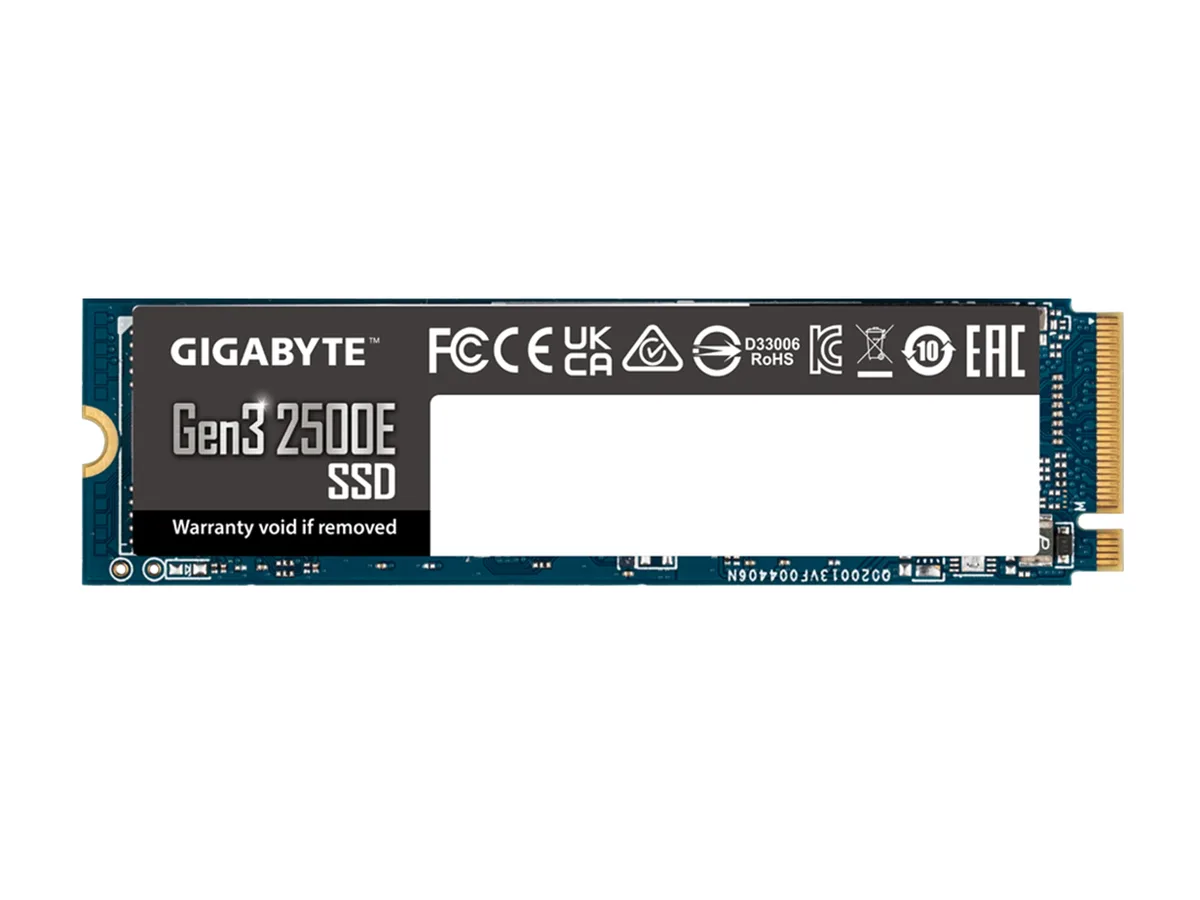
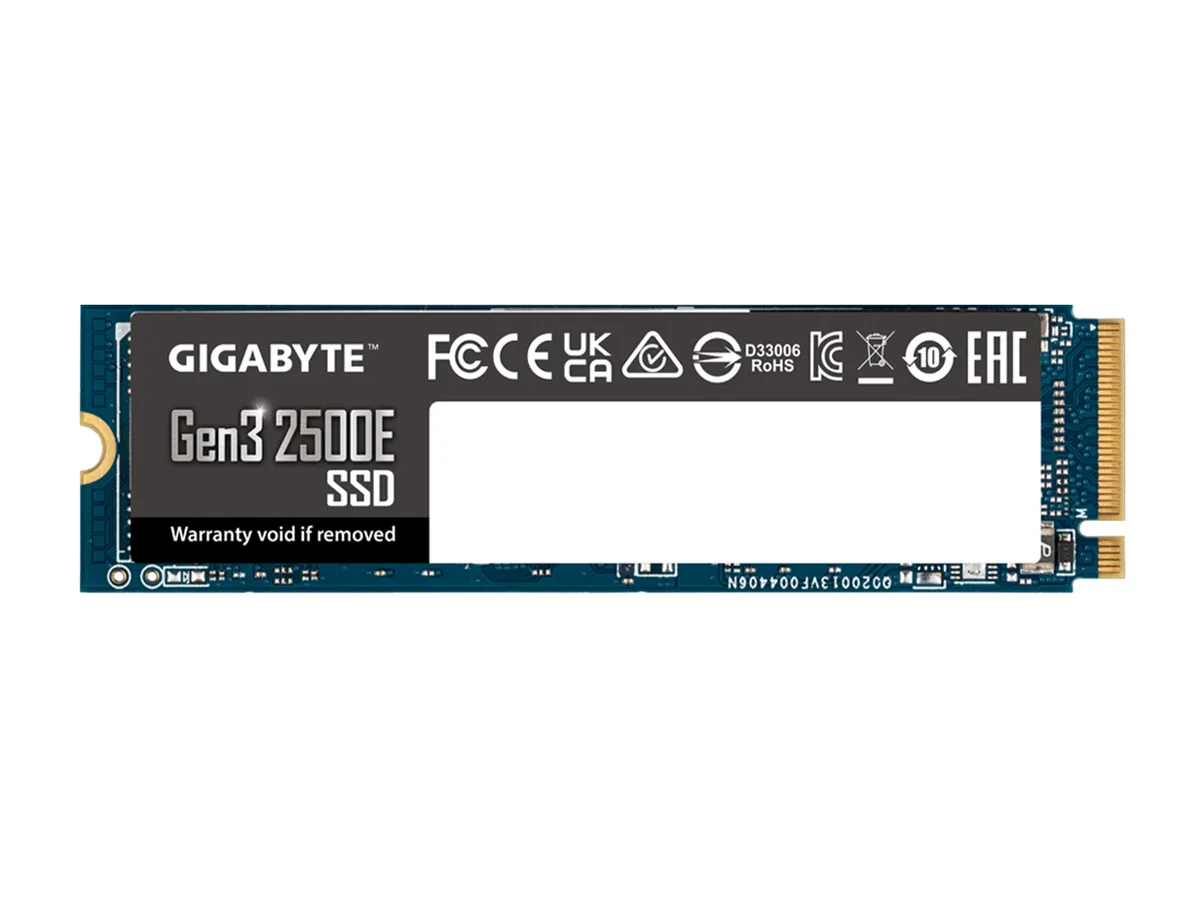
GIGABYTE G325E1TB 1TB internal SSD Gen3 2500E M.2 2280 PCI-Express 3.0 x4
- Internal Solid Stat…
- Consumer
$48.99
0.00063662BTC
In stockWe take cryptocurrency — so the coins you hold can buy real hardware.Pay in crypto, spend it on real hardware. Free insured shipping worldwide over $399. Plain, unbranded boxes, sent from Germany.Free insured shipping over $399. Your rate is locked for 30 minutes once checkout opens.Rate locked 30 minutes. Every item sealed, serial-checked and covered by a 24-month warranty.Sealed, 24-month warranty.


GIGABYTE
M.2 2280 drive with 500GB capacity, PCI-Express 3.0 x4 interface and up to 2300 MB/s read speed
Options 500GB
The GIGABYTE G325E500G is a consumer internal solid state drive using the M.2 2280 form factor and a PCI-Express 3.0 x4 interface. It provides 500GB of storage built on 3D NAND memory. The drive supports NVMe 1.3 with Host Memory Buffer for efficient operation.
This drive fits systems that have an M.2 2280 slot wired for PCI-Express 3.0 x4 and want NVMe speeds without moving to a newer platform. It is less suited for workloads that need sustained write throughput beyond 1500 MBps or for motherboards that only offer PCIe 2.0 lanes.
The headline specification is a maximum sequential read of 2300 MBps paired with a maximum sequential write of 1500 MBps. If your primary workload depends on higher sustained write performance, you should evaluate drives with a higher write rating.
| Brand | GIGABYTE |
|---|---|
| Series | Gen3 2500E GIGABYTE Gen3 2500E SSD 1TB |
| Part Number | G325E500G |
| Device Type | Internal Solid State Drive (SSD) |
| Used For | Consumer |
| Form Factor | M.2 2280 |
| Capacity | 500GB |
| Memory Components | 3D NAND |
| Interface | PCI-Express 3.0 x4 |
| Max Sequential Read | Up to 2300 MBps |
| Max Sequential Write | Up to 1500 MBps |
| Shipping weight | 0.04 kg |
| Package size | 139 × 80 × 18 mm |
Other versions of this model
Same family, different memory, cooler or clock — compare before you commit.
The drive uses the M.2 2280 form factor and connects through a PCI-Express 3.0 x4 slot with an M-keyed connector.
Insert the drive at an angle into the M.2 slot, press it flat, and secure it with the retention screw; the step often missed is enabling NVMe 1.3 in the BIOS so the drive appears as a boot device.
No scheduled maintenance is required; keep firmware updated, allow the operating system to run TRIM, and monitor health through S.M.A.R.T. attributes.
Also in this aisle
Same shelf, same checkout — eight coins and a 30-minute rate lock.
What you pay in, and what you read prices in.
Sent from your wallet at checkout
Display only — the catalogue is priced in USD
No currency matches that.
Pick the language the site speaks to you in.
New here?
Already have one?
There is no automatic reset: this shop sends no mail, so there is no one-time link to ask for. Leave the address on the account and it gets picked up by hand.
Request noted
Nothing is on its way to your inbox — this shop sends no mail at all. Someone picks these up by hand.
Remembered it?