Lenovo
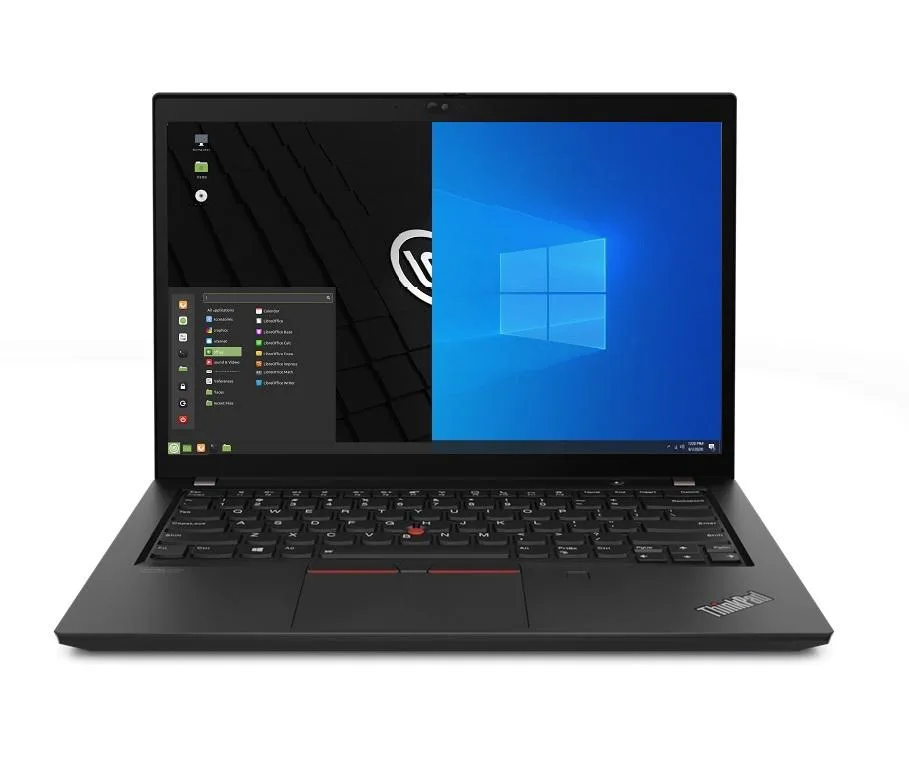
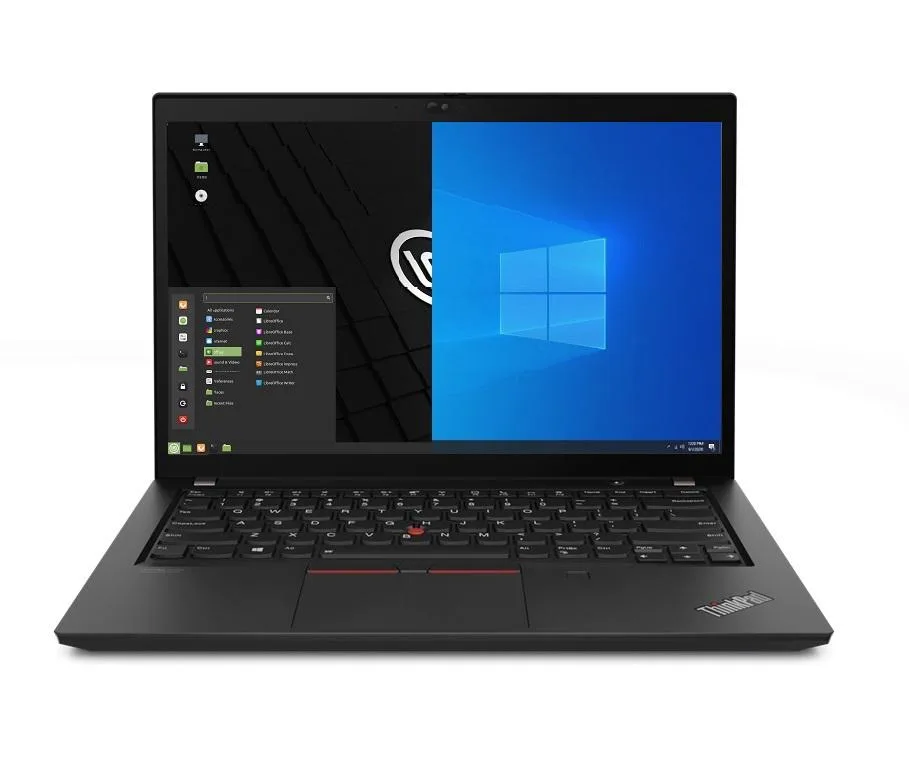
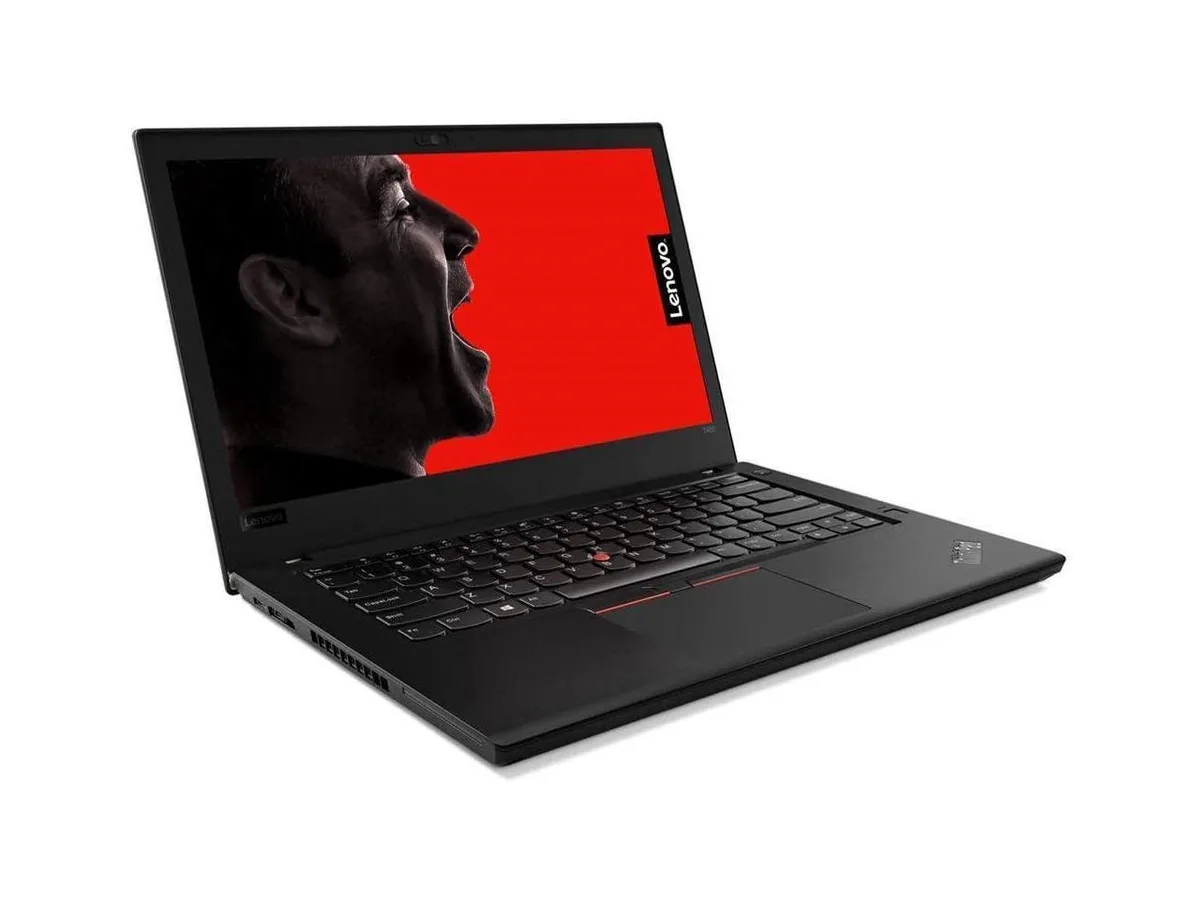
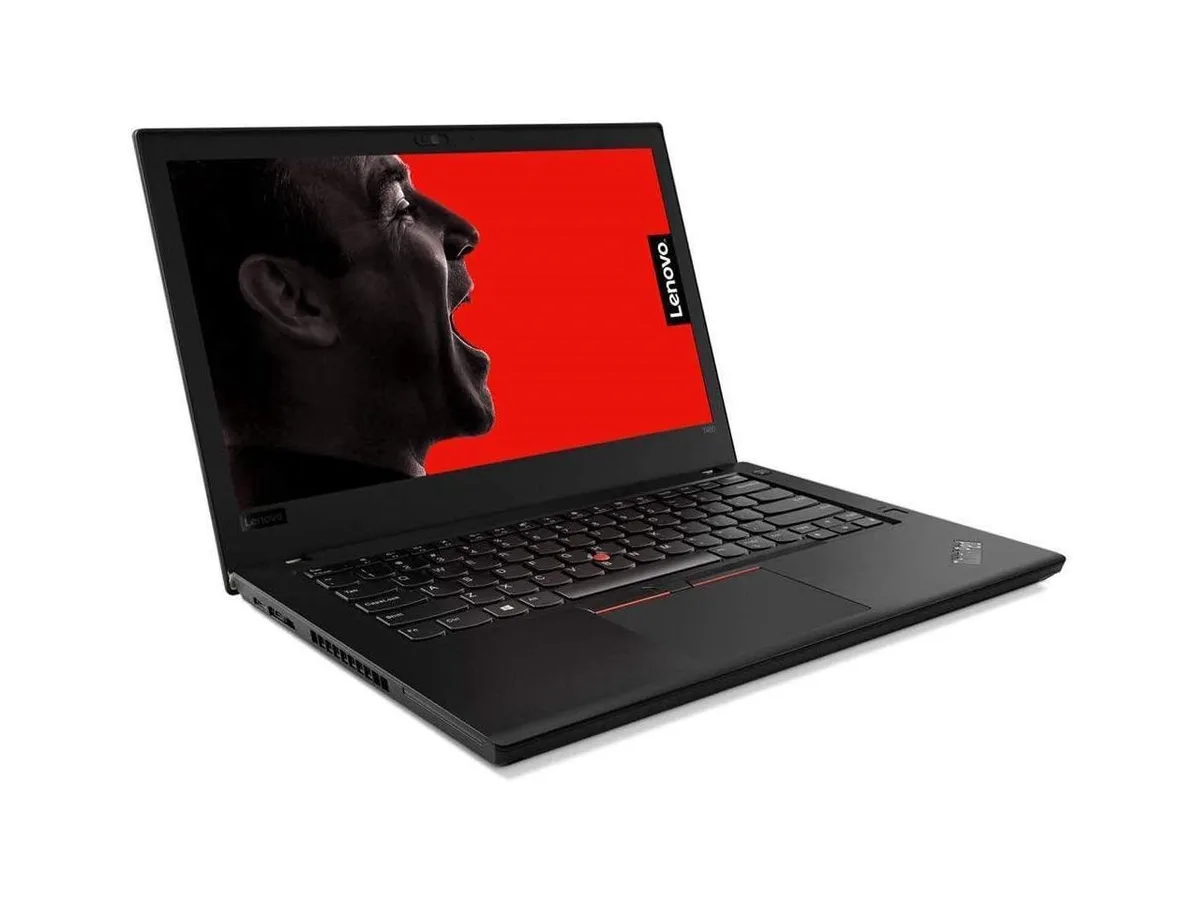
Lenovo Thinkpad T14 Gen 2 laptop i5-1135G7 8GB 256GB 14.0" FHD
- 8GB
- DDR4
$849.99
0.0110228BTC
In stockWe take cryptocurrency — so the coins you hold can buy real hardware.Pay in crypto, spend it on real hardware. Free insured shipping worldwide over $399. Plain, unbranded boxes, sent from Germany.Free insured shipping over $399. Your rate is locked for 30 minutes once checkout opens.Rate locked 30 minutes. Every item sealed, serial-checked and covered by a 24-month warranty.Sealed, 24-month warranty.


Lenovo
Business laptop with 11th Gen Intel Core i5, 16GB DDR4, 1TB PCIe SSD, 14.0" FHD IPS display and Windows 10 Pro plus Linux Mint dual boot
Options 16GB/1TB
The Lenovo Thinkpad T14 Gen 2 is a new 14.0 inch business laptop built around an 11th Gen Intel Core i5-1135G7 processor with four cores and a 4.2 GHz maximum turbo frequency. It ships with 16GB of DDR4 memory and a 1TB PCIe SSD. The 1920 x 1080 IPS display and 720p webcam suit office work and video calls. A dual-boot configuration lets the owner select Windows 10 Pro or Linux Mint at startup.
The 50WHr battery and 65W power supply support typical business workloads across a workday. Intel Iris Xe integrated graphics share system memory, so extended 3D or heavy compute tasks will hit thermal and memory-bandwidth limits faster than a discrete GPU would. The single fan manages heat for the 2.40 GHz base clock, yet prolonged turbo bursts will throttle to protect the chassis. Both operating systems cannot run simultaneously; switching requires a reboot.
Wi-Fi 6 and Bluetooth 5.2 provide modern wireless throughput, while the RJ-45 port caps wired traffic at 1000Mbps. Two Thunderbolt 4 Type-C ports carry data, video and charging through a single connector, but total bandwidth is shared across the controller. The two USB-A 3.2 Gen1 ports and HDMI output add legacy peripheral support. A micro SD reader handles removable media, and the combo jack serves audio.
| Memory | 16GB |
|---|---|
| Memory Speed | DDR4 |
| Type | Work / Business |
| Resolution | 1920 x 1080 |
| Screen Size | 14.0" |
| Display Type | Full HD |
| Touchscreen | No |
| SSD | 1 TB |
| HDD | No |
| Storage Spec | 1TB PCIe SSD |
| Brand | Lenovo |
| Series | Thinkpad T14 Gen 2 |
| Part Number | T14 |
| Model | Thinkpad |
| Color | Black |
| GPU/VPU | Intel Iris Xe Graphics |
| Operating System | Linux |
| WiFi Generation | Wi-Fi 6 |
| LAN | 10/100/1000Mbps |
| WLAN | Wi-Fi 6 |
| Bluetooth | Bluetooth 5.2 |
| CPU Type | Intel Core i5 11th Gen |
| Optical Drive Type | No |
| Webcam | Yes |
| Touchpad | ThinkPad UltraNav |
| Keyboard | Standard |
| Card Reader | Micro SD |
| Battery | Lithium Polymer |
| USB | 2 x USB 3.2 Gen 1 |
| Thunderbolt | 2 x Thunderbolt 4 |
| Video Port | 1 x HDMI |
| Ethernet | 1 x RJ-45 |
| Audio Ports | 1 x Headphone/Microphone Combo Jack |
| Audio | Integrated Sound card |
| Speaker | Integrated Stereo Speakers |
Other versions of this model
Same family, different memory, cooler or clock — compare before you commit.
The 11th Gen Intel Core i5-1135G7 runs up to 4.2 GHz with a 65W power supply and integrated 50WHr Li-Polymer battery; fan noise and surface temperature rise under sustained load but remain within typical business-laptop limits.
The laptop provides two USB-C Thunderbolt 4 ports and one HDMI port; you only need compatible Thunderbolt 4 or USB-C cables and an HDMI cable for external displays — no proprietary dock is required.
Yes, the system includes two USB-A 3.2 Gen1 ports (one always-on) and a 10/100/1000Mbps RJ-45 jack, so current USB-A devices and wired networks connect without adapters.
Also in this aisle
Same shelf, same checkout — eight coins and a 30-minute rate lock.
What you pay in, and what you read prices in.
Sent from your wallet at checkout
Display only — the catalogue is priced in USD
No currency matches that.
Pick the language the site speaks to you in.
New here?
Already have one?
There is no automatic reset: this shop sends no mail, so there is no one-time link to ask for. Leave the address on the account and it gets picked up by hand.
Request noted
Nothing is on its way to your inbox — this shop sends no mail at all. Someone picks these up by hand.
Remembered it?