Lenovo
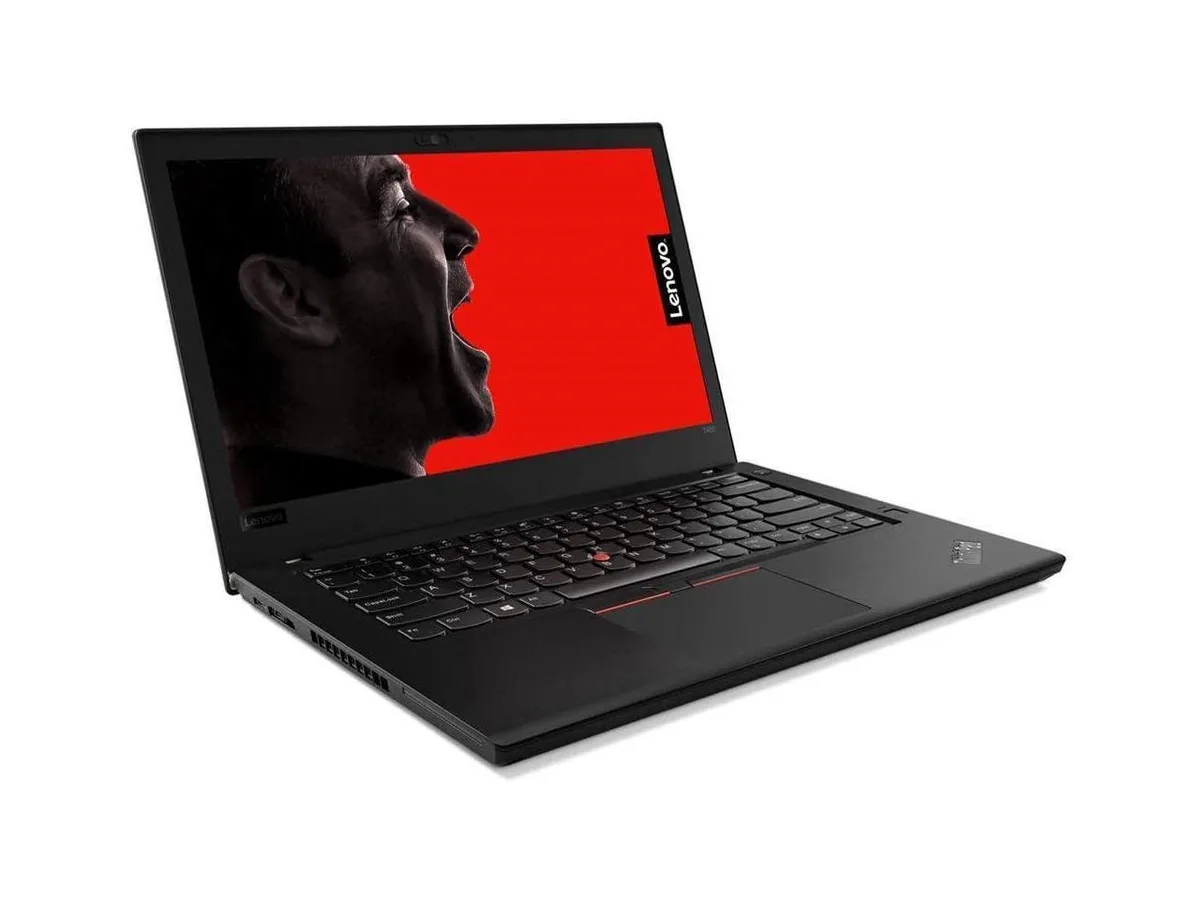
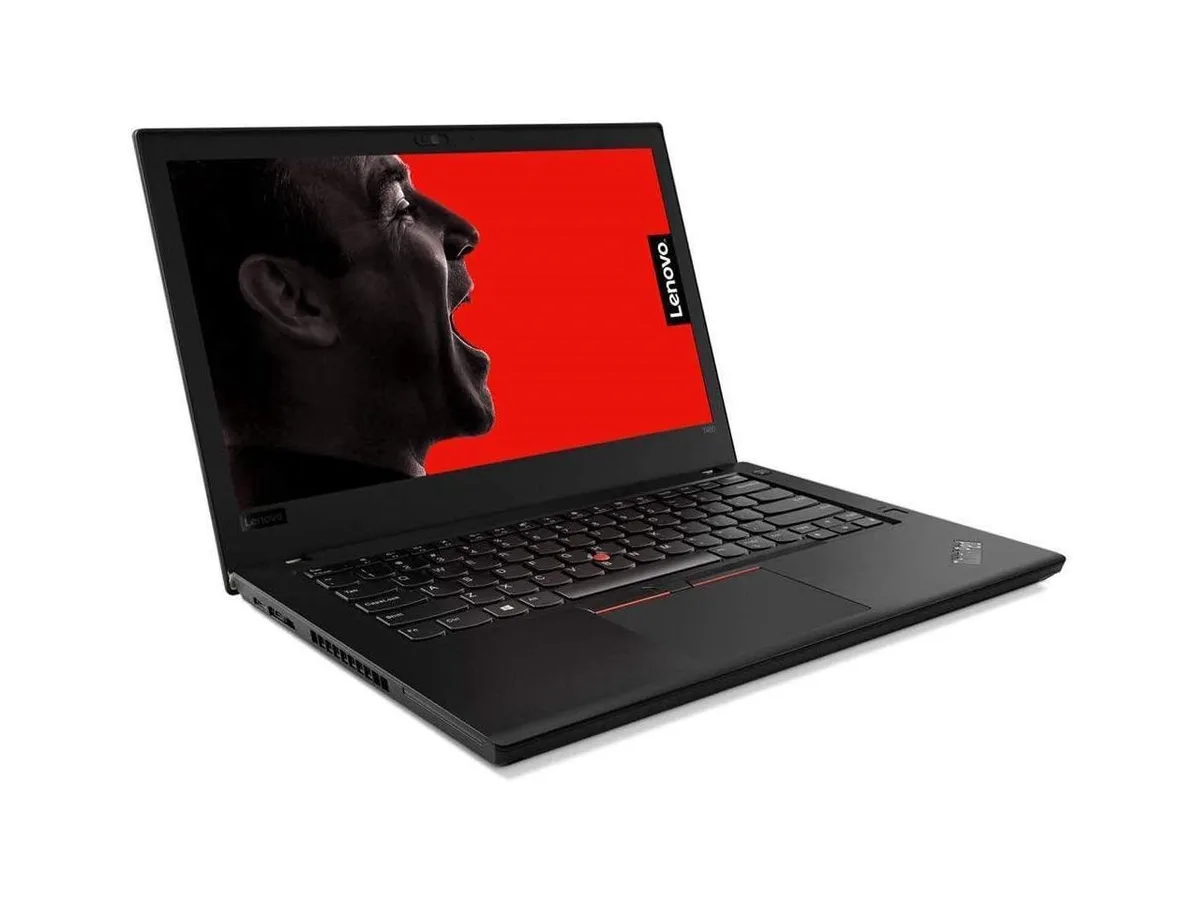
Lenovo Thinkpad T14 Gen 2 laptop i5-1135G7 8GB 256GB 14.0" FHD
- 8GB
- DDR4
$849.99
0.01104543BTC
In stockWe take cryptocurrency — so the coins you hold can buy real hardware.Pay in crypto, spend it on real hardware. Free insured shipping worldwide over $399. Plain, unbranded boxes, sent from Germany.Free insured shipping over $399. Your rate is locked for 30 minutes once checkout opens.Rate locked 30 minutes. Every item sealed, serial-checked and covered by a 24-month warranty.Sealed, 24-month warranty.


Lenovo
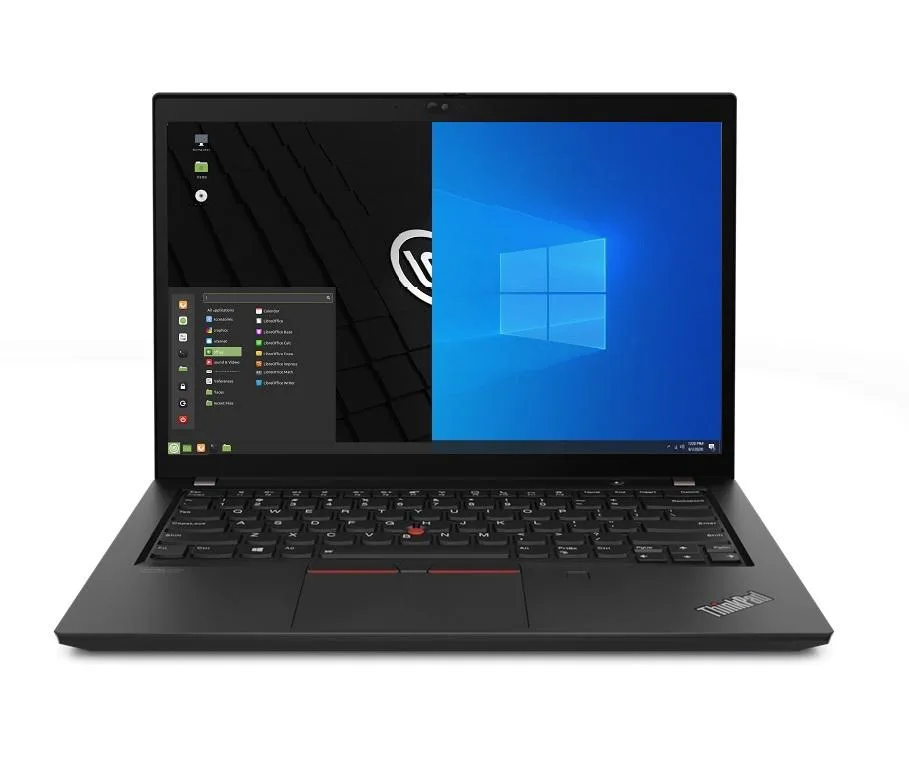
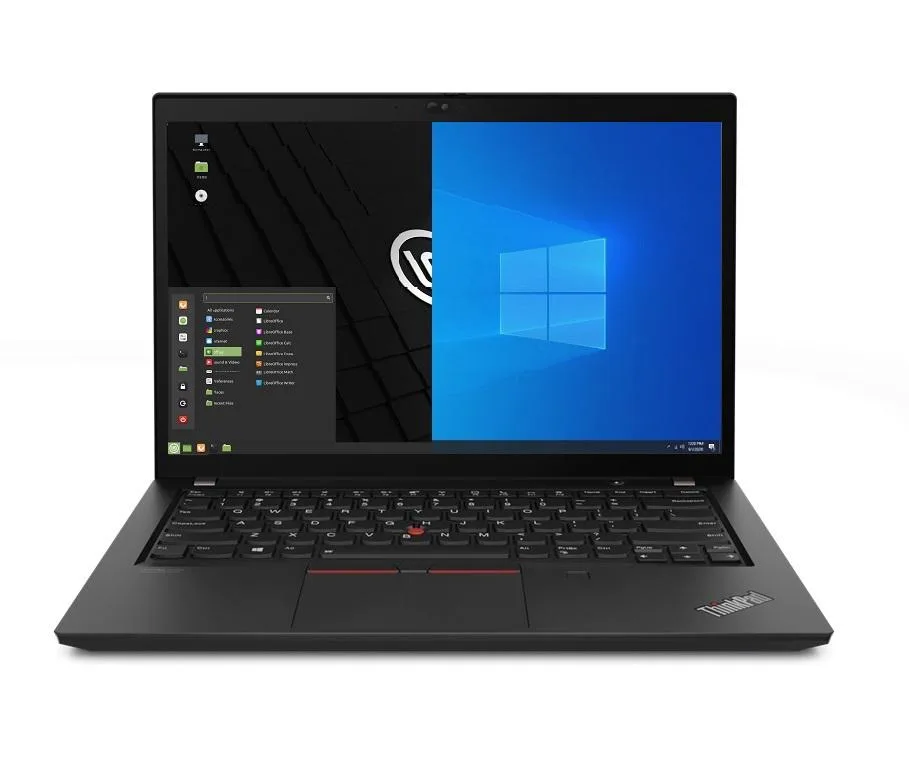
Business laptop with 11th Gen Intel Core i5, 24 GB DDR4, 256 GB PCIe SSD, 14.0" Full HD IPS display, Wi-Fi 6, Ethernet, Thunderbolt 4, and dual-boot Windows 10 Pro with Linux Mint
Options 24GB/256GB
The Lenovo Thinkpad T14 Gen 2 is a 14.0" Full HD business laptop powered by an 11th Gen Intel Core i5-1135G7 processor with 24GB DDR4 memory and a 256GB PCIe SSD. It ships with Windows 10 Pro and Linux Mint 20 pre-installed in a dual-boot configuration, letting you select either operating system at startup. Integrated Intel Iris Xe graphics drive the 1920 x 1080 IPS display.
This machine fits users who must run Windows and Linux applications on the same hardware without virtualization overhead. The 24GB memory and fast PCIe storage support typical office workloads and light development tasks. Buyers who want a dedicated GPU for 3D rendering, video editing or gaming should look elsewhere, as only integrated graphics are present. The single 256GB drive may also limit users with large local datasets.
The factory dual-boot setup removes the need to configure a hypervisor or manage virtual disk images, saving setup time and avoiding the performance penalty of running one OS inside another. Thunderbolt 4 ports add high-speed external storage and dock options, while Wi-Fi 6 and a Gigabit Ethernet jack provide flexible network connectivity. A 720p webcam, HDMI output and a microSD reader complete the I/O for conference calls and peripheral expansion.
| Memory | 24GB |
|---|---|
| Memory Speed | DDR4 |
| Type | Work / Business |
| Resolution | 1920 x 1080 |
| Screen Size | 14.0" |
| Display Type | Full HD |
| Touchscreen | No |
| SSD | 256 GB |
| HDD | No |
| Storage Spec | 256GB PCIe SSD |
| Brand | Lenovo |
| Series | Thinkpad T14 Gen 2 |
| Part Number | T14 |
| Model | Thinkpad |
| Color | Black |
| GPU/VPU | Intel Iris Xe Graphics |
| Operating System | Linux |
| WiFi Generation | Wi-Fi 6 |
| LAN | 10/100/1000Mbps |
| WLAN | Wi-Fi 6 |
| Bluetooth | Bluetooth 5.2 |
| CPU Type | Intel Core i5 11th Gen |
| Optical Drive Type | No |
| Webcam | Yes |
| Touchpad | ThinkPad UltraNav |
| Keyboard | Standard |
| Card Reader | Micro SD |
| Battery | Lithium Polymer |
| USB | 2 x USB 3.2 Gen 1 |
| Thunderbolt | 2 x Thunderbolt 4 |
| Video Port | 1 x HDMI |
| Ethernet | 1 x RJ-45 |
| Audio Ports | 1 x Headphone/Microphone Combo Jack |
| Audio | Integrated Sound card |
| Speaker | Integrated Stereo Speakers |
Other versions of this model
Same family, different memory, cooler or clock — compare before you commit.
The HDMI port works whenever a display is connected; the built-in 14.0" 1920 x 1080 IPS panel is the primary screen and requires no extra hardware.
Yes, the two USB-A 3.2 Gen1 ports are backward compatible with USB 3.0 and USB 2.0 devices, so existing flash drives will function normally.
On startup a boot selector lets you choose Windows 10 Pro or Linux Mint 20; seeing that menu and loading either OS confirms the dual-boot is working.
Also in this aisle
Same shelf, same checkout — eight coins and a 30-minute rate lock.
What you pay in, and what you read prices in.
Sent from your wallet at checkout
Display only — the catalogue is priced in USD
No currency matches that.
Pick the language the site speaks to you in.
New here?
Already have one?
There is no automatic reset: this shop sends no mail, so there is no one-time link to ask for. Leave the address on the account and it gets picked up by hand.
Request noted
Nothing is on its way to your inbox — this shop sends no mail at all. Someone picks these up by hand.
Remembered it?