Lenovo
Lenovo Thinkpad T14 Gen 2 i5-1135G7 8GB 500GB SSD 14.0" FHD Dual Boot
- 8GB
- DDR4
$899.99
0.01167121BTC
In stockWe take cryptocurrency — so the coins you hold can buy real hardware.Pay in crypto, spend it on real hardware. Free insured shipping worldwide over $399. Plain, unbranded boxes, sent from Germany.Free insured shipping over $399. Your rate is locked for 30 minutes once checkout opens.Rate locked 30 minutes. Every item sealed, serial-checked and covered by a 24-month warranty.Sealed, 24-month warranty.


Lenovo
14.0-inch Full HD IPS business laptop with 11th Gen Intel Core i5, 8GB DDR4, 256GB PCIe SSD, Wi-Fi 6 and dual-boot Windows 10 Pro and Linux Mint
Options 8GB/256GB
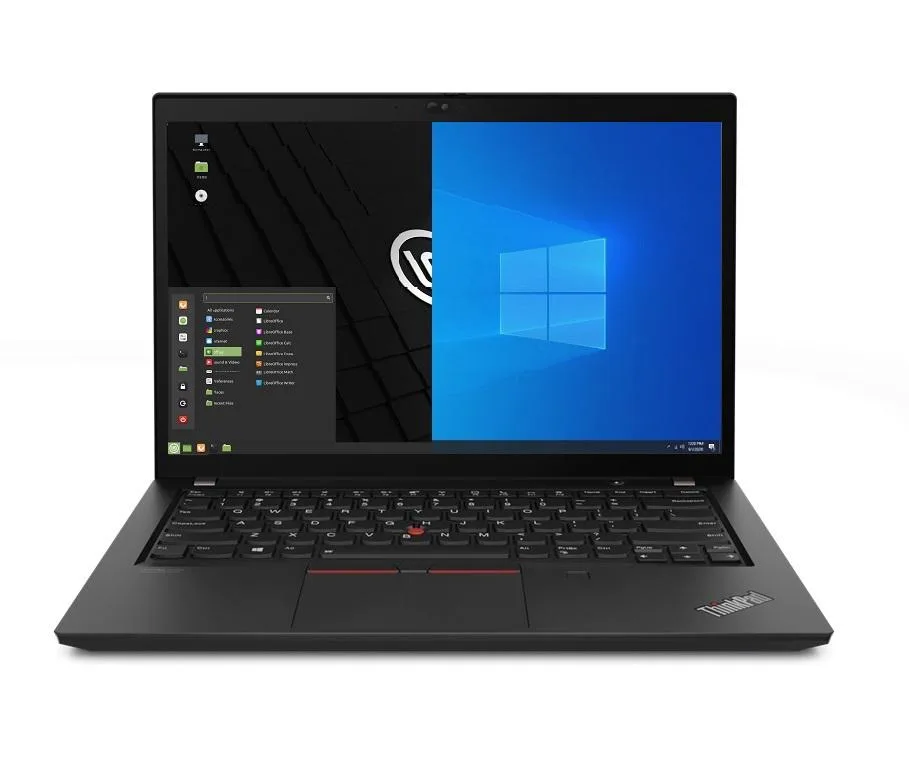
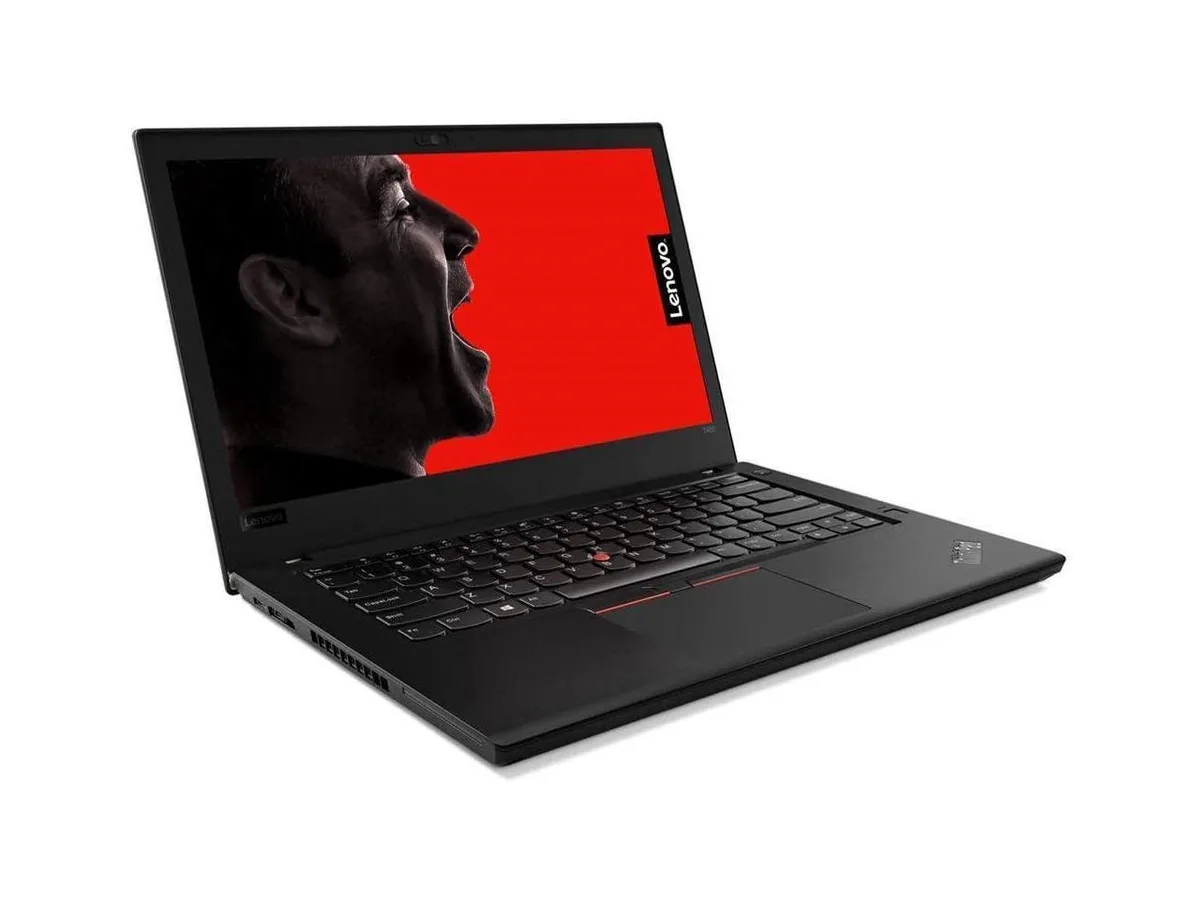
The Lenovo ThinkPad T14 Gen 2 is a new business laptop built around an 11th Gen Intel Core i5-1135G7 processor with four cores and a maximum turbo frequency of 4.2 GHz. It ships with 8GB of DDR4 memory and a 256GB PCIe SSD. A 14.0" Full HD IPS display at 1920 x 1080 resolution and Intel Iris Xe integrated graphics complete the core specification. Dual-boot Windows 10 Pro and Linux Mint 20 Cinnamon let you choose an operating system at startup.
This configuration suits professionals who need a lightweight chassis for office applications, web-based workflows and Linux development environments. The 3.23 lb weight and 50 WHr battery support mobile productivity. Buyers who need more than 8GB of memory for virtual machines or large datasets should look elsewhere. Users requiring a dedicated graphics processor for 3D rendering or GPU-accelerated workloads will not find it here. The 720p webcam covers basic video calls but not high-resolution streaming.
Under continuous load the quad-core processor can maintain elevated clocks within the 65W power envelope, while the integrated Iris Xe graphics share system memory bandwidth. The single 50 WHr battery will drain faster during prolonged compile jobs or video playback than during intermittent office tasks. Thermal management relies on the slim 0.70" profile, so surface temperatures rise during extended sessions. Thunderbolt 4 ports and Wi-Fi 6 maintain connectivity throughput without throttling.
| Memory | 8GB |
|---|---|
| Memory Speed | DDR4 |
| Type | Work / Business |
| Resolution | 1920 x 1080 |
| Screen Size | 14.0" |
| Display Type | Full HD |
| Touchscreen | No |
| SSD | 256 GB |
| HDD | No |
| Storage Spec | 256GB PCIe SSD |
| Brand | Lenovo |
| Series | Thinkpad T14 Gen 2 |
| Part Number | T14 |
| Model | Thinkpad |
| Color | Black |
| GPU/VPU | Intel Iris Xe Graphics |
| Operating System | Linux |
| WiFi Generation | Wi-Fi 6 |
| LAN | 10/100/1000Mbps |
| WLAN | Wi-Fi 6 |
| Bluetooth | Bluetooth 5.2 |
| CPU Type | Intel Core i5 11th Gen |
| Optical Drive Type | No |
| Webcam | Yes |
| Touchpad | ThinkPad UltraNav |
| Keyboard | Standard |
| Card Reader | Micro SD |
| Battery | Lithium Polymer |
| USB | 2 x USB 3.2 Gen 1 |
| Thunderbolt | 2 x Thunderbolt 4 |
| Video Port | 1 x HDMI |
| Ethernet | 1 x RJ-45 |
| Audio Ports | 1 x Headphone/Microphone Combo Jack |
| Audio | Integrated Sound card |
| Speaker | Integrated Stereo Speakers |
Other versions of this model
Same family, different memory, cooler or clock — compare before you commit.
The laptop uses 8GB DDR4 SO-DIMM memory; any additional module must be DDR4 SO-DIMM to fit the slot.
Yes, the two USB-A 3.2 Gen1 ports are backward compatible with USB 3.0 and USB 2.0 devices.
Open Device Manager in Windows or run lspci in Linux Mint; both will list Intel Iris Xe as the display adapter.
Also in this aisle
Same shelf, same checkout — eight coins and a 30-minute rate lock.
What you pay in, and what you read prices in.
Sent from your wallet at checkout
Display only — the catalogue is priced in USD
No currency matches that.
Pick the language the site speaks to you in.
New here?
Already have one?
There is no automatic reset: this shop sends no mail, so there is no one-time link to ask for. Leave the address on the account and it gets picked up by hand.
Request noted
Nothing is on its way to your inbox — this shop sends no mail at all. Someone picks these up by hand.
Remembered it?