


NZXT
NZXT RF-U24HF-B1 240mm dual case fan 500-2400 RPM 75.12 CFM 30 dBA
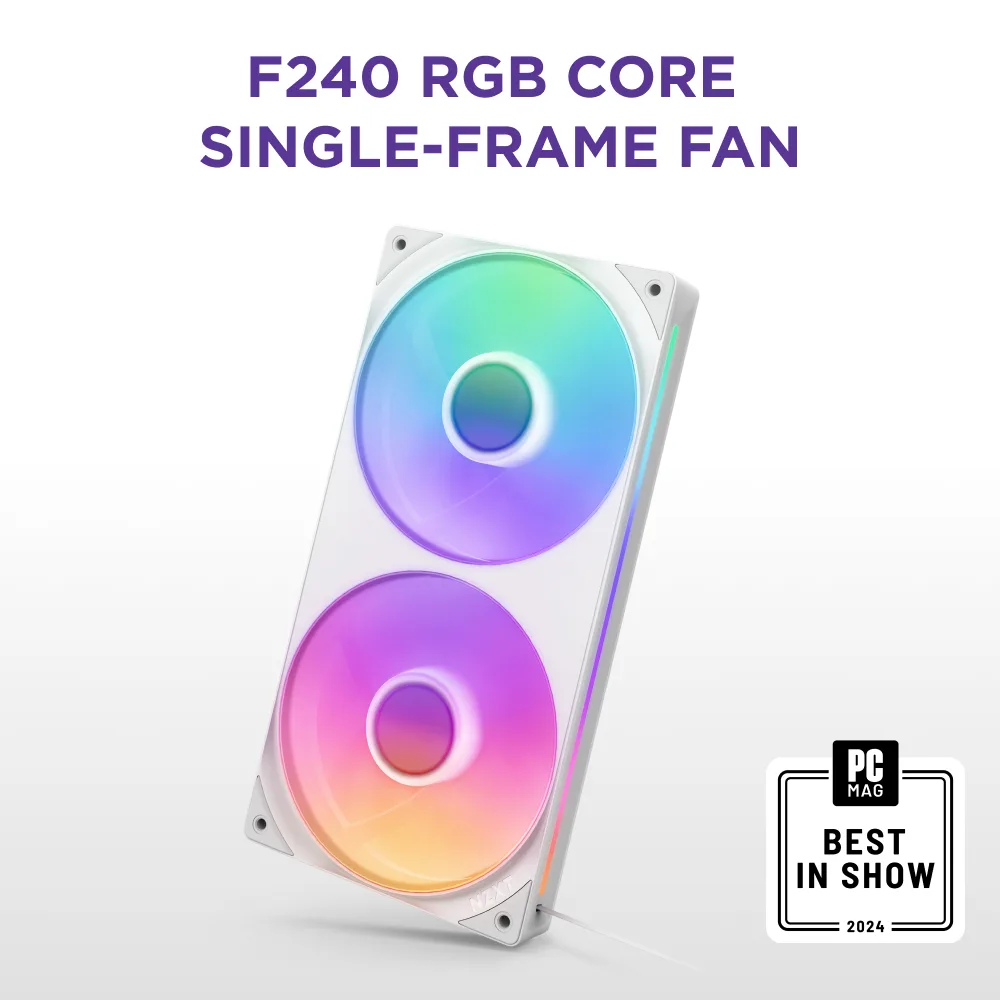
240 mm dual-fan unit with RGB lighting, fluid-dynamic bearings and a 500-2400 RPM range delivering 75.12 CFM at 30 dBA
- Fan Size240mm
- LEDRGB
- TypeCase Fan
- Bearing TypeFluid Dynamic Bearing
- RPM500 - 2400 +/- 250 RPM per fan
- Air Flow75.12 CFM per fan
- Dual 240mm fans deliver 75.12 CFM each for strong case airflow
- Fluid dynamic bearings and 30 dBA keep operation quiet at load
- 500 to 2400 RPM range with Zero RPM mode adapts to thermal needs
- Single-frame design with one 8-pin cable simplifies installation and cable routing
- Eight RGB LEDs per fan light semi-translucent blades for vivid illumination
240mm dual-fan RGB unit
The NZXT RF-U24HF-B1 combines two 240mm fans in a single frame with RGB LEDs on semi-translucent blades. It targets builders who want simplified cable routing and synchronised lighting through NZXT CAM software or a motherboard header. The fluid dynamic bearings support a Zero RPM mode for silent idle operation. Buyers who need individual fan placement or non-RGB variants should look elsewhere.
75.12 CFM airflow at 30 dBA
Each fan delivers 75.12 CFM and 3.3 mm H2O static pressure across a 500 to 2400 RPM range with a ±250 RPM tolerance. The minimal blade-to-edge gap is designed to balance airflow and pressure for radiator or case mounting. Headroom exists for high-heat loads at the upper RPM band, while the lower bound allows near-silent running. The 26mm thickness may limit clearance in compact chassis.
Fluid dynamic bearings and 8-pin control
The 8-pin connector carries both PWM and RGB signals, reducing cable count to one 300mm fan lead and one 100mm RGB lead. Zero RPM mode stops the fans completely at low temperatures, eliminating noise entirely. At typical speeds the unit runs at 30 dBA per fan, rising only under sustained load. A separate NZXT RGB & Fan Controller or compatible motherboard is required for full software control.
Highlights
- Dual 240mm fans deliver 75.12 CFM each for strong case airflow
- Fluid dynamic bearings and 30 dBA keep operation quiet at load
- 500 to 2400 RPM range with Zero RPM mode adapts to thermal needs
- Single-frame design with one 8-pin cable simplifies installation and cable routing
- Eight RGB LEDs per fan light semi-translucent blades for vivid illumination
Specifications
| Brand | NZXT |
|---|---|
| Series | F240 RGB CORE |
| Model | RF-U24HF-B1 |
| Part Number | RF-U24HF-B1 |
| Fan Size | 240mm |
| LED | RGB |
| Type | Case Fan |
| Bearing Type | Fluid Dynamic Bearing |
| RPM | 500 - 2400 +/- 250 RPM per fan |
| Air Flow | 75.12 CFM per fan |
| Noise Level | 30 dBA per fan |
| Power Connector | 8-pin for PWM & RGB |
| Color | Black |
| Fan Counts | 2 Fans |
| Fan Thickness | 26mm |
| Air Pressure | 3.3 mm H2O per fan |
| Features | HIGH PERFORMANCE. LOW NOISE. Optimized for cooling, the integrated fans balance airflow and static pressure. Minimal blade-to-edge gap boosts efficiency. Fluid dynamic bearings with Zero RPM Mode* ensure quiet, durable operation. *Requires an NZXT RGB & Fan Controller or NZXT motherboard, each sold separately. SIMPLE INSTALLATION Single-frame design simplifies installation and digital control. Connect a single cable to an NZXT RGB & Fan Controller (sold separately) to use CAM software or use the included splitter for motherboard connection. RADIANT RGB Eight RGB LEDs per fan illumina |
| Dimensions | 240 x 120 x 26 mm |
| Package Contents | 4-pin PWM Fan Cable - 1 x 300 mm 5V RGB & 4-pin NZXT RGB Cable - 1 x 100 mm |
| Shipping weight | 0.45 kg |
| Package size | 286 × 127 × 38 mm |
Other versions of this model
4 more in the same range
Same family, different memory, cooler or clock — compare before you commit.



Questions about this item
Will the 240 mm single-frame unit fit alongside my existing 120 mm fans without blocking RAM slots?
The frame measures 240 mm long by 120 mm wide and 26 mm thick, so it occupies the same footprint as two standard 120 mm fans and should clear most RAM heatsinks.
How can I confirm the fans are running at the rated 500 to 2400 RPM range after installation?
Connect the 4-pin PWM cable to a motherboard header or NZXT controller, then monitor RPM in BIOS or CAM software; the fans should report speeds within 500–2400 ±250 RPM.
Which cables are included and what must I purchase separately to run both PWM and RGB?
The box includes a 300 mm 4-pin PWM fan cable and a 100 mm 5 V RGB plus 4-pin NZXT RGB cable; an NZXT RGB & Fan Controller or compatible motherboard is required for full control and is sold separately.
Also in this aisle
People compared these
Same shelf, same checkout — eight coins and a 30-minute rate lock.
Lenovo
Lenovo ThinkStation P620 3945WX 4GHz 48GB 2x2TB NVMe 2x12TB HDD hard drive adapter
- Business Desktops &…
- Tower
$1,695.99
0.02155335BTC
In stock
Lenovo
Lenovo ThinkStation P620 Threadripper PRO 3945WX 4.0GHz 192GB RTX 4000 2x2TB NVMe 2x12TB HDD W11 Pro
- Business Desktops &…
- Tower
$2,291.99
0.02912757BTC
In stock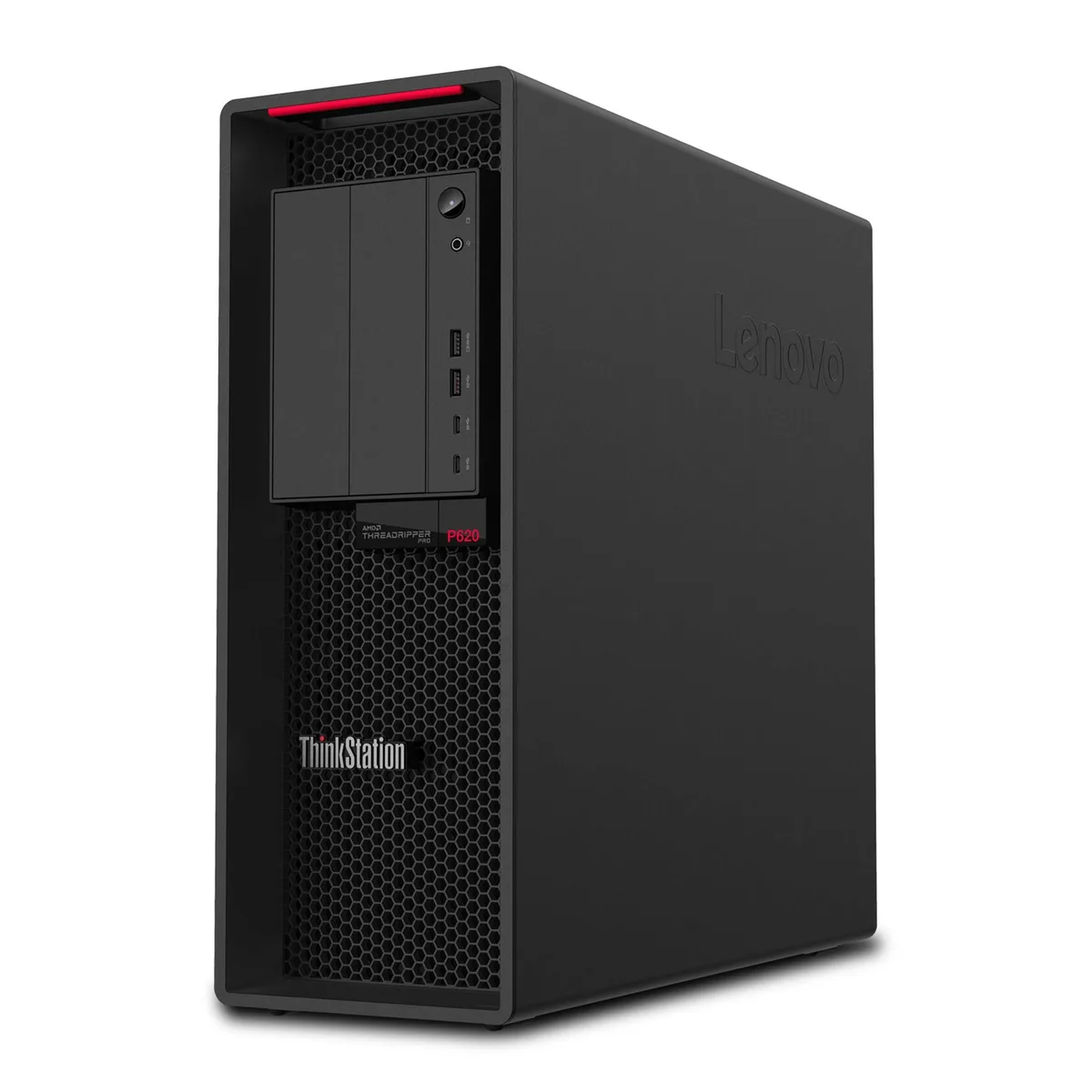
Lenovo
Lenovo ThinkStation P620 Threadripper PRO 3945WX 48GB 2TB NVMe 12TB HDD P1000 workstation
- Business Desktops &…
- Tower
$1,626.99
0.02067647BTC
In stock
Lenovo
Lenovo ThinkStation P620 Threadripper PRO 3945WX 4.0GHz 64GB RTX A4000 1TB NVMe 2x2TB SATA SSD W11 Pro
- Business Desktops &…
- Tower
$2,449.99
0.0311355BTC
In stock