ASRock Rack
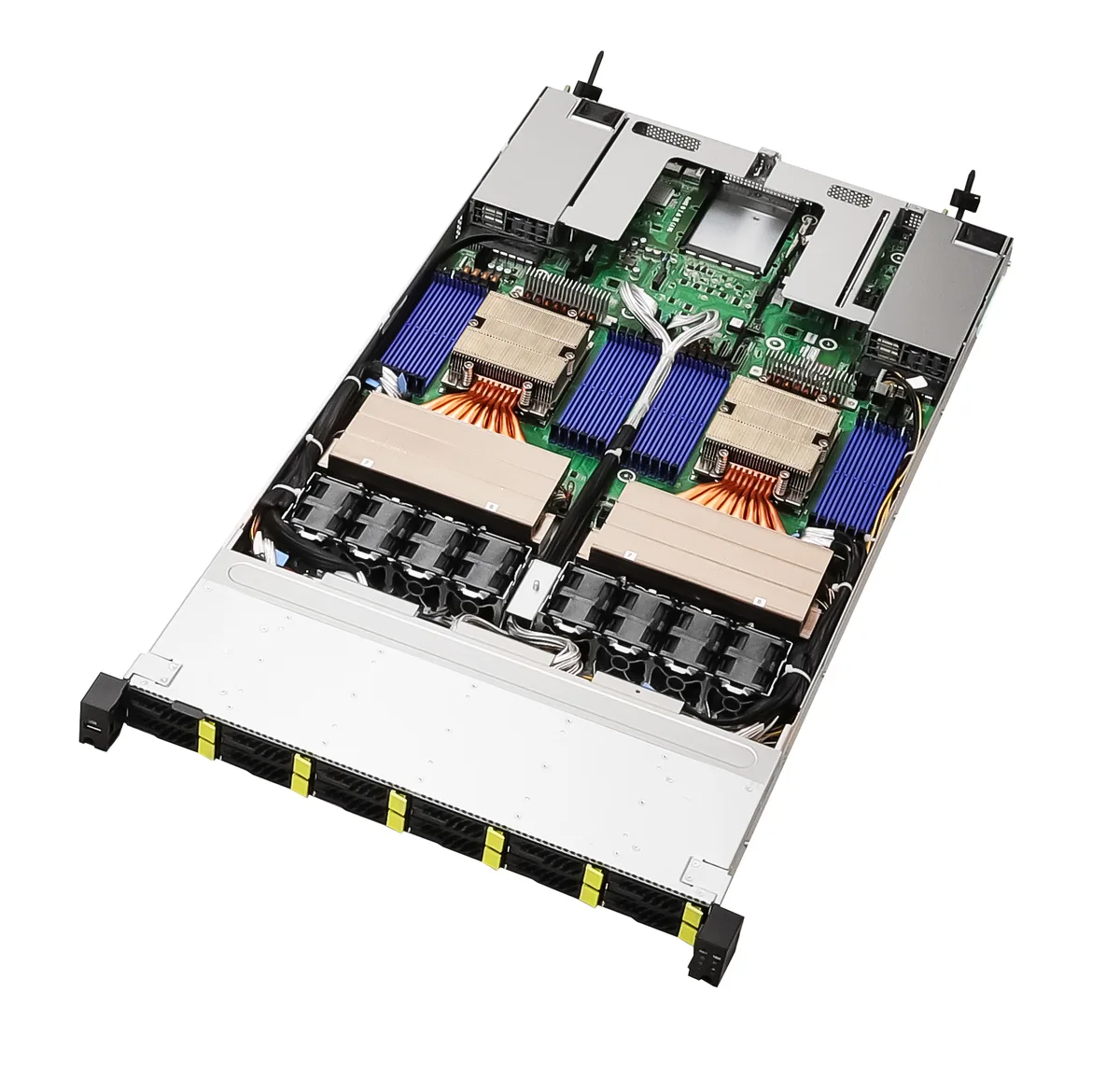
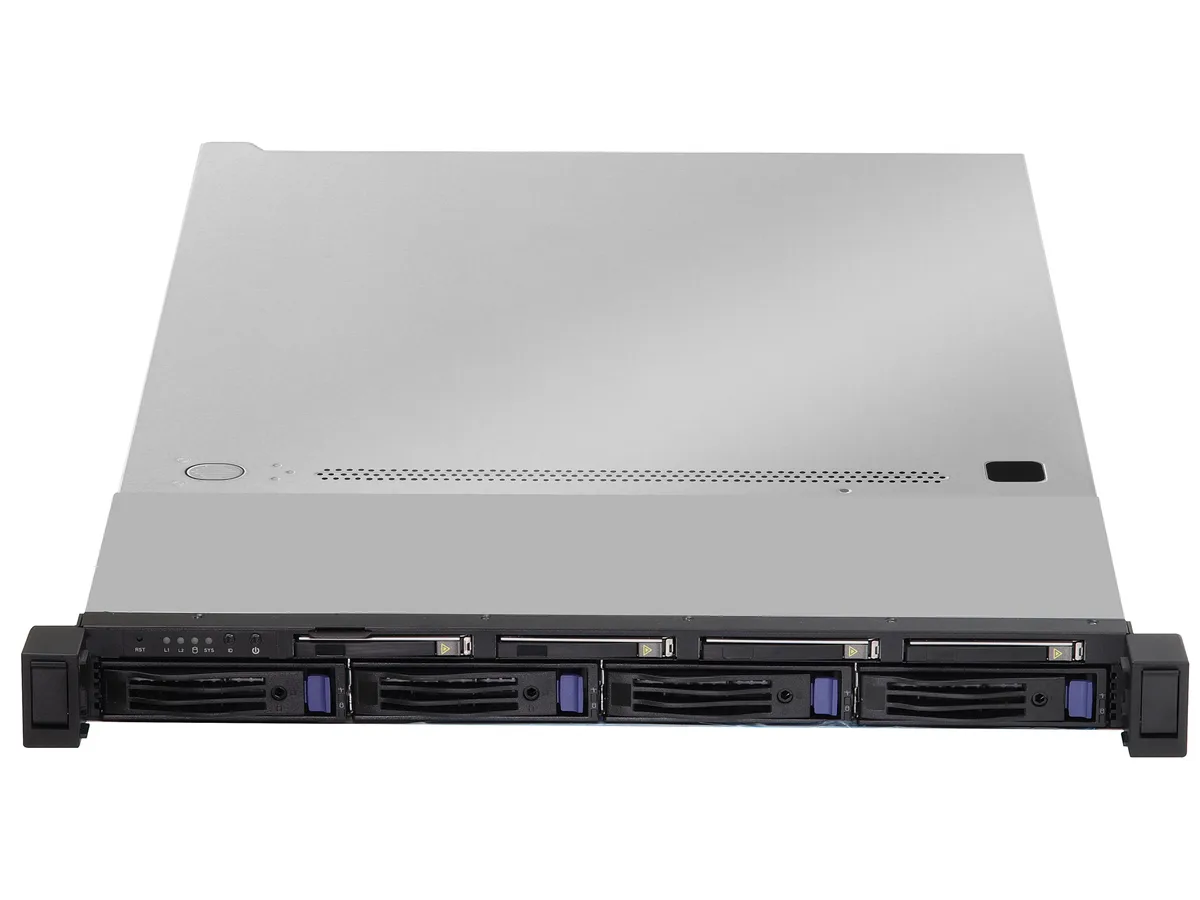
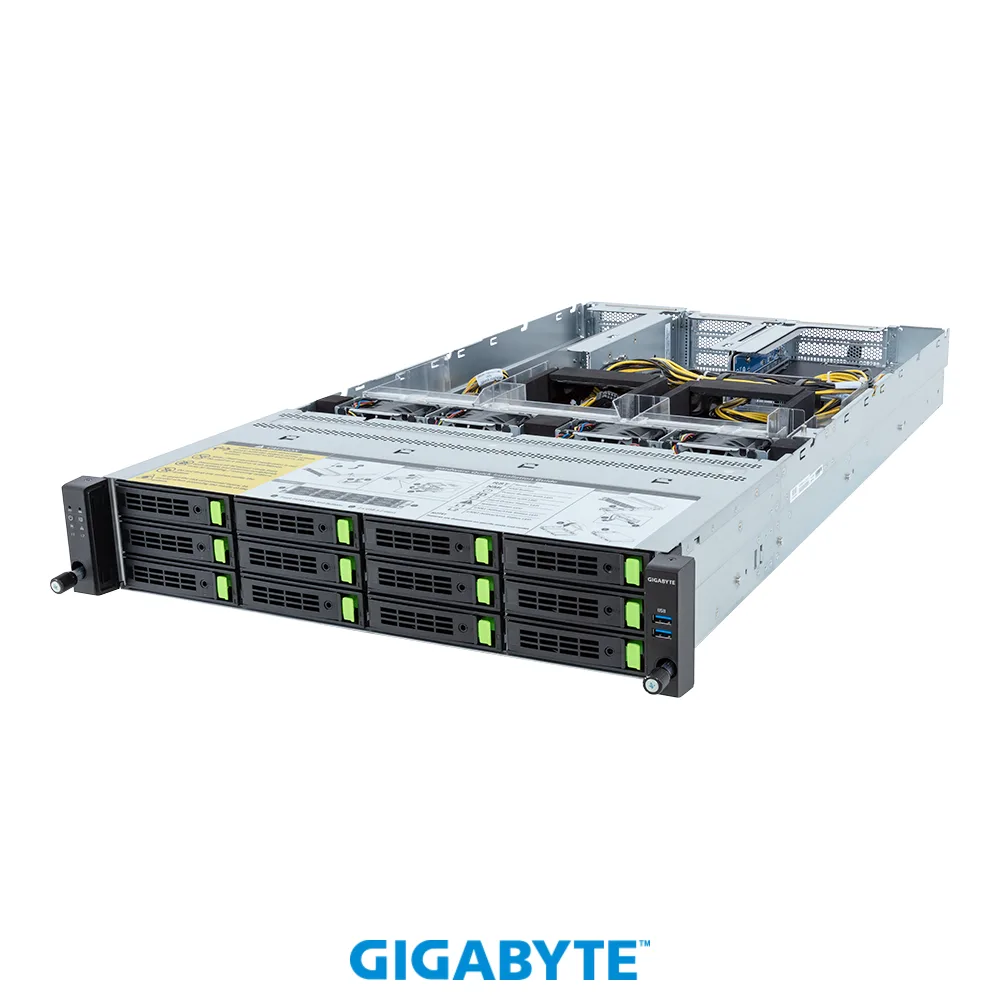
ASRock Rack 2U4N-F/C621-M3 2U 4-node barebone server
- 2U Rackmount
- Supports 2nd/1st Ge…
US$2,642.99
0.0338489BTC
現貨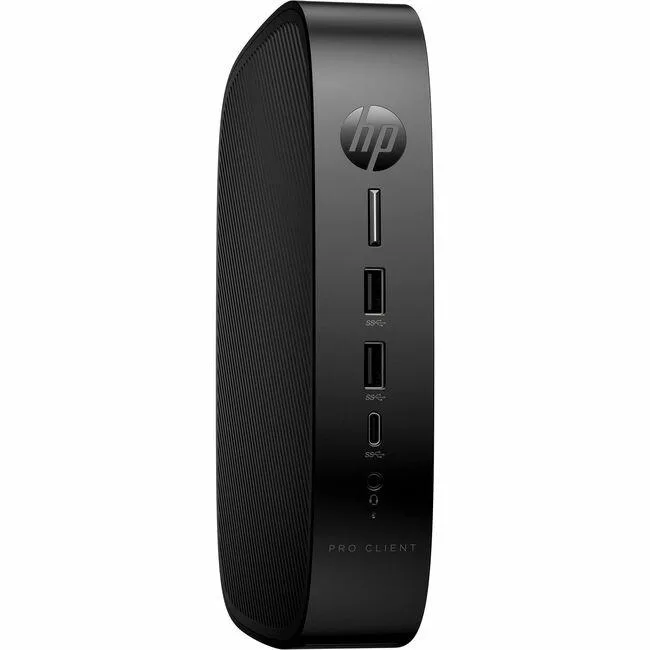


HP
A compact thin client with a quad-core Intel Celeron J6412, 4 GB DDR4 memory, 32 GB flash storage, Gigabit Ethernet, Wi-Fi 802.11ax and Bluetooth 5.3 for virtual desktop deployments
The HP Pro t550 is a compact thin client built for virtual desktop infrastructure. It runs on an Intel Celeron J6412 quad-core processor at 2 GHz with 4 GB of DDR4-3200 memory and 32 GB of flash storage. Intel UHD Graphics and Gigabit Ethernet provide baseline connectivity for remote sessions.
This unit suits organisations deploying HP ThinPro clients for centralised management and basic office tasks. Buyers who need local application performance, discrete graphics, or expandable memory and storage should look at a different class of device.
The onboard 32 GB flash drive determines how much local data and OS image the device can hold. If your deployment requires a larger local footprint, this capacity will be the limiting factor.
| Brand | HP |
|---|---|
| 出貨重量 | 2.47 kg |
| 包裝尺寸 | 508 × 254 × 127 mm |
The unit ships with a VESA bracket and screws so it can be attached to the back of a compatible monitor or to a wall mount.
Connect the power adapter, attach a DisplayPort cable, plug in the RJ-45 network lead, then press the front power button to launch the HP ThinPro setup wizard.
Open the tool-less chassis, remove the existing DDR4-3200 SO-DIMM, insert a compatible DDR4 module up to the board limit, then close the cover and power on.
同類商品
同一分類,同一套結帳流程 — 支援八種加密貨幣,匯率鎖定 30 分鐘。
您支付所用的幣種,以及查看價格所用的貨幣。
結帳時由您的錢包發送
僅供顯示 — 商品目錄以美元計價
查無符合的貨幣。
請選擇網站使用的語言。
查無符合的語言。
初次造訪?
已經有帳戶了嗎?
本店沒有自動重設密碼的機制:由於不寄送電子郵件,也就沒有一次性連結可供申請。只要將地址留在帳戶中,之後將由專人處理。
請求已收到
不會有任何郵件寄到您的信箱 — 本商店完全不寄送電子郵件。會有人親自處理這些申請。
想起來了嗎?