OWC
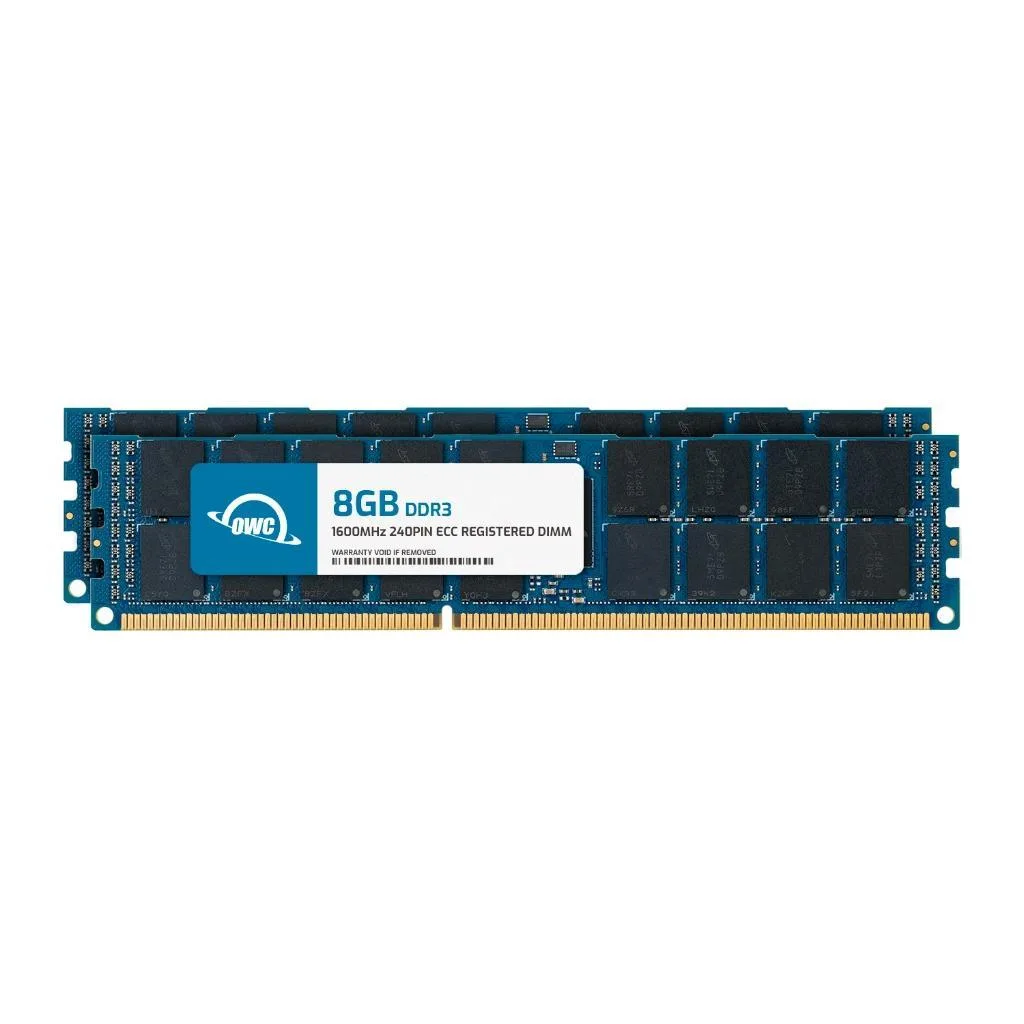
OWC 16GB (2x8GB) DDR3 1333 ECC Registered RDIMM for HP ProLiant DL585 G7 ML370 G6 SL160s G6 G7 memory upgrade
- 16GB (2 x 8GB)
- 240-Pin DDR3 ECC RD…
US$42.99
0.00055852BTC
現貨


OWC
16 GB DDR3L 1600 ECC registered RDIMM for Dell PowerEdge R520, R620, R715, R720 and R720xd servers
Capacity 16GB
This 16GB DDR3L 1600 CL11 registered DIMM is built for Dell PowerEdge R520, R620, R715, R720 and R720xd servers. It delivers ECC protection and registered signalling for workloads that require data integrity and stable multi-module operation. The module replaces Dell part numbers including A6761613, A6994465, A7515505, A8255125 and SNP20D6FC/16G. It is not compatible with standard desktop computers or unbuffered memory configurations.
Operating at 1.35V, the DDR3L module draws less power and generates less heat than standard 1.5V DDR3, helping dense server chassis stay within thermal limits. The lack of a heat spreader keeps the profile thin for tight DIMM spacing while the lower voltage reduces strain on the memory voltage regulator. CL11 latency at 1600MHz provides predictable timing for ECC scrubbing and registered buffering overhead.
The 240-pin RDIMM fits directly into any available DDR3L slot on the supported PowerEdge platforms, letting you add 16GB per module without displacing existing memory. Registered buffering reduces electrical load on the memory controller, freeing headroom for larger total capacities across multiple channels. Buyers who need unbuffered ECC or desktop DDR3L should look elsewhere, as this module will not function in those systems.
| Brand | OWC |
|---|---|
| Part Number | 1R6T32R416GB |
| Capacity | 16GB |
| Type | 240-Pin DDR3L ECC RDIMM |
| Speed | DDR3L 1600 (PC3L 12800) |
| CAS Latency | CL11 |
| Voltage | 1.35V |
| ECC | Yes |
| Buffered/Registered | Registered |
| Rank | 2Rx4 |
| Heat Spreader | No |
| Compatible System | Dell PowerEdge R520 Dell PowerEdge R620 Dell PowerEdge R715 Dell PowerEdge R720 Dell PowerEdge R720xd |
其他版本
同系列產品,記憶體、散熱器或時脈不同 — 下單前請先比較。
Power off the server, open the chassis, align the notch on the 240-pin module with the slot key, press firmly until both clips lock, then enter the BIOS to verify the 16 GB module is recognised at 1600 MHz; the step often missed is enabling the ECC registered setting in BIOS so error correction activates.
No routine maintenance is required; if a memory error appears in the system log, reseat the module and run the built-in diagnostics, and replace the DIMM only if errors persist after reseating.
The 16 GB capacity ceiling is reached before bandwidth or latency limits; once the operating system exhausts the 16 GB address space, paging to storage begins and throughput drops sharply.
同類商品
同一分類,同一套結帳流程 — 支援八種加密貨幣,匯率鎖定 30 分鐘。
您支付所用的幣種,以及查看價格所用的貨幣。
結帳時由您的錢包發送
僅供顯示 — 商品目錄以美元計價
查無符合的貨幣。
請選擇網站使用的語言。
查無符合的語言。
初次造訪?
已經有帳戶了嗎?
本店沒有自動重設密碼的機制:由於不寄送電子郵件,也就沒有一次性連結可供申請。只要將地址留在帳戶中,之後將由專人處理。
請求已收到
不會有任何郵件寄到您的信箱 — 本商店完全不寄送電子郵件。會有人親自處理這些申請。
想起來了嗎?