eshinreal
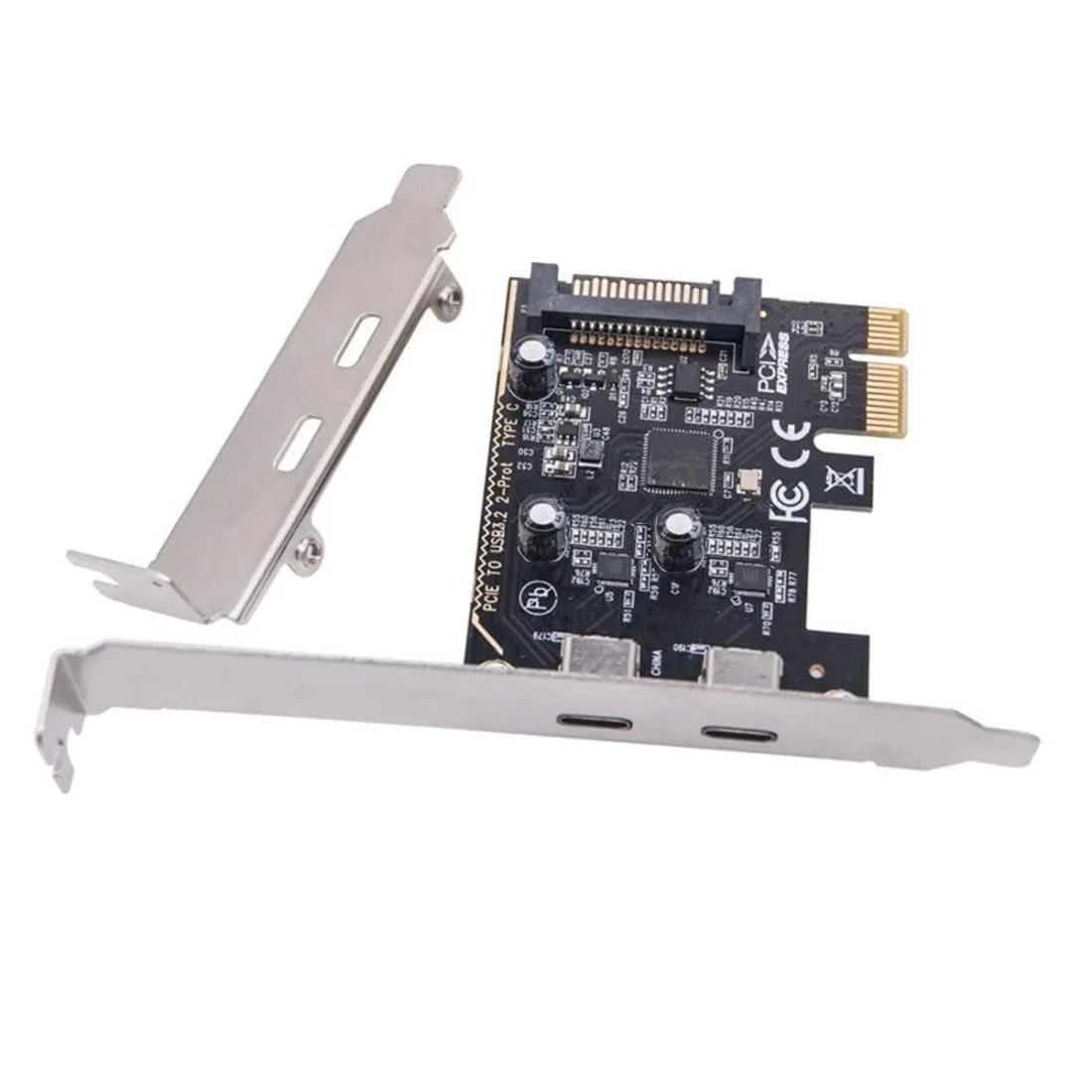
eshinreal 4 Port Mini PCIe to SATA 3 Expansion Card
- Controller Card
25,99 US$
0.00033339BTC
SklademPřijímáme kryptoměny — takže to, co držíte, můžete utratit za skutečný hardware.Plaťte kryptem, utrácejte ho za skutečný hardware. Pojištěná doprava zdarma po celém světě nad 399 $. Neutrální přepravní krabice bez loga, odesílané z Německa.Pojištěná doprava zdarma nad 399 $. Jakmile se otevře pokladna, je váš kurz zablokovaný na 30 minut.Kurz zablokovaný na 30 minut. Každý výrobek je zapečetěný, jeho sériové číslo je zkontrolované a vztahuje se na něj 24měsíční záruka.Zapečetěno, záruka 24 měsíců.
KHACHIMO
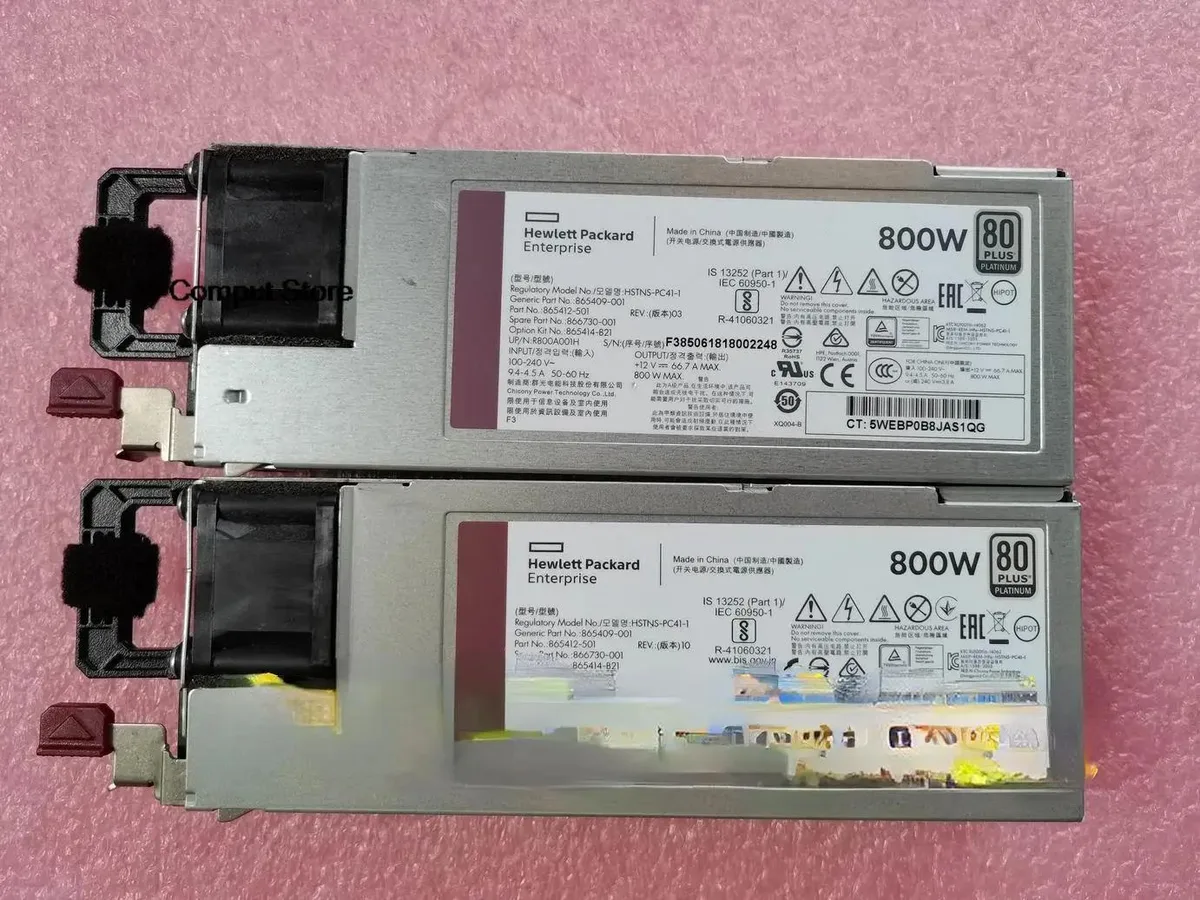
800 W ATX power supply tested working for HPE part numbers HSTNS-PC41-1, 865414-B21, 865409-001 and 866730-001
The KHACHIMO G10 delivers 800 watts of ATX power for desktop builds and workstation replacements. It suits system integrators and technicians who need a tested unit for compatible HP chassis using the listed part numbers. This new supply is verified working before dispatch. Buyers requiring modular cables or higher efficiency ratings should look elsewhere.
The unit operates at its rated 800 W capacity under normal load conditions. Cooling performance and acoustic output match standard ATX expectations for this class. No specific fan curves or decibel figures are provided by the supplier. Power draw scales with connected hardware up to the maximum rated output.
| Type | ATX |
|---|
Mount the unit with the four rear screws, orient the fan toward the case vent, then firmly seat the 24-pin ATX connector into the motherboard socket until the latch clicks.
Use compressed air to clear dust from the fan grill and internal heatsinks once a year; if the fan becomes noisy or stops spinning, replace the entire power supply unit.
Také v této kategorii
Stejná kategorie, stejná pokladna — osm měn a kurz zamčený na 30 minut.
Měna, ve které platíte, a měna, ve které se zobrazují ceny.
Odesláno z vaší peněženky u pokladny
Pouze pro zobrazení — katalog je veden v dolarech
Žádná měna neodpovídá.
Vyberte jazyk, ve kterém s vámi bude web komunikovat.
Žádný jazyk neodpovídá.
Poprvé tady?
Už účet máte?
Neexistuje žádná automatická obnova hesla: tento obchod neposílá žádné e-maily, takže neexistuje jednorázový odkaz, o který by bylo možné požádat. Nechte adresu uvedenou u účtu, vyřídíme ji ručně.
Žádost zaznamenána
Do vaší schránky nic nedorazí — tento obchod neposílá žádné e-maily. Někdo se o to postará ručně.
Vzpomněli jste si?