

Elo Touch Solutions
Elo Touch Solutions 1991L 19" Open-Frame Touchscreen Monitor
- 19"
US$615.99US$650.99−5%
0.00758917BTC
재고 있음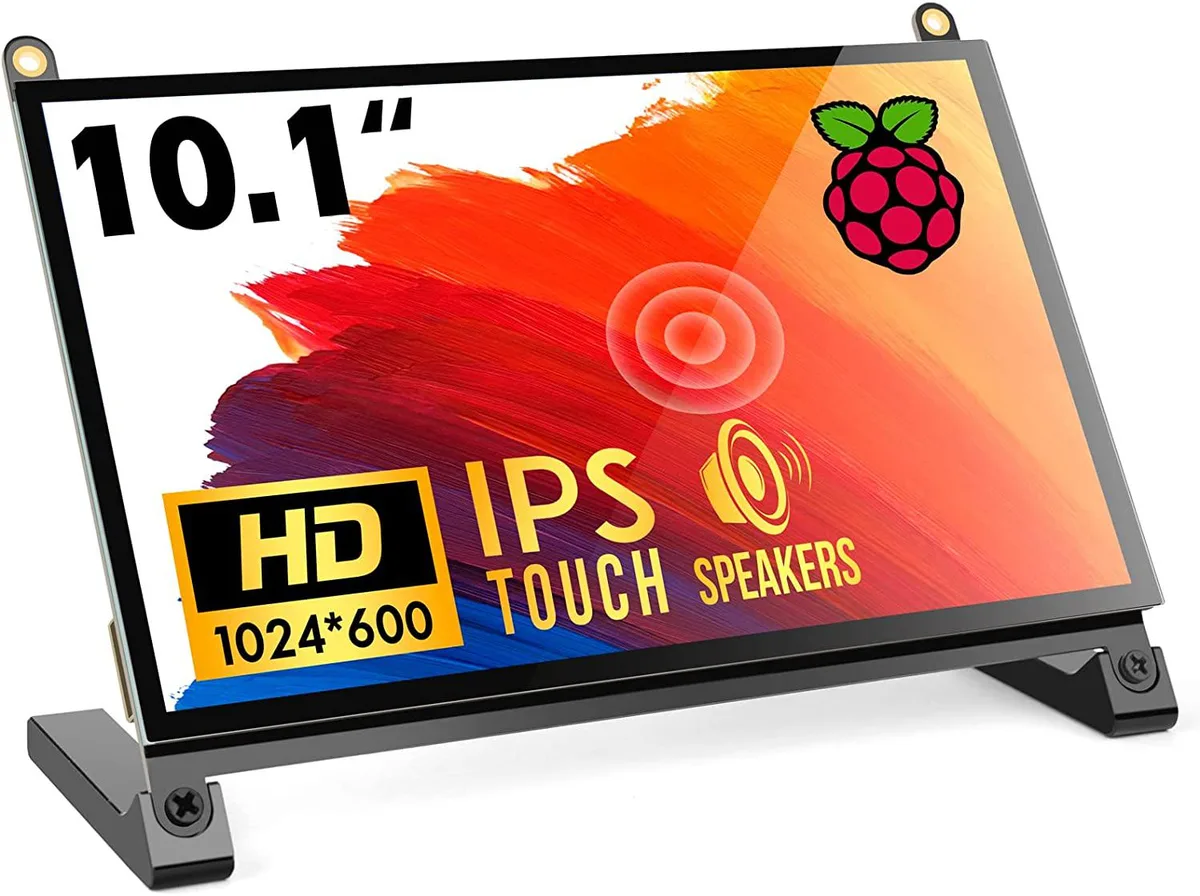


WaveShare
A 10.1 inch portable touchscreen monitor with 1024×600 IPS panel, 178° viewing angle and plug-and-play HDMI connectivity
The WaveShare 10.1 inch portable monitor combines a 1024×600 IPS panel with a 178° viewing angle and five-point capacitive touch. It targets Raspberry Pi enthusiasts, embedded developers and anyone needing a compact secondary display that works driver-free across Windows, Linux and macOS. The screen accepts HDMI video input and draws power over USB.
Native resolution is 1024×600, though the scaler accepts signals up to 1920×1080; images above the native grid are down-sampled, so fine text may lose sharpness. The HDMI port carries video only, while touch data and backlight power travel over a separate USB link, meaning two cables are always required. The panel tops out at 60 Hz and offers no adaptive-sync or HDR capability.
No driver installation is needed on supported operating systems; the monitor enumerates as a standard HID touch device and an external display. The most frequent issue is forgetting to peel both protective films, which degrades clarity and touch responsiveness. Insufficient USB current from a weak port can cause flicker or touch drop-outs, so a powered hub or adequate supply is advised.
| CPU Type | Other |
|---|
The panel is a native 1024×600 IPS display; it can accept a 1920×1080 signal and downscale it, but the on-screen detail remains limited to 1024×600 pixels.
Colours and contrast stay consistent whether you look straight on or from far off-centre, so the picture does not wash out when you shift position.
The single HDMI port carries both video and touch data, so any device with HDMI output — Raspberry Pi 4, 3, 2, 1, 3B+, 400, laptops, game consoles — can drive the screen without extra cables or drivers.
이 진열대의 다른 상품
같은 진열대, 같은 체크아웃 — 코인 8종, 환율 잠금 30분.
결제할 코인과 가격을 확인할 통화입니다.
체크아웃 시 지갑에서 전송됩니다.
표시 전용 — 카탈로그 가격은 달러 기준입니다.
일치하는 통화가 없습니다.
사이트에서 사용할 언어를 선택하십시오.
일치하는 언어가 없습니다.
처음 방문하셨나요?
이미 계정이 있으신가요?
자동 재설정 기능은 없습니다. 이 쇼핑몰은 어떠한 메일도 보내지 않으므로 요청할 일회용 링크 자체가 없습니다. 계정에 등록된 이메일 주소를 그대로 두시면 담당자가 직접 확인해 처리합니다.
요청 접수
받은편지함으로 오는 것은 아무것도 없습니다 — 이 쇼핑몰은 메일을 전혀 보내지 않습니다. 담당자가 직접 확인해 처리합니다.
기억나셨나요?



