

Elo Touch Solutions
Elo Touch Solutions 1991L 19" Open-Frame Touchscreen Monitor
- 19"
US$615.99US$650.99−5%
0.00758917BTC
現貨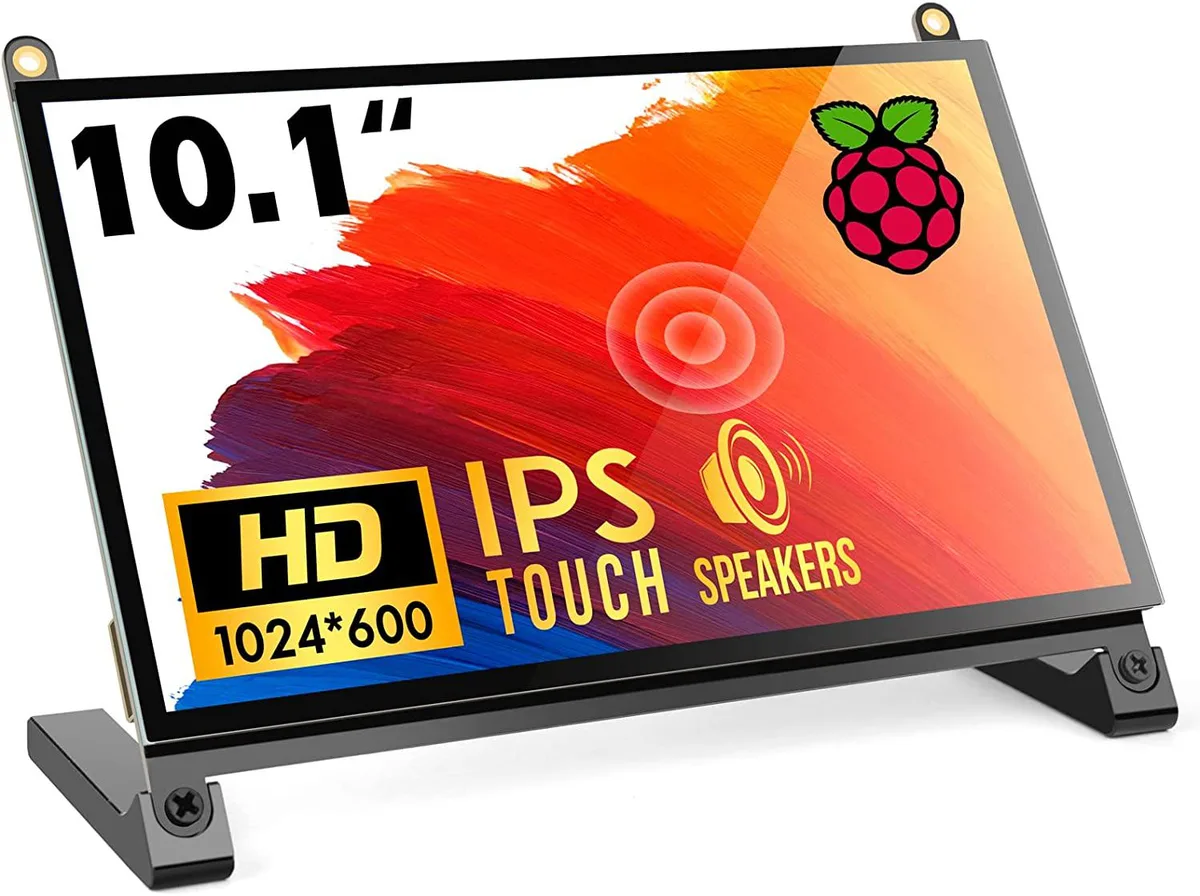


WaveShare
A 10.1 inch portable touchscreen monitor with 1024×600 IPS panel, 178° viewing angle and plug-and-play HDMI connectivity
The WaveShare 10.1 inch portable monitor combines a 1024×600 IPS panel with a 178° viewing angle and five-point capacitive touch. It targets Raspberry Pi enthusiasts, embedded developers and anyone needing a compact secondary display that works driver-free across Windows, Linux and macOS. The screen accepts HDMI video input and draws power over USB.
Native resolution is 1024×600, though the scaler accepts signals up to 1920×1080; images above the native grid are down-sampled, so fine text may lose sharpness. The HDMI port carries video only, while touch data and backlight power travel over a separate USB link, meaning two cables are always required. The panel tops out at 60 Hz and offers no adaptive-sync or HDR capability.
No driver installation is needed on supported operating systems; the monitor enumerates as a standard HID touch device and an external display. The most frequent issue is forgetting to peel both protective films, which degrades clarity and touch responsiveness. Insufficient USB current from a weak port can cause flicker or touch drop-outs, so a powered hub or adequate supply is advised.
| CPU Type | Other |
|---|
The panel is a native 1024×600 IPS display; it can accept a 1920×1080 signal and downscale it, but the on-screen detail remains limited to 1024×600 pixels.
Colours and contrast stay consistent whether you look straight on or from far off-centre, so the picture does not wash out when you shift position.
The single HDMI port carries both video and touch data, so any device with HDMI output — Raspberry Pi 4, 3, 2, 1, 3B+, 400, laptops, game consoles — can drive the screen without extra cables or drivers.
同類商品
同一分類,同一套結帳流程 — 支援八種加密貨幣,匯率鎖定 30 分鐘。
您支付所用的幣種,以及查看價格所用的貨幣。
結帳時由您的錢包發送
僅供顯示 — 商品目錄以美元計價
查無符合的貨幣。
請選擇網站使用的語言。
查無符合的語言。
初次造訪?
已經有帳戶了嗎?
本店沒有自動重設密碼的機制:由於不寄送電子郵件,也就沒有一次性連結可供申請。只要將地址留在帳戶中,之後將由專人處理。
請求已收到
不會有任何郵件寄到您的信箱 — 本商店完全不寄送電子郵件。會有人親自處理這些申請。
想起來了嗎?



