

Elo Touch Solutions
Elo Touch Solutions 1991L 19" Open-Frame Touchscreen Monitor
- 19"
615,99 US$650,99 US$−5%
0.00758917BTC
En stockAceptamos criptomonedas — así, las criptos que usted tiene pueden comprar hardware real.Pague en cripto y gástela en hardware real. Envío asegurado gratis a nivel mundial a partir de $399. Cajas neutras, sin marca, enviadas desde Alemania.Envío asegurado gratis a partir de $399. Su cotización queda bloqueada 30 minutos en cuanto se abre el pago.Cotización bloqueada 30 minutos. Todos los artículos vienen sellados, con el número de serie verificado y cubiertos por una garantía de 24 meses.Sellado, con 24 meses de garantía.


WaveShare
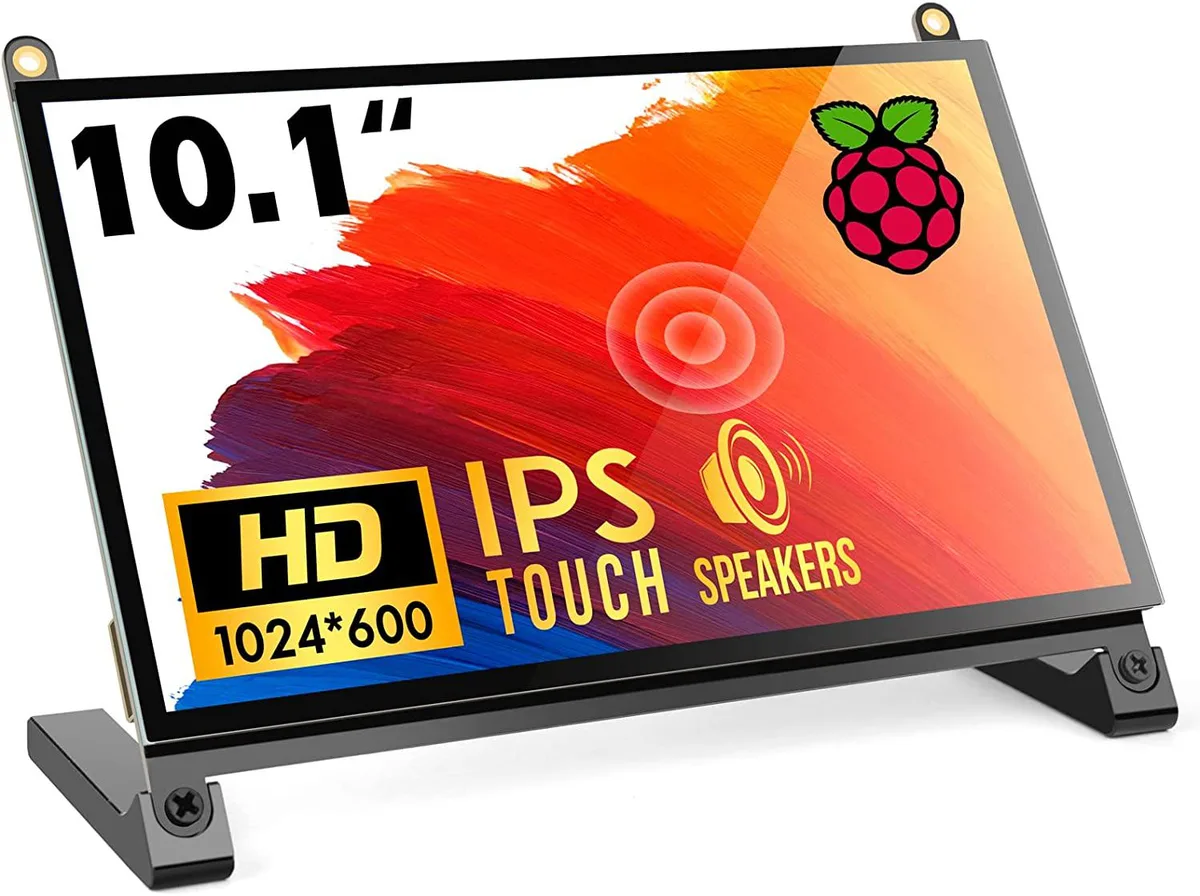
A 10.1 inch portable touchscreen monitor with 1024×600 IPS panel, 178° viewing angle and plug-and-play HDMI connectivity
The WaveShare 10.1 inch portable monitor combines a 1024×600 IPS panel with a 178° viewing angle and five-point capacitive touch. It targets Raspberry Pi enthusiasts, embedded developers and anyone needing a compact secondary display that works driver-free across Windows, Linux and macOS. The screen accepts HDMI video input and draws power over USB.
Native resolution is 1024×600, though the scaler accepts signals up to 1920×1080; images above the native grid are down-sampled, so fine text may lose sharpness. The HDMI port carries video only, while touch data and backlight power travel over a separate USB link, meaning two cables are always required. The panel tops out at 60 Hz and offers no adaptive-sync or HDR capability.
No driver installation is needed on supported operating systems; the monitor enumerates as a standard HID touch device and an external display. The most frequent issue is forgetting to peel both protective films, which degrades clarity and touch responsiveness. Insufficient USB current from a weak port can cause flicker or touch drop-outs, so a powered hub or adequate supply is advised.
| CPU Type | Other |
|---|
The panel is a native 1024×600 IPS display; it can accept a 1920×1080 signal and downscale it, but the on-screen detail remains limited to 1024×600 pixels.
Colours and contrast stay consistent whether you look straight on or from far off-centre, so the picture does not wash out when you shift position.
The single HDMI port carries both video and touch data, so any device with HDMI output — Raspberry Pi 4, 3, 2, 1, 3B+, 400, laptops, game consoles — can drive the screen without extra cables or drivers.
También en este pasillo
Mismo estante, mismo pago — ocho criptomonedas y un tipo de cambio fijado 30 minutos.
Lo que usted paga, y la moneda en la que lee los precios.
Se envía desde su billetera al finalizar la compra
Solo informativo — el catálogo está en dólares
Ninguna moneda coincide.
Elija el idioma en el que el sitio le habla.
Ningún idioma coincide.
¿Es nuevo aquí?
¿Ya tiene una?
No existe ningún restablecimiento automático: esta tienda no envía correos electrónicos, así que no hay ningún enlace de un solo uso que solicitar. Deje la dirección asociada a la cuenta y se atenderá de forma manual.
Solicitud registrada
No hay nada de camino a su bandeja de entrada: esta tienda no envía correos en absoluto. Alguien se encarga de esto manualmente.
¿La recordó?



