

Elo Touch Solutions
Elo Touch Solutions 1991L 19" Open-Frame Touchscreen Monitor
- 19"
615,99 US$650,99 US$−5%
0.00758263BTC
Em stockAceitamos criptomoeda — para que as moedas que detém possam comprar material informático real.Pague em cripto, gaste-a em material informático real. Envio seguro gratuito para todo o mundo acima de 399 $. Caixas neutras, sem marca, expedidas a partir da Alemanha.Envio seguro gratuito acima de 399 $. A sua taxa fica bloqueada durante 30 minutos assim que abre a finalização da compra.Taxa bloqueada 30 minutos. Cada artigo é selado, o seu número de série é verificado, e está coberto por uma garantia de 24 meses.Selado, garantido 24 meses.


WaveShare
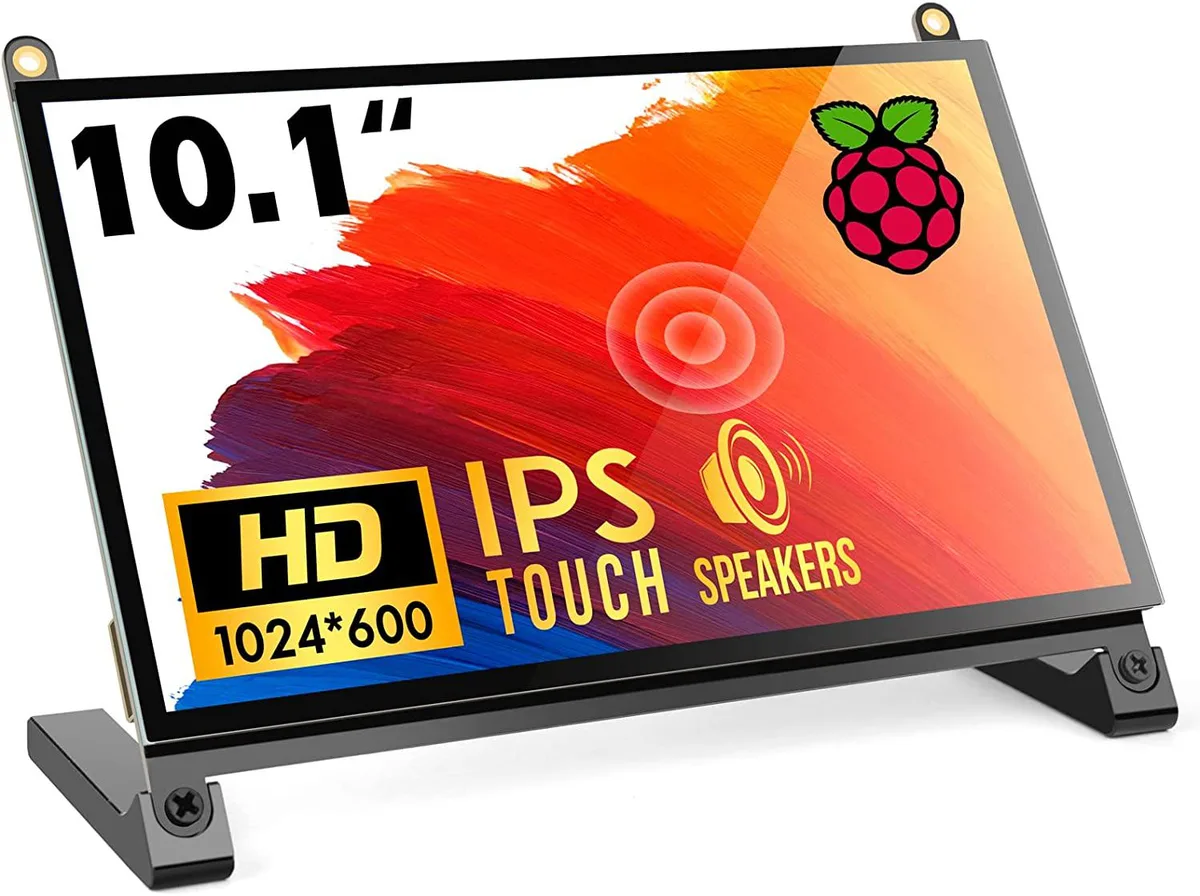
A 10.1 inch portable touchscreen monitor with 1024×600 IPS panel, 178° viewing angle and plug-and-play HDMI connectivity
The WaveShare 10.1 inch portable monitor combines a 1024×600 IPS panel with a 178° viewing angle and five-point capacitive touch. It targets Raspberry Pi enthusiasts, embedded developers and anyone needing a compact secondary display that works driver-free across Windows, Linux and macOS. The screen accepts HDMI video input and draws power over USB.
Native resolution is 1024×600, though the scaler accepts signals up to 1920×1080; images above the native grid are down-sampled, so fine text may lose sharpness. The HDMI port carries video only, while touch data and backlight power travel over a separate USB link, meaning two cables are always required. The panel tops out at 60 Hz and offers no adaptive-sync or HDR capability.
No driver installation is needed on supported operating systems; the monitor enumerates as a standard HID touch device and an external display. The most frequent issue is forgetting to peel both protective films, which degrades clarity and touch responsiveness. Insufficient USB current from a weak port can cause flicker or touch drop-outs, so a powered hub or adequate supply is advised.
| CPU Type | Other |
|---|
The panel is a native 1024×600 IPS display; it can accept a 1920×1080 signal and downscale it, but the on-screen detail remains limited to 1024×600 pixels.
Colours and contrast stay consistent whether you look straight on or from far off-centre, so the picture does not wash out when you shift position.
The single HDMI port carries both video and touch data, so any device with HDMI output — Raspberry Pi 4, 3, 2, 1, 3B+, 400, laptops, game consoles — can drive the screen without extra cables or drivers.
Também nesta secção
Mesma prateleira, mesma finalização da compra — oito moedas e uma taxa bloqueada durante 30 minutos.
O que paga, e a moeda em que vê os preços.
Enviado da sua carteira ao finalizar a compra
Apenas informativo — o catálogo está em dólares
Nenhuma moeda corresponde.
Escolha o idioma em que o site lhe fala.
Nenhum idioma corresponde.
Ainda não tem conta?
Já tem conta?
Não existe reposição automática: esta loja não envia qualquer e-mail, pelo que não há nenhum link de utilização única para pedir. Deixe o endereço na conta e ele será tratado manualmente.
Pedido registado
Não vai chegar nada à sua caixa de entrada — esta loja não envia qualquer e-mail. Alguém trata disto manualmente.
Recordou-se dela?



