
Buffalo Technology
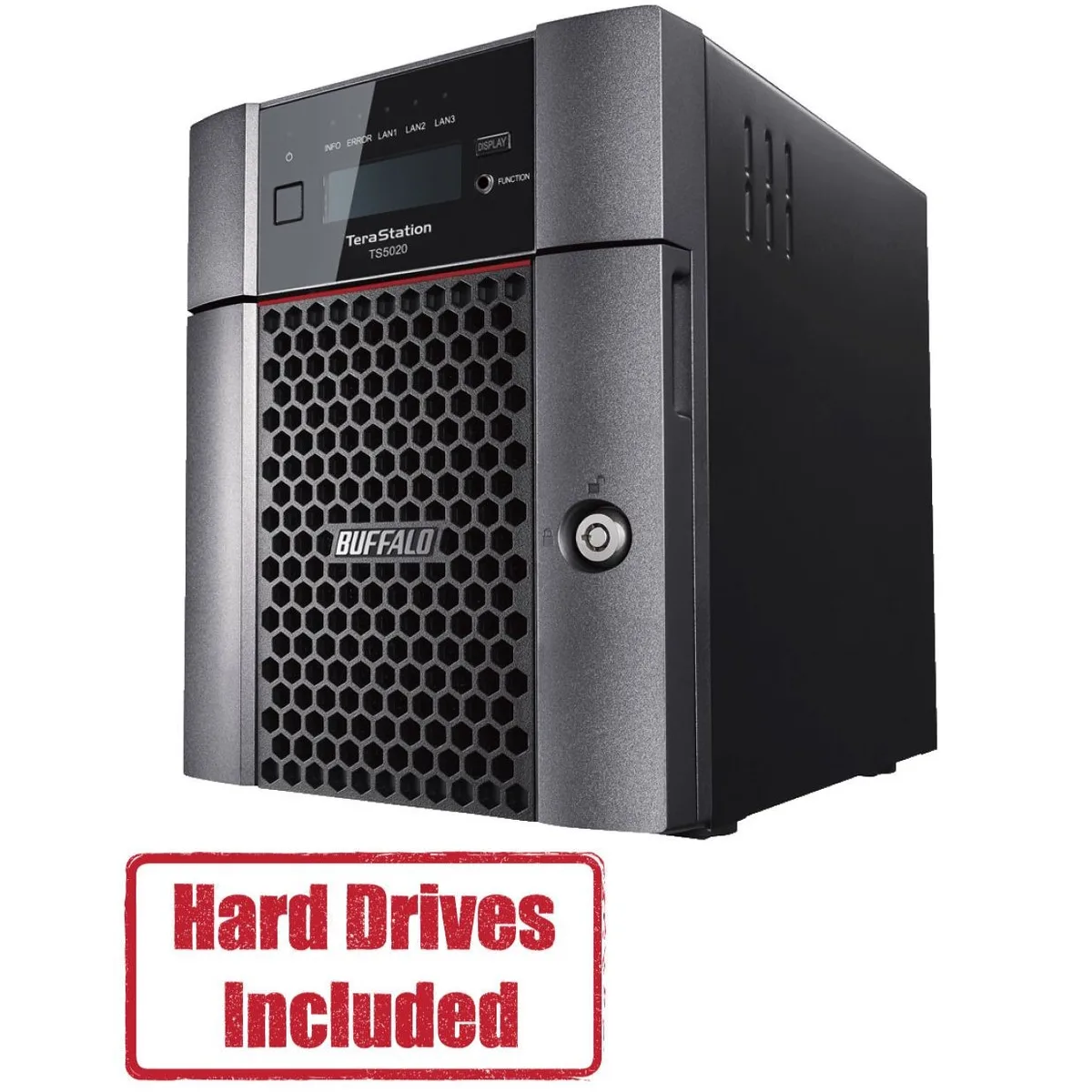
Buffalo Technology TS5420DN1602 4-Bay 16TB Desktop NAS
- Desktop NAS
- IEEE 802.3, IEEE 80…
870,99 US$
0.01078438BTC
Em stockAceitamos criptomoeda — para que as moedas que detém possam comprar material informático real.Pague em cripto, gaste-a em material informático real. Envio seguro gratuito para todo o mundo acima de 399 $. Caixas neutras, sem marca, expedidas a partir da Alemanha.Envio seguro gratuito acima de 399 $. A sua taxa fica bloqueada durante 30 minutos assim que abre a finalização da compra.Taxa bloqueada 30 minutos. Cada artigo é selado, o seu número de série é verificado, e está coberto por uma garantia de 24 meses.Selado, garantido 24 meses.


Buffalo Technology
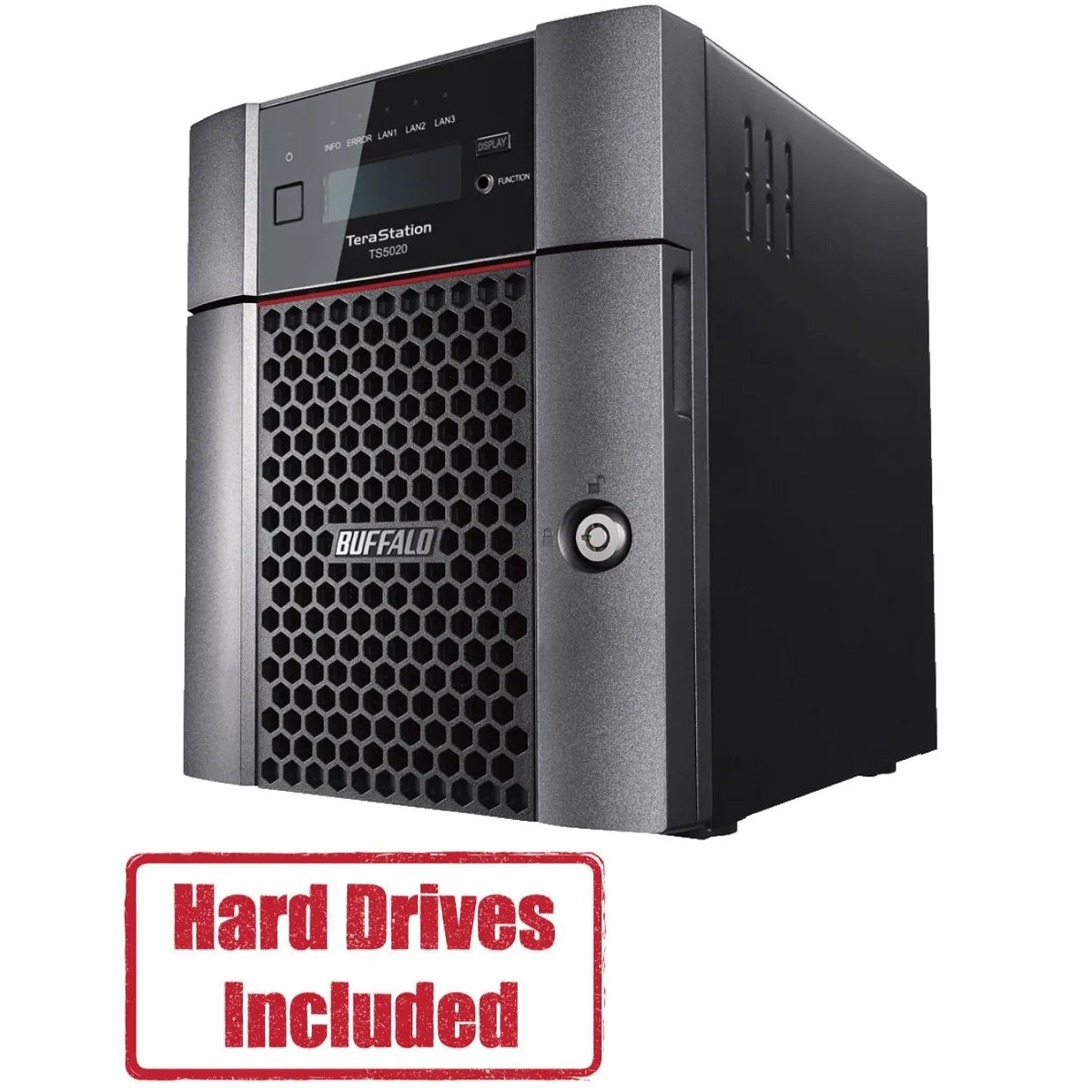
A four-bay desktop NAS pre-loaded with 32 TB across two 16 TB drives and RAID-ready, driven by a quad-core 2.04 GHz processor with 8 GB DDR4 and a native 10 GbE port
Included HDD Capacity 32TB (2 x 16TB)
Option Partially Populated
The Buffalo TeraStation 5420 arrives with two 16 TB NAS-grade drives installed and RAID pre-configured, so it serves files the moment it is powered on. An Annapurna Labs AL524 quad-core processor and 8 GB of DDR4 memory handle concurrent access from multiple workstations without a separate server.
Moving from a single-drive share or a 1 GbE appliance to this unit adds a native 10 GbE port and RAID 5 or 6 redundancy, cutting backup windows and protecting against two simultaneous drive failures. The jump is worth it when daily transfer volumes exceed what a gigabit link can sustain.
The single 10GBASE-T port reaches full speed only with Cat6a or better runs under the 100 m channel limit, and the four-bay chassis caps raw capacity at the installed 32 TB unless drives are swapped for larger compatible models. USB 3.0 ports add external expansion but do not extend the internal RAID array.
| Brand | BUFFALO |
|---|---|
| Series | TeraStation 5020 |
| Model | TS5420DN3202 |
| Part Number | TS5420DN3202 |
| Type | Desktop NAS |
| Standards | IEEE 802.3, IEEE 802.3u, IEEE 802.3ab |
| Ports | 1 x 10GbE |
| Port RJ-45 | 1 x 10GbE + 2 x 1GbE |
| Port USB | 2 x USB3.0 + 2 x USB2.0 |
| HDD Interface | 4 x SATA (4 x Bay) |
| Form Factor | 4-Bay |
| Processor | Annapurna Labs Alpine Processor AL524 (2.04 GHz Quad-Core) |
| Installed Memory | 8GB DDR4 |
| Included HDD Capacity | 32TB (2 x 16TB) |
| RAID | RAID 0, 1, 5, 6, 10, and JBOD |
| Drive Compatibility | OP-HD16.0N |
| Supported Protocols | TCP/IP |
| LEDs | Power, HDD (Hard Disk Drive), LAN (10/100) |
| Power | 100-240 VAC 50/60Hz |
| Power Consumption | 60W |
| Temperature | 0°C - 40 °C |
| Humidity | 0-80% RH non-condensing |
| Usage | High read/write performance with RAID |
| Dimensions | 9.1 x 6.7 x 8.5 in |
| Weight | 18.1 lbs |
| Package Contents | TeraStation, Quick Setup Guide, AC Cable, Front Panel Key, and Warranty Statement |
| Peso de envio | 6.99 kg |
| Dimensões da embalagem | 366 × 363 × 318 mm |
Outras versões deste modelo
Mesma família, memória, ventoinha ou frequência diferentes — compare antes de decidir.
The unit measures 9.1 inches wide, 6.7 inches deep and 8.5 inches high. Allow extra clearance at the rear for the AC cable, two USB 3.0, two USB 2.0, one 10GbE and two 1GbE RJ-45 ports.
Insert the included 16TB drives into the lowest-numbered bays, then power on. The RAID volume is pre-configured so the array builds automatically; skipping the bay order is the common mistake.
Replace a drive when the front HDD LED shows amber or the management console reports a SMART error. Use only OP-HD16.0N modules to keep RAID compatibility and the original 32TB capacity.
Também nesta secção
Mesma prateleira, mesma finalização da compra — oito moedas e uma taxa bloqueada durante 30 minutos.
O que paga, e a moeda em que vê os preços.
Enviado da sua carteira ao finalizar a compra
Apenas informativo — o catálogo está em dólares
Nenhuma moeda corresponde.
Escolha o idioma em que o site lhe fala.
Ainda não tem conta?
Já tem conta?
Não existe reposição automática: esta loja não envia qualquer e-mail, pelo que não há nenhum link de utilização única para pedir. Deixe o endereço na conta e ele será tratado manualmente.
Pedido registado
Não vai chegar nada à sua caixa de entrada — esta loja não envia qualquer e-mail. Alguém trata disto manualmente.
Recordou-se dela?





