

SanDisk
SanDisk Cruzer Blade 8 GB USB 2.0 USB flash drive Black SDCZ50-008G-B35
US$391.99
0.00502139BTC
現貨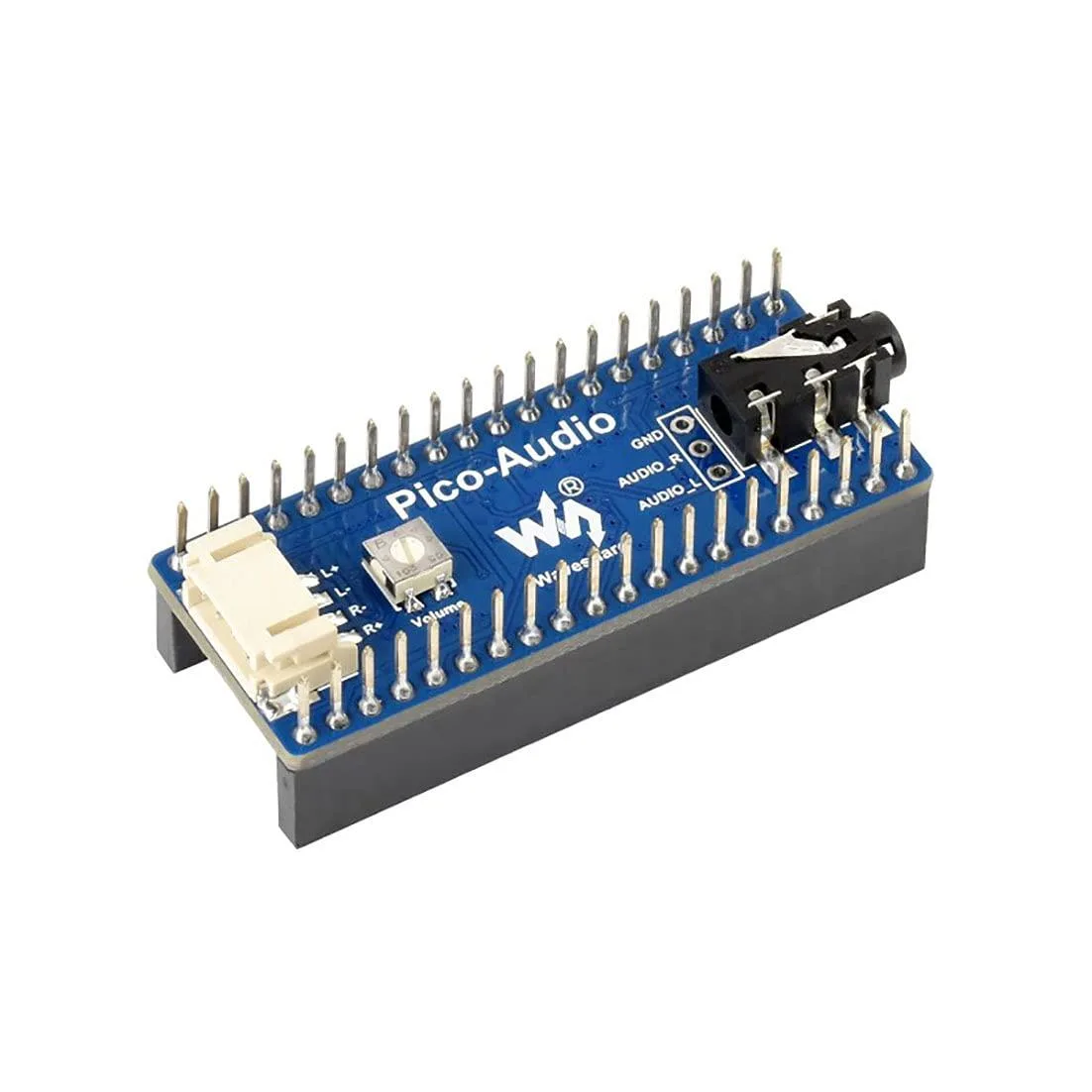


LORDWORLD
Adds a 3.5 mm jack and dual speaker headers to a Raspberry Pi Pico with stereo output up to 384000 Hz sampling
This board adds stereo audio output to any Raspberry Pi Pico series board using the standard header. It is intended for makers, students and engineers who need a compact way to generate sound in embedded projects without designing their own analogue circuitry.
A standard 3.5 mm socket accepts headphones or line-level devices while two dedicated headers drive speakers directly. The 3-wire I2S interface keeps the digital audio path short, reducing electromagnetic interference in tight enclosures.
Verify that your Pico variant uses the standard pinout so the board seats correctly. Confirm your power supply can deliver enough current for the connected speakers or headphones at the required volume levels.
| Brand | LORDWORLD |
|---|
The 3-wire I2S interface supports an audio sampling rate from 8 Hz up to 384000 Hz, allowing both narrowband and high-resolution stereo playback.
The board uses the standard RPi Pico header pinout and adds a 3.5 mm audio jack plus dual-channel speaker headers that sit alongside the Pico once seated.
Press the module straight down onto the Pico header pins until fully seated; the step often missed is verifying that every header pin and the speaker terminals make solid contact before powering up.
同類商品
同一分類,同一套結帳流程 — 支援八種加密貨幣,匯率鎖定 30 分鐘。
您支付所用的幣種,以及查看價格所用的貨幣。
結帳時由您的錢包發送
僅供顯示 — 商品目錄以美元計價
查無符合的貨幣。
請選擇網站使用的語言。
查無符合的語言。
初次造訪?
已經有帳戶了嗎?
本店沒有自動重設密碼的機制:由於不寄送電子郵件,也就沒有一次性連結可供申請。只要將地址留在帳戶中,之後將由專人處理。
請求已收到
不會有任何郵件寄到您的信箱 — 本商店完全不寄送電子郵件。會有人親自處理這些申請。
想起來了嗎?



