
LetLinkSo
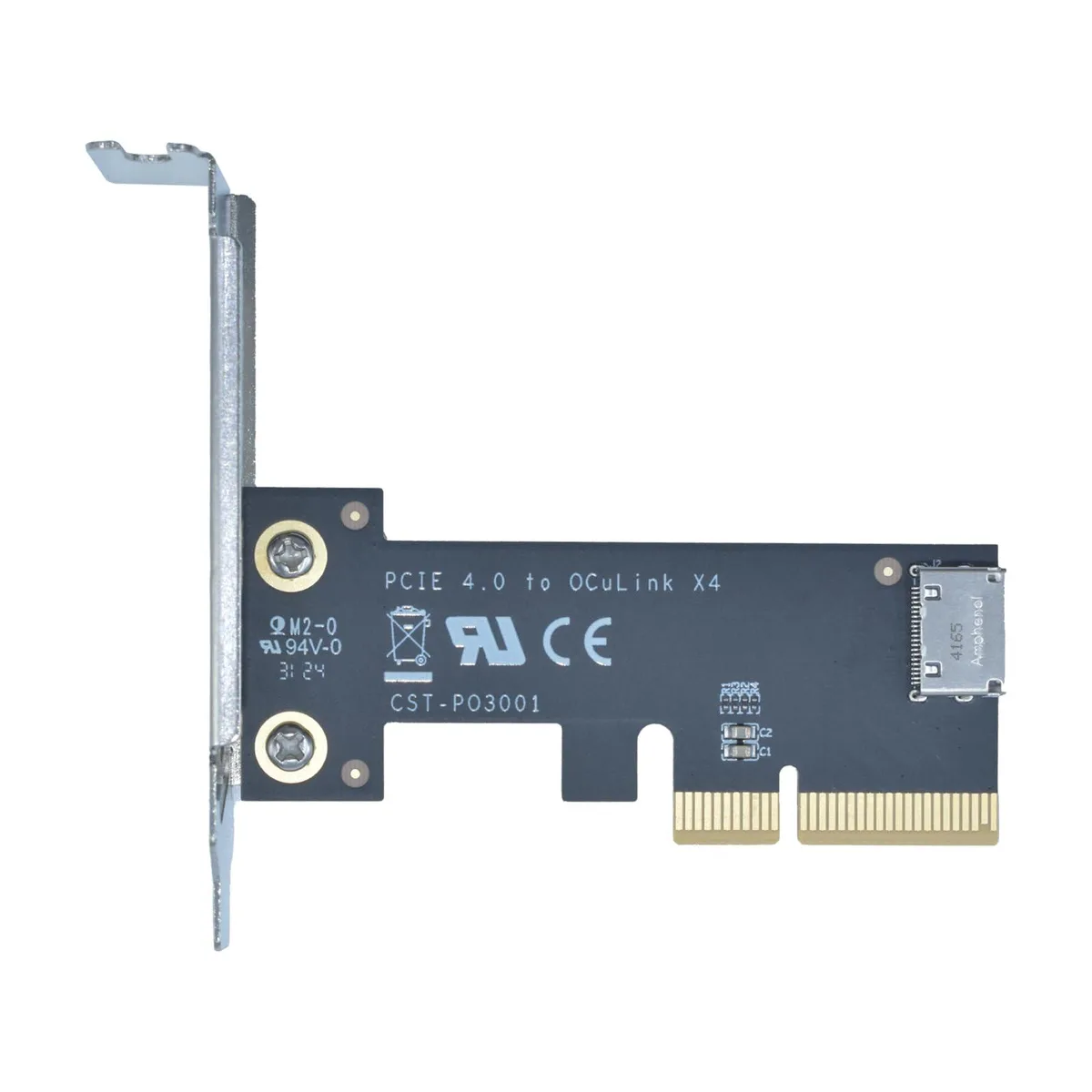
LetLinkSo LLS-CD-1PC1OC-01 PCIe 4.0 x4 to Oculink SFF-8612 Internal Adapter Card
- PCIe to Oculink Ada…
- PCIe 4.0
$17.99
0.00023167BTC
在庫あり


LetLinkSo
Adds two Oculink SFF-8612 ports over a PCIe 4.0 x8 slot for NVMe SSDs or eGPUs at 128 Gbps
Adapter Type PCIe x8 to 4-Port Oculink / External
The LetLinkSo LLS-CD-1PC2OC-01 adds two Oculink SFF-8612 x4 ports through a single PCIe 4.0 x8 slot, giving desktop builders a direct path to external NVMe storage or eGPU enclosures that use SFF-8611 cables. It targets users whose motherboards lack native Oculink headers but have a free x8 electrical slot. Buyers who need more than two ports or who only have x4 or x1 slots available cannot use this card.
Each Oculink housing is welded to the PCB rather than surface-mounted, which reduces flex during repeated cable insertion and removal. The x8 edge connector splits into two independent x4 links, so each port can run at the full PCIe 4.0 16 GT/s per lane rate without sharing bandwidth. Systems without bifurcation support in the BIOS will not see both ports simultaneously.
The adapter presents attached NVMe drives as bootable devices, allowing the operating system to load directly from external storage without an internal drive. No proprietary drivers are required; Windows, Windows Server and Linux all recognise the card natively on insertion. The package contains only the adapter board itself, so SFF-8611 cables and any mounting brackets must be sourced separately.
| Brand | LetLinkSo |
|---|---|
| Series | PCIe to Oculink Card |
| Model | LLS-CD-1PC2OC-01 |
| Type | PCIe to Oculink Adapter |
| Standard | PCIe 4.0 |
| Data Transfer Rate | 16GT/s (per lane) |
| Operating Systems Supported | Windows,Windows Server and Linux |
| Compatibility | PCIe 4.0 |
| Specifications | PCIe x8 to 2-port Oculink |
| Features | EXPANDED CONNECTIVITY |
| Weight | 1 lbs |
| Package Contents | 1 x PCIe x8 to 2-port Oculink Adapter |
このモデルの他のバージョン
同じファミリーで、メモリ・クーラー・クロックが異なります — 購入前に比較してください。
The card uses PCIe 4.0 across eight lanes at 16 GT/s per lane, delivering 128 Gbps total throughput.
It needs a PCIe x8 or larger slot and occupies one low-profile bracket opening for the two SFF-8612 ports.
Insert the card into the slot, secure the bracket screw, attach SFF-8611 cables to the SFF-8612 ports, then verify the motherboard BIOS sets the slot to PCIe 4.0 x8 mode — many leave it on auto and get reduced width.
同じ売り場の商品
同じ売り場、同じレジ — 8種類のコインと30分間のレートロック。
お支払いに使うコインと、価格表示に使う通貨です。
チェックアウト時にウォレットから送信されます。
表示のみ—カタログの価格は米ドル建てです。
該当する通貨がありません。
サイトの表示言語を選択してください。
一致する言語がありません。
初めてのご利用ですか?
すでにお持ちですか?
自動的な再設定はありません。当店はメールを送信しないため、ワンタイムリンクをお送りすることもできません。アカウントにメールアドレスを残しておいていただければ、担当者が手作業で確認いたします。
リクエストを受け付けました
受信箱に何かが届くことはありません — 当店はメールを一切送信していません。担当者が手作業で確認いたします。
思い出しましたか?





