
LetLinkSo
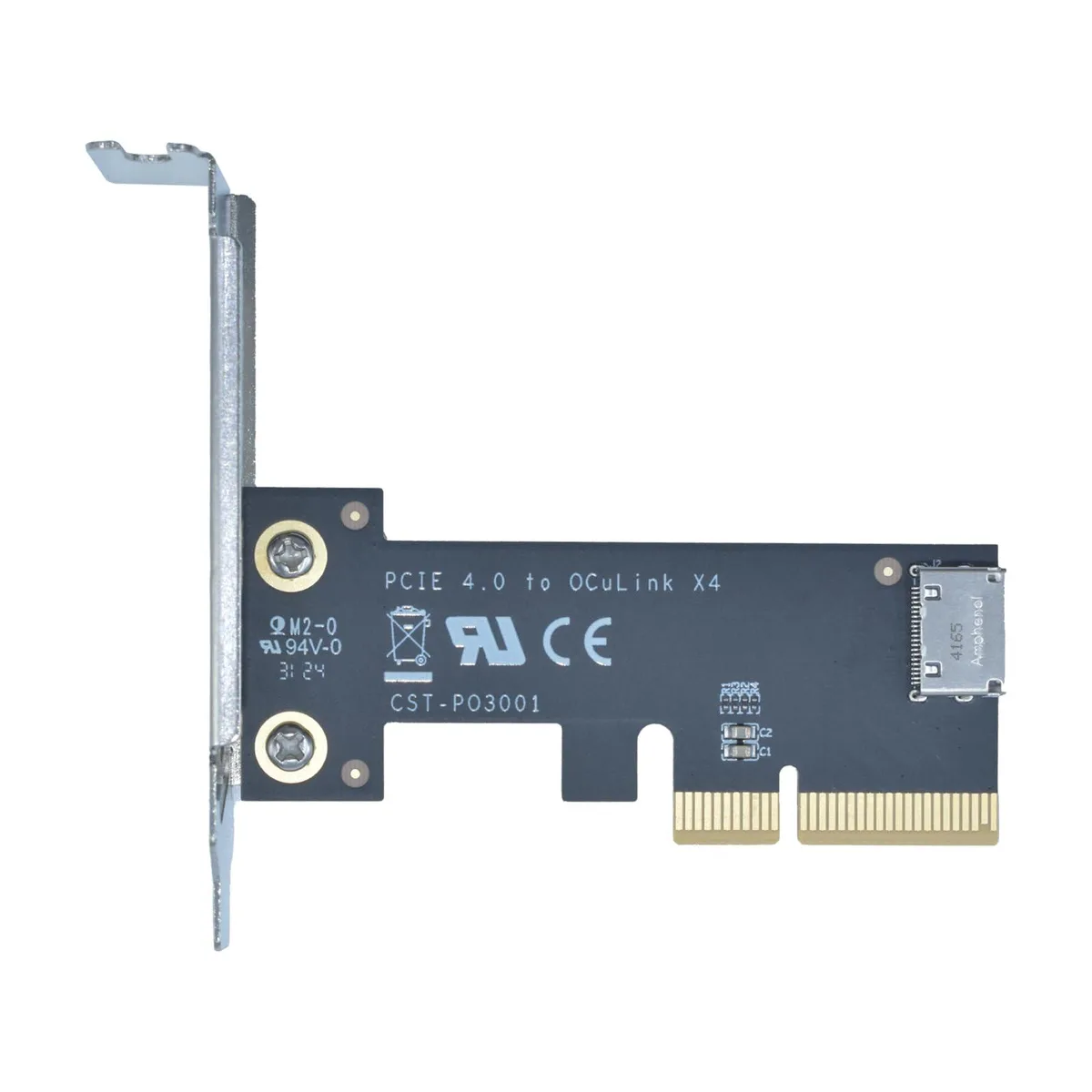
LetLinkSo LLS-CD-1PC1OC-01 PCIe 4.0 x4 to Oculink SFF-8612 Internal Adapter Card
- PCIe to Oculink Ada…
- PCIe 4.0
US$17.99
0.00023129BTC
재고 있음


LetLinkSo
Adds two Oculink SFF-8612 ports over a PCIe 4.0 x8 slot for NVMe SSDs or eGPUs at 128 Gbps
Adapter Type PCIe x8 to 4-Port Oculink / External
The LetLinkSo LLS-CD-1PC2OC-01 adds two Oculink SFF-8612 x4 ports through a single PCIe 4.0 x8 slot, giving desktop builders a direct path to external NVMe storage or eGPU enclosures that use SFF-8611 cables. It targets users whose motherboards lack native Oculink headers but have a free x8 electrical slot. Buyers who need more than two ports or who only have x4 or x1 slots available cannot use this card.
Each Oculink housing is welded to the PCB rather than surface-mounted, which reduces flex during repeated cable insertion and removal. The x8 edge connector splits into two independent x4 links, so each port can run at the full PCIe 4.0 16 GT/s per lane rate without sharing bandwidth. Systems without bifurcation support in the BIOS will not see both ports simultaneously.
The adapter presents attached NVMe drives as bootable devices, allowing the operating system to load directly from external storage without an internal drive. No proprietary drivers are required; Windows, Windows Server and Linux all recognise the card natively on insertion. The package contains only the adapter board itself, so SFF-8611 cables and any mounting brackets must be sourced separately.
| Brand | LetLinkSo |
|---|---|
| Series | PCIe to Oculink Card |
| Model | LLS-CD-1PC2OC-01 |
| Type | PCIe to Oculink Adapter |
| Standard | PCIe 4.0 |
| Data Transfer Rate | 16GT/s (per lane) |
| Operating Systems Supported | Windows,Windows Server and Linux |
| Compatibility | PCIe 4.0 |
| Specifications | PCIe x8 to 2-port Oculink |
| Features | EXPANDED CONNECTIVITY |
| Weight | 1 lbs |
| Package Contents | 1 x PCIe x8 to 2-port Oculink Adapter |
이 모델의 다른 버전
같은 제품군에서 메모리·쿨러·클럭이 다릅니다 — 결정 전에 비교해 보세요.
The card uses PCIe 4.0 across eight lanes at 16 GT/s per lane, delivering 128 Gbps total throughput.
It needs a PCIe x8 or larger slot and occupies one low-profile bracket opening for the two SFF-8612 ports.
Insert the card into the slot, secure the bracket screw, attach SFF-8611 cables to the SFF-8612 ports, then verify the motherboard BIOS sets the slot to PCIe 4.0 x8 mode — many leave it on auto and get reduced width.
이 진열대의 다른 상품
같은 진열대, 같은 체크아웃 — 코인 8종, 환율 잠금 30분.
결제할 코인과 가격을 확인할 통화입니다.
체크아웃 시 지갑에서 전송됩니다.
표시 전용 — 카탈로그 가격은 달러 기준입니다.
일치하는 통화가 없습니다.
사이트에서 사용할 언어를 선택하십시오.
일치하는 언어가 없습니다.
처음 방문하셨나요?
이미 계정이 있으신가요?
자동 재설정 기능은 없습니다. 이 쇼핑몰은 어떠한 메일도 보내지 않으므로 요청할 일회용 링크 자체가 없습니다. 계정에 등록된 이메일 주소를 그대로 두시면 담당자가 직접 확인해 처리합니다.
요청 접수
받은편지함으로 오는 것은 아무것도 없습니다 — 이 쇼핑몰은 메일을 전혀 보내지 않습니다. 담당자가 직접 확인해 처리합니다.
기억나셨나요?





