ASUS
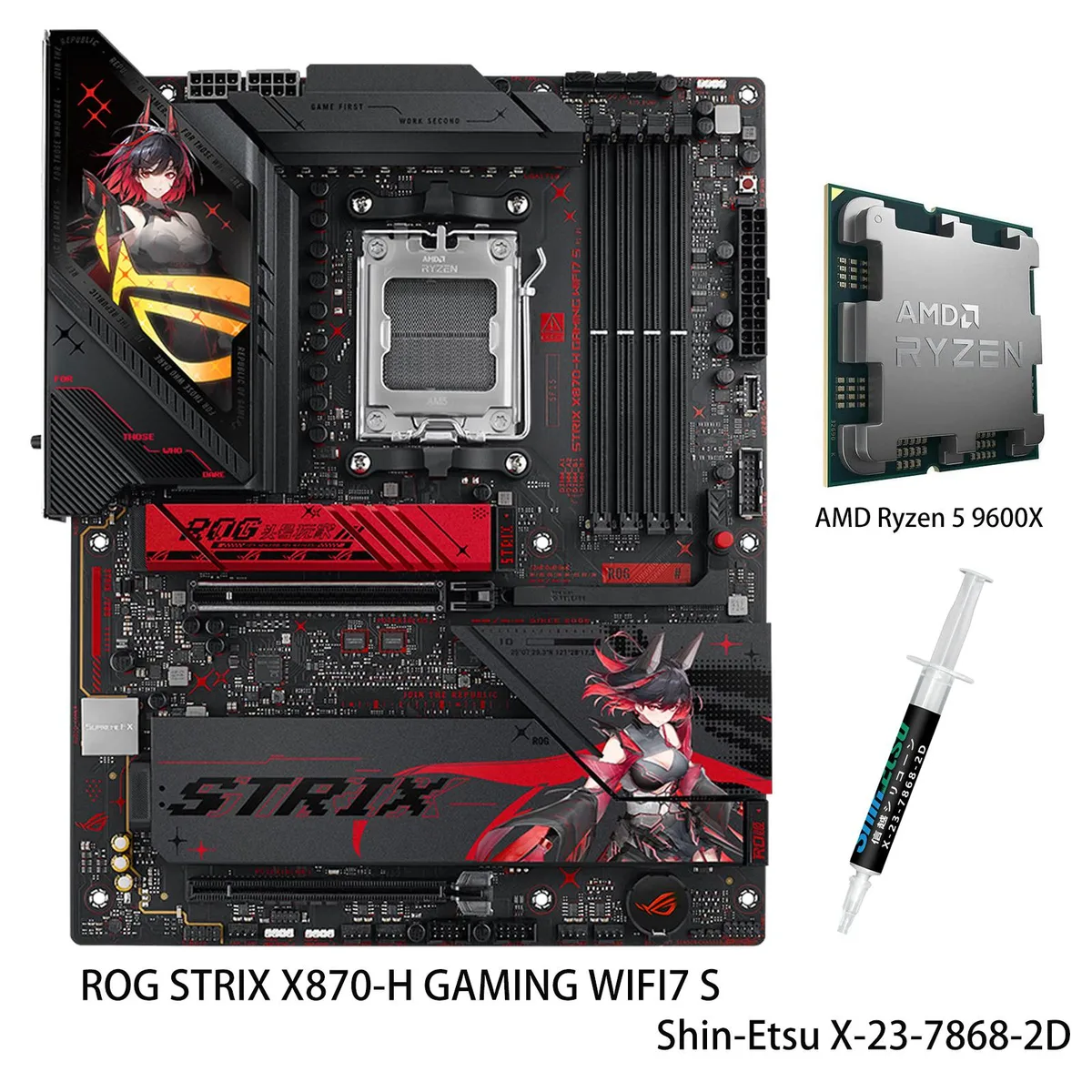
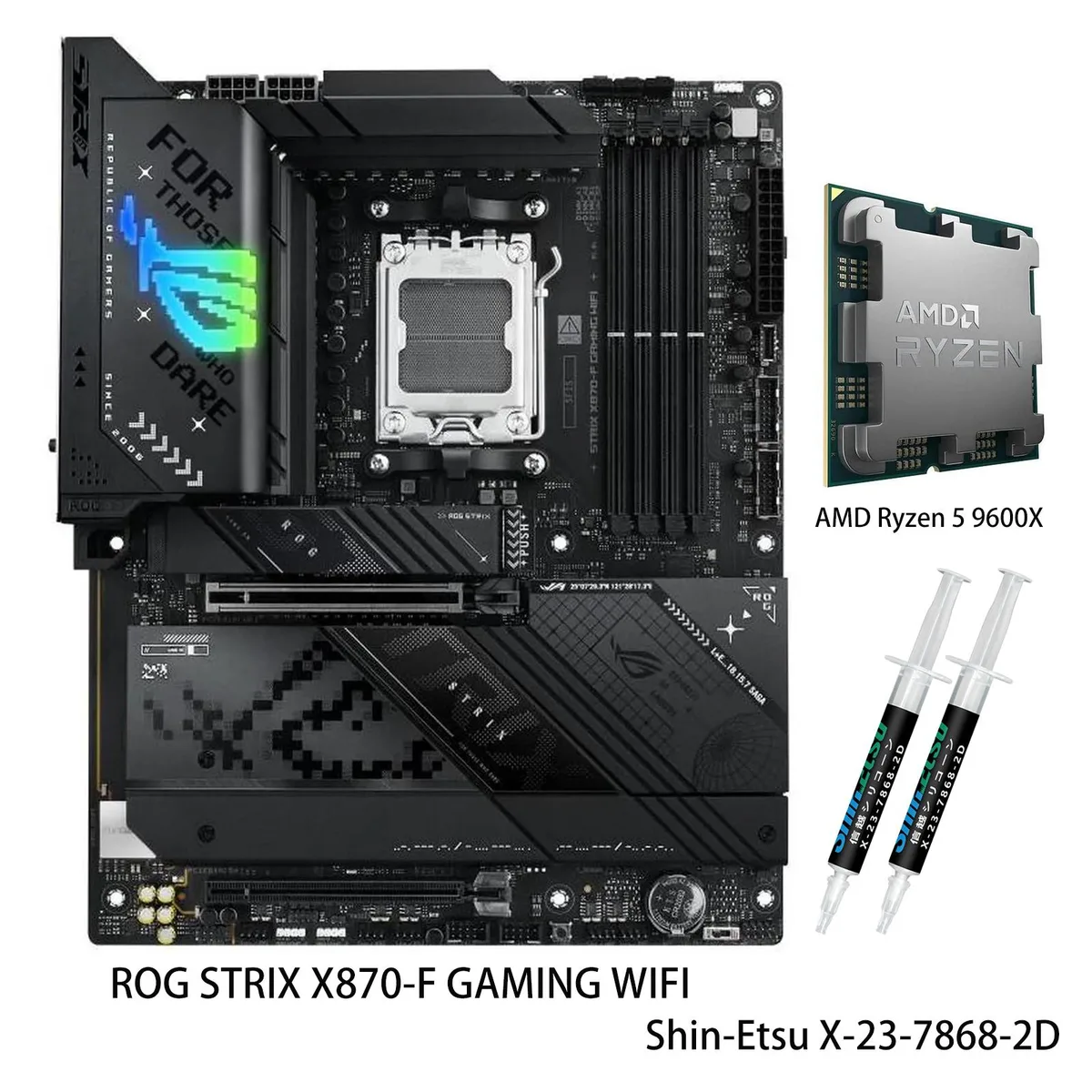
ASUS ROG STRIX X870-A GAMING WIFI S AMD motherboard & Ryzen 5 9600X CPU Combo
- AM5
- AMD X870
$841.93
0.01088806BTC
In stockWe take cryptocurrency — so the coins you hold can buy real hardware.Pay in crypto, spend it on real hardware. Free insured shipping worldwide over $399. Plain, unbranded boxes, sent from Germany.Free insured shipping over $399. Your rate is locked for 30 minutes once checkout opens.Rate locked 30 minutes. Every item sealed, serial-checked and covered by a 24-month warranty.Sealed, 24-month warranty.


ASUS
AM5 motherboard paired with a 16-core Ryzen 9 9950X3D CPU, 128 MB L3 cache, 192 GB DDR5 capacity, three PCIe 5.0 M.2 slots, WiFi 7 and Bluetooth 5.4
model ROG STRIX X870E-E GAMING WIFI
+CPU +9 9950X3D
The bundle pairs an ROG STRIX X870E-E GAMING WIFI motherboard with a Ryzen 9 9950X3D processor. The board delivers an 18+2+2 power solution rated at 110A per stage with dual ProCool II connectors. Four DDR5 slots support up to 192GB of memory and speeds beyond 8000 MT/s when overclocked with Ryzen 9000 series CPUs.
Moving from a 7000 or 8000 series CPU adds the 9950X3D with 128MB L3 cache and 16MB L2 cache on TSMC 4nm FinFET. The X870E chipset brings three PCIe 5.0 M.2 slots and two PCIe 4.0 M.2 slots, plus dual USB4 Type-C ports and a USB 20Gbps front-panel connector. The jump is worth it when workloads need the extra cache and the full Gen 5 storage bandwidth.
AI Overclocking, AI Cooling II and PBO Enhancement adapt voltages and fan curves in real time. Dynamic OC Switcher and Core Flex shift between manual and automatic tuning based on current draw. Substantial M.2 heatsinks keep all five slots cool during long compile or training runs, while the 5Gbps LAN and WiFi 7 maintain throughput without throttling.
| Brand | ASUS |
|---|---|
| Model | ROG STRIX X870E-E GAMING WIFI+R9 9950X3D |
| Chipset | AMD X870E |
| Number of Memory Slots | 4x288pin (DDR5) |
| Memory Standard | DDR5 4400 |
| Maximum Memory Supported | 192GB |
| Channel Supported | Dual Channel |
| ECC Supported | Yes |
| Buffer Supported | Un-buffered |
| Memory Feature | Supports up to 8000+MT/s(OC) with Ryzen 9000 Series Processors, 8400+MT/s(OC) with Ryzen 8000 Series Processors, 8000+MT/s(OC) with Ryzen 7000 Series Processors, ECC and Non-ECC Un-buffered DIMM* Dual Channel Memory Architecture Supports AMD EXTended Profiles for Overclocking (EXPO) NitroPath DRAM Technology ASUS Enhanced Memory Profile (AEMP) * Non-ECC, Un-buffered DDR5 Memory supports On-Die ECC function |
| PCI Express 5.0 x16 | AMD Ryzen 9000 & 8000 & 7000 Series Desktop Processors 1 x PCIe 5.0 x16 slots (supports x16 mode) |
| PCI Express 4.0 x16 | AMD X870E Chipset 1 x PCIe 4.0 x16 slot (supports x4 mode) |
| Serial ATA (SATA) | 4 x SATA 6Gb/s |
| M.2 | AMD Ryzen 9000 & 8000 & 7000 Series Desktop Processors M.2_1 slot (Key M), type 2242/2260/2280 (supports PCIe 5.0 x4 mode) M.2_2 slot (Key M), type 2242/2260/2280 (supports PCIe 5.0 x4 mode)** M.2_3 slot (Key M), type 2242/2260/2280/22110 (supports PCIe 5.0 x4 mode)** AMD X870E Chipset M.2_4 slot (Key M), type 2280 (supports PCIe 4.0 x4 mode) M.2_5 slot (Key M), type 2280 (supports PCIe 4.0 x4 mode) ** M.2_2 & M.2_3 slots share bandwidth with PCIEX16(G5). When M.2_2 & M.2_3 are occupied with SSD devices, PCIEX16(G5) will run x8 only. |
| SATA RAID | *AMD RAIDXpert2 Technology supports both PCIe RAID 0/1/5/10 and SATA RAID 0/1/5/10. RAID 5 Funciton is only supportted by AMD Ryzen 9000 series CPU. |
| Audio Chipset | ROG SupremeFX 7.1 Surround Sound High Definition Audio CODEC ALC4080* - Impedance sense for front and rear headphone outputs - Supports: Jack-detection, Multi-streaming, Front Panel MIC Jack-retasking - High quality 120 dB SNR stereo playback output and 110 dB SNR recording input - Supports up to 32-Bit/384 kHz playback Audio Features - Audio Shielding - Savitech SV3H712 AMP - Gold-plated audio jacks - Rear optical S/PDIF out port - Premium audio capacitors - Audio cover * The LINE OUT port on the rear panel does not support spatial audio. If you wish to use spatial audio, make sure |
| Audio Channels | 7.1 Channels |
| Max LAN Speed | 5Gbps |
| Wireless LAN | Wi-Fi 802.11 be |
| Bluetooth | Bluetooth 5.4 |
| Back I/O Ports | 2 x USB4 (40Gbps) ports (2 x USB Type-C) 1 x USB 20Gbps port (1 x USB Type-C with up to 30W PD Fast-charge) 10 x USB 10Gbps ports (9 x Type-A + 1 x USB Type-C) 1 x HDMI port 1 x Wi-Fi Module 1 x Realtek 5Gb Ethernet 2 x Gold-plated audio jacks 1 x Optical S/PDIF out port 1 x BIOS FlashBack button 1 x Clear CMOS button |
| USB 3.0 | USB4 |
| Onboard USB | 1 x USB 20Gbps connector (supports USB Type-C) 2 x USB 5Gbps headers support additional 4 USB 5Gbps ports 3 x USB 2.0 headers support additional 6 USB 2.0 ports |
| Other Connectors | Fan and Cooling related 1 x 4-pin CPU Fan header 1 x 4-pin CPU OPT Fan header 1 x 4-pin AIO Pump header 5 x 4-pin Chassis Fan headers Miscellaneous 3 x Addressable Gen 2 headers 1 x CPU Over Voltage jumper 1 x FlexKey button 1 x Front Panel Audio header (F_AUDIO) 1 x Start button 1 x 10⁻¹ pin System Panel header 1 x Thermal Sensor header |
| Form Factor | ATX |
| Dimensions (W x L) | 12.0" x 9.6" |
| Power Pin | 1 x 24-pin Main Power connector 2 x 8-pin +12V CPU Power connectors |
| BIOS Feature | 256 Mb Flash ROM, UEFI AMI BIOS |
| Windows 11 | Supported |
| Features | Extreme Engine Digi+ - 5K Black Metallic Capacitors ASUS Q-Design - M.2 Q-Latch - M.2 Q-Release - M.2 Q-Slide - PCIe Slot Q-Release Slim (with PCIe SafeSlot) - Q-Antenna - Q-Code - Q-Dashboard - Q-DIMM - Q-LED (CPU [red], DRAM [yellow], VGA [white], Boot Device [yellow green]) - Q-Slot ASUS Thermal Solution - M.2 heatsinks - M.2 heatsink backplate - VRM heatsink design ASUS EZ DIY - BIOS FlashBack™ button - BIOS FlashBack™ LED - Clear CMOS button - ProCool II - Pre-mounted I/O shield - SafeSlot - SafeDIMM Aura Sync - Addressable Gen 2 headers |
| Package Contents | 1 x AMD Ryzen 9 9950X3D CPU Cables 2 x SATA 6Gb/s cables Additional Cooling Kit 1 x Thermal pad for M.2 22110 Miscellaneous 1 x ASUS Wi-Fi moving antennas 1 x Cable ties pack 1 x M.2 Q-Latch package 2 x M.2 Q-Slides 1 x ROG key chain 1 x ROG Strix stickers 5 x M.2 Rubbers Documentation 1 x Quick start guide |
Other versions of this model
Same family, different memory, cooler or clock — compare before you commit.
The board uses an ATX form factor and needs dual 8-pin ProCool II connectors; ensure your case has standard ATX mounting points and the PSU cables reach the top-left socket area.
Enter BIOS, switch to Advanced Mode, open the AI Tweaker tab, enable PBO Advanced, then turn on Dynamic OC Switcher and Core Flex; save and exit before the first boot.
Check the three PCIe 5.0 and two PCIe 4.0 M.2 heatsink screws and the VRM thermal pads every 12 months; reapply thermal paste only if temperatures rise above normal.
Also in this aisle
Same shelf, same checkout — eight coins and a 30-minute rate lock.
What you pay in, and what you read prices in.
Sent from your wallet at checkout
Display only — the catalogue is priced in USD
No currency matches that.
Pick the language the site speaks to you in.
New here?
Already have one?
There is no automatic reset: this shop sends no mail, so there is no one-time link to ask for. Leave the address on the account and it gets picked up by hand.
Request noted
Nothing is on its way to your inbox — this shop sends no mail at all. Someone picks these up by hand.
Remembered it?