


ASUS
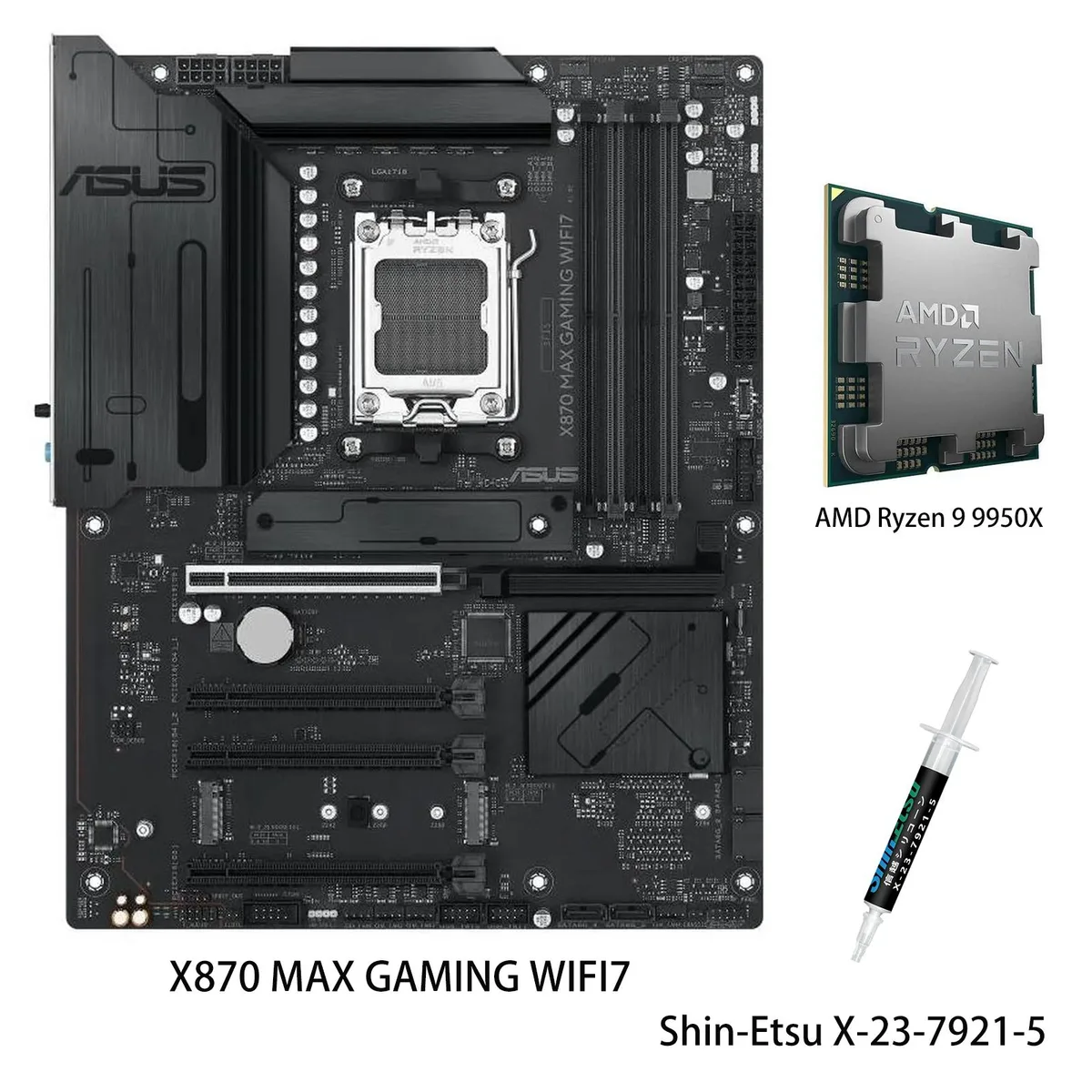
ASUS X870 MAX GAMING WIFI7 AMD motherboard & Ryzen 9 9950X CPU combo
Combines an X870 board with a 16-core Ryzen 9 9950X, DDR5 support, Wi-Fi 7, three M.2 slots, Realtek 2.5Gb Ethernet, USB4 40Gbps and front 20Gbps Type-C
- CPU Socket TypeAM5
model X870 MAX GAMING WIFI7
- PROART X870E-CREATOR WIFI
- PRIME X870-P
- PRIME X870-P WIFI
- X870 MAX GAMING WIFI7
- X870 AYW GAMING WIFI W
- TUF GAMING X870-PRO WIFI7 W NEO
- TUF GAMING X870-PLUS WIFI
- TUF GAMING X870E-PLUS WIFI7
- ROG STRIX X870-I GAMING WIFI
- ROG STRIX X870-H GAMING WIFI7 S
- ROG STRIX X870E-H S MIKU
- ROG STRIX X870E-H GAMING WIFI7
+CPU + Ryzen 9 9950X
- 16 cores and 32 threads handle heavy multitasking
- 7 GHz max boost unlocks high single-thread speed
- 80 A DrMOS stages on 12+2+1 phases deliver stable power
- Wi-Fi 7 plus 2.5 Gb Ethernet keep network latency low
- USB4 40 Gbps and front 20 Gbps Type-C move data fast
Combo for high-end AI workloads
This bundle pairs an ASUS X870 MAX GAMING WIFI7 motherboard with the AMD Ryzen 9 9950X processor. The 16-core, 32-thread CPU runs on the Zen 5 architecture with a 5.7 GHz maximum boost frequency and 64MB L3 cache. The AM5 platform supports DDR5-5600 memory and is designed for demanding AI computing tasks.
VRM cooling and connectivity
The board uses a 12+2+1 80A DrMOS power stage design on an 8-layer PCB with ProCool connectors, alloy chokes and durable capacitors. Large VRM heatsinks combine with dedicated M.2 and PCH heatsinks, while Fan Xpert 4 with AI Cooling II manages hybrid fan headers for thermal control. Networking includes Wi-Fi 7 and Realtek 2.5Gb Ethernet.
Upgrade path from older AM5 builds
The combo replaces earlier Ryzen 7000 or 8000 series configurations by moving to the 9000 series flagship and the X870 chipset. The jump adds PCIe 5.0 x16 and M.2 slots, USB4 at 40Gbps and a front-panel USB 20Gbps Type-C connector. DIY features such as PCIe Slot Q-Release, BIOSFlashBack and Q-Dashboard simplify the transition.
Highlights
- 16 cores and 32 threads handle heavy multitasking
- 7 GHz max boost unlocks high single-thread speed
- 80 A DrMOS stages on 12+2+1 phases deliver stable power
- Wi-Fi 7 plus 2.5 Gb Ethernet keep network latency low
- USB4 40 Gbps and front 20 Gbps Type-C move data fast
Specifications
| Brand | ASUS |
|---|---|
| Model | X870 MAX GAMING WIFI7+R9 9950X |
| CPU Socket Type | AM5 |
Other versions of this model
5 more in the same range
Same family, different memory, cooler or clock — compare before you commit.


ASUS
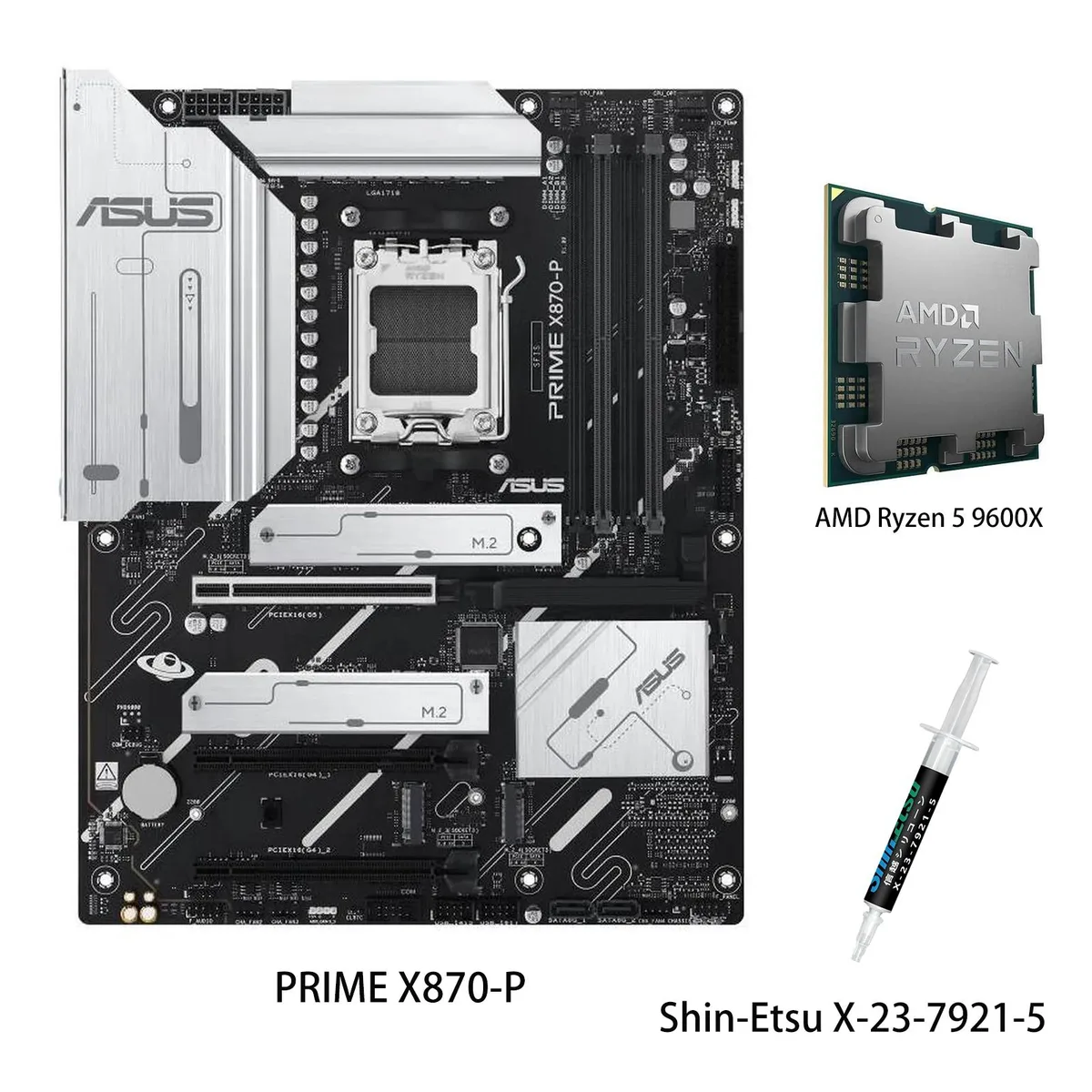
ASUS PRIME X870-P WIFI + Ryzen 5 9600X AMD motherboard CPU combo
- AMD X870
- 4x288pin (DDR5)
$769.99
0.00994742BTC
In stock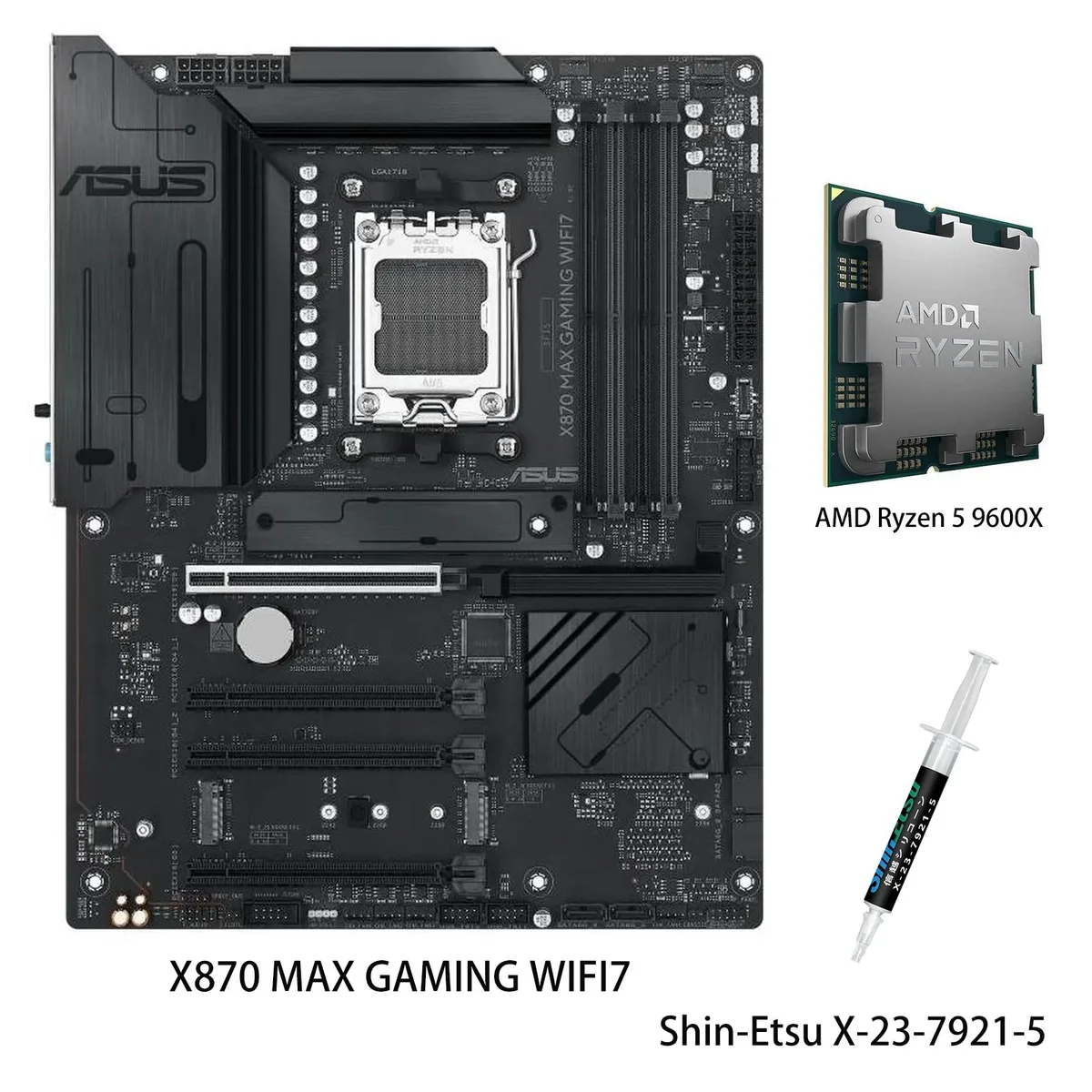
ASUS
ASUS X870 MAX GAMING WIFI7 AMD motherboard & Ryzen 5 9600X CPU combo
- AM5
$799.99
0.01033499BTC
In stock

ASUS
ASUS PRIME X870-P WIFI & Ryzen 7 9700X combo AMD motherboard
- AMD X870
- 4x288pin (DDR5)
$849.99
0.01098093BTC
In stockQuestions about this item
How do I install the Ryzen 9 9950X into the AM5 socket and what step often trips people up?
Align the triangle on the CPU with the socket marker, lower it straight down without force, then flip the retention arm until it clicks. The common mistake is lifting the arm only partway, which leaves the contacts loose.
What maintenance will the 12+2+1 80A DrMOS power stages and VRM heatsinks need over time?
Dust the large VRM heatsinks every few months with compressed air so airflow stays clear. The 80A DrMOS stages and alloy chokes are solid-state and sealed, so they require no paste replacement or liquid upkeep.
Which limit appears first when the 16-core 32-thread Ryzen 9 9950X runs at 5.7 GHz max boost under sustained load?
The CPU hits its thermal ceiling before the 12+2+1 80A DrMOS VRM saturates, so the 5.7 GHz boost clock throttles first. Adequate case airflow and the VRM heatsinks delay but cannot remove that limit.
Also in this aisle
People compared these
Same shelf, same checkout — eight coins and a 30-minute rate lock.

Micron Technology, Inc.
Micron Technology, Inc. MT4JTF12864AZ-1G4D1 1GB DDR3 1333 Desktop RAM
- 1GB
- DDR3 1333 (PC3 1060…
$28.99
0.00037452BTC
In stock
Kingston Technology Corp.
Kingston Technology Corp. KTD-DM8400A/512 512MB DDR2 desktop RAM
- 512MB
- CL4
$12.99
0.00016782BTC
In stock
